Text strings
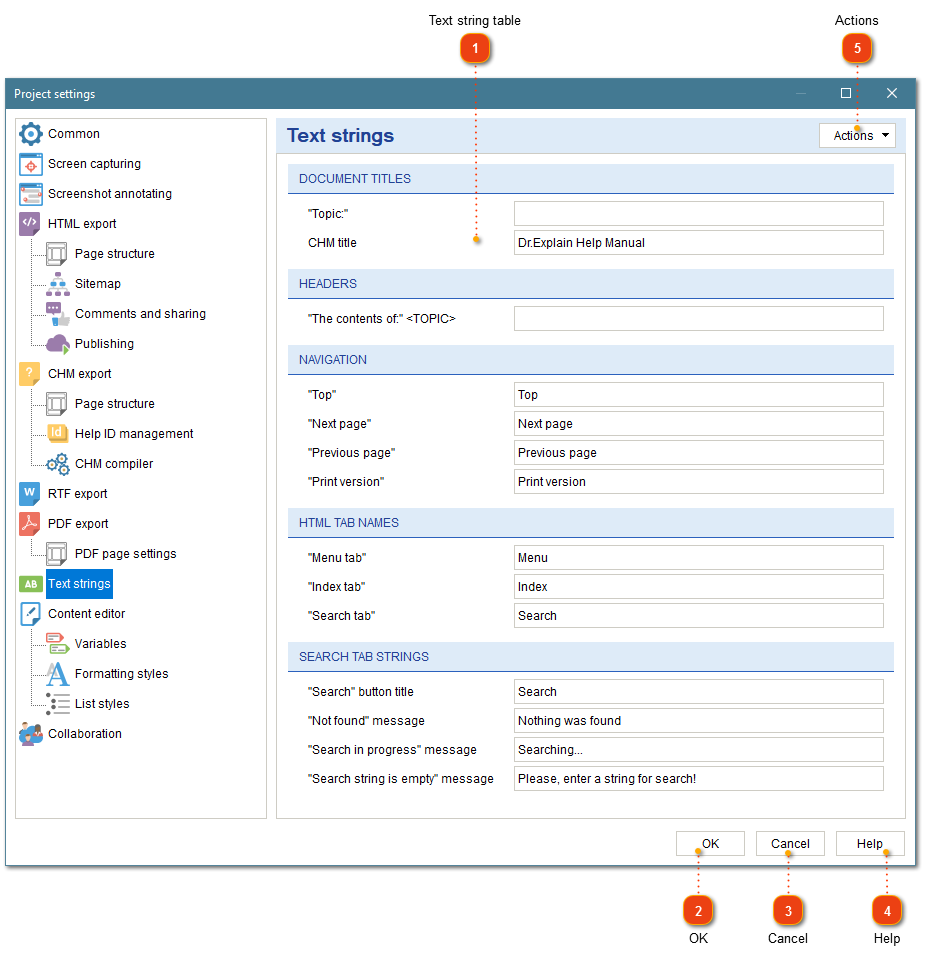
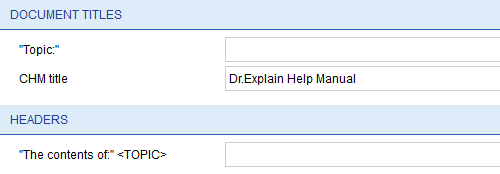
In the Text strings section of Project settings dialog you can configure text of "Next" and "Previous" links and other messages displayed in exported HTML, CHM, and PDF files.
To open the project settings, use one of the following methods:
-
go to the Project menu and click the Project settings menu option;
-
use Ctrl+Alt+P shortcut.
 button in the
 Project settings dialog should appear. On the left side of it go to Text strings.