Dr.Explain: Help Authoring Software (CHM,RTF,HTML)
   Home Features Order Download Samples Live Demo Screenshots User reviews Help Resell Press Kit Versions Blog Forum Contact

Text strings

Text strings

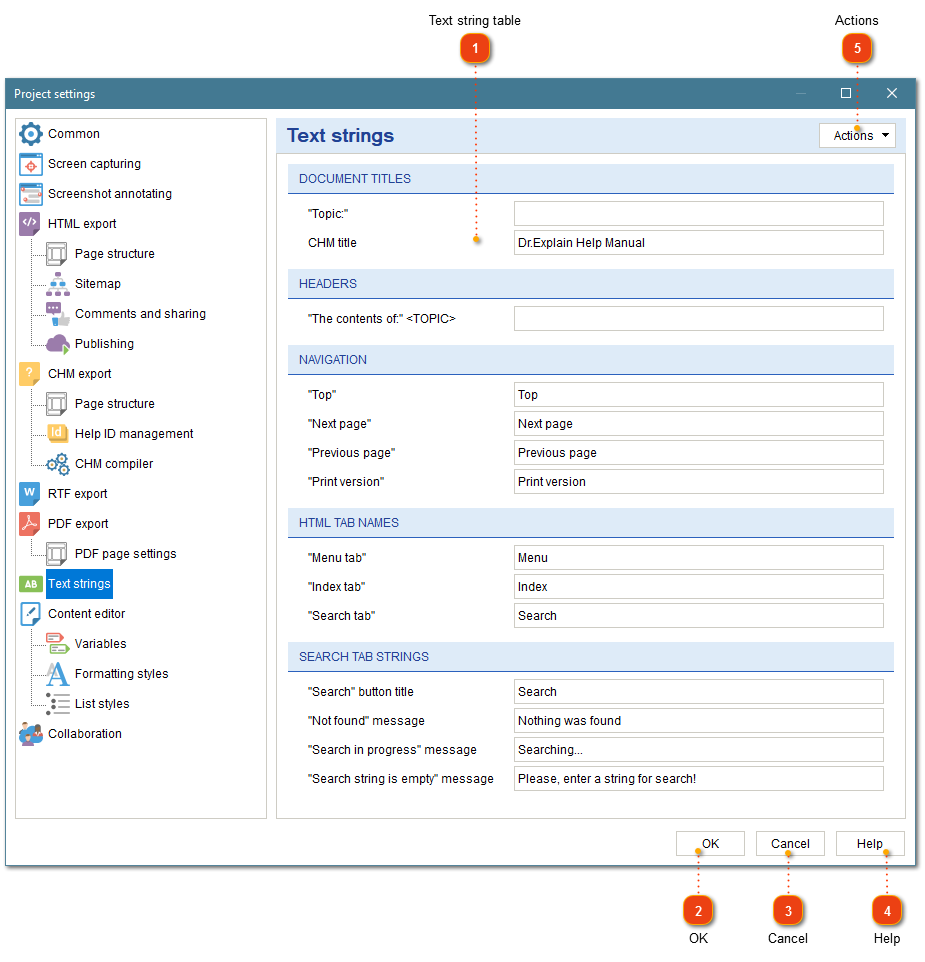
The dialog allows you to customize the predefined text strings which are inserted into the output documents. Click Project Options button in the application toolbar to customize the settings of the current project. Also you may press "Options\Global Settings ..." item in the application menu to set the global style. It will be applied to all newly created projects by default.


1 . Text strings tableText strings table

Text strings table

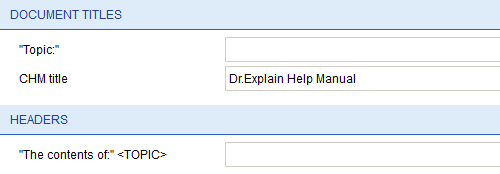
Click on a text cell to specify your custom text.


2 . Reset to defaults buttonReset to defaults button

Reset to defaults button

Click this button to restore the application default settings.


3 . OK buttonOK button

OK button

Press to close the dialog and to accept the changes.


4 . Cancel buttonCancel button

Cancel button

It cancels the dialog and discards all the changes.


5 . Apply Global StyleApply Global Style

Apply Global Style

Press the button to apply the default application settings to the current project.


Created with DrExplain

   Home Features Order Download Samples Live Demo Screenshots User reviews Help Resell Press Kit Versions Blog Forum Contact
Copyright © 2004 - 2007, Indigo Byte Systems. All rights reserved
Privacy Policy | Terms of Use