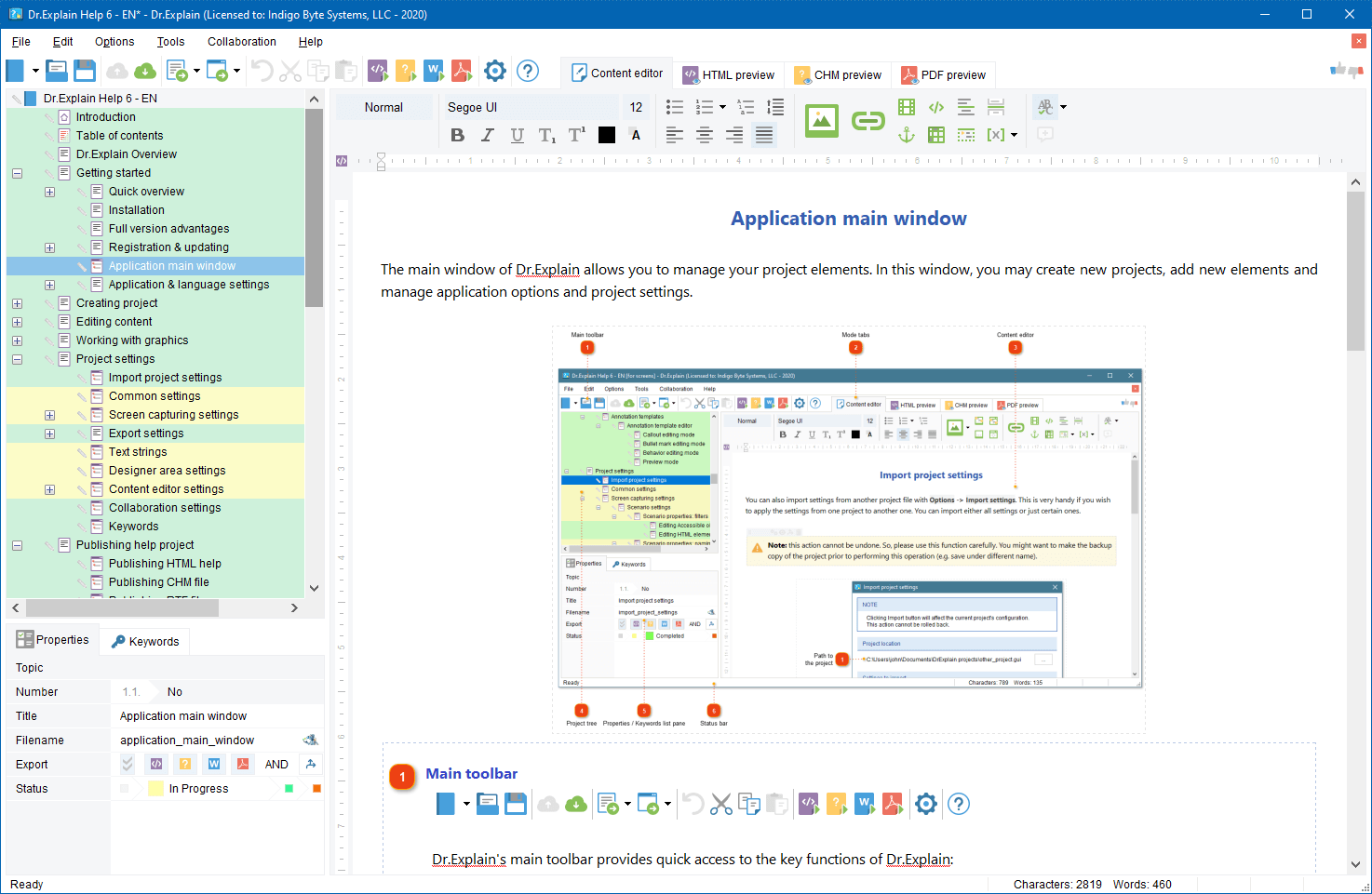
If you deal with software development business then you likely have ever dealt with software documentation writing. Next time, when you are about to create or revamp a help system for your software start from this free on-line tool, Software Help Planner. It will advise the most suitable help system architecture for your software product.
Once you specify the key details of your software the tool will advise which help format to choose and what topics should be included in the documentation.
Please consider this amusing tool like a little joke that makes your life easier.
Andrew Brice on JOS forum shared an idea on how to get your negative keywords set up correctly in AdWords to maximise your campaign’s ROI. Along with common practice of server log analysis he suggested to search for all your key AdWords terms at http://search.live.com. The ‘Related searches’ will show the phrases irrelevant to your product. You must add these as negative keywords at the campaign level in AdWords.
For example searching for “table plan” (Andy’s niche) brings up irrelevant (for Andy) searches of “Poker Table Plans”, “Picnic Table Plans” etc. So he can just add “Poker” and “Picnic” as negative keywords.
I’d like to share a similar approach. I use Google toolbar suggestions to find the negative keywords. For instance, if I type “help file” in the Google toolbar search box it brings a list of suggestions. Among the suggestions there is “help file extension” term. So “extension” is a candidate for the negative list.
Then, if I type a letter after the “help file”, e.g. “help file c”, the toolbar brings me “help file converter”. “Converter” also goes to the negative list: Dr.Explain does not convert, it creates help files. So, playing with letters after your search term in Google toolbar will help you significantly expand your negative word list and make your AdWords campaign more targeted.
There are many software products that have a project-oriented concept. In other words they allow creating, editing, and managing projects or documents. The examples of the project-oriented programs are various text and media editors, database systems, spreadsheets, programming tools, setup builders, knowledge bases, and a lot of other applications. I’d like to gift you an idea about how to make project-oriented programs more user friendly and easier for getting started.
If you are an experienced developer and if your product has a long history then likely you have been using the approach I’d like to tell about. As for me, I came to this feature only in the second year of the Dr.Explain’s life. So, I think there are ISVs who also might be interested in my suggestion.
The idea is quite simple. Create a sample project or a sample document in your program and install it together with your program on the user computer. On the first launch of your application, suggest a user to open this sample project. For most people it’s easier to modify an existing thing to see how it works rather than to create it from the scratch themselves. Having a sample document in your software will help new users learn you product and get started quickly.
Try to include all the key features in the sample project to immediately show the wonders your application works. If your application is too complex and may be used in different ways then it’s better to create several sample projects or documents for most typical practices.
We started distributing the sample project with a new version of Dr.Explain 2.5.93 released in March 2007. Before we did this we periodically received user messages with requests to send them the project from which we had compiled the Dr.Explain’s own help file. People wanted to know how it’s done. With the sample, they could reproduce some of our techniques in their own projects. Now, new users see the sample project in recent document list when they launch Dr.Explain for the first time and they can play with it to evaluate the program. This works great for us.
Is there a place for sample projects in your software?
When a user emails to you a feature request or an issue report you may not realize if he uses the latest version of your product or not. Maybe he simply must download an update to resolve the problem or you really must fix the bug in the newest build?
Today, I’d like to tell how to simplify your support work with a simple trick. I’ll just describe our own experience.
In our product, Dr.Explain, we have ‘Send E-mail to support‘ menu item under Help group. If user clicks on it, the default e-mail program will create a draft of support request message. Our trick is automatically adding application version number to the subject of the message. Below there is a primitive code snippet for this function. You may easily adopt it for your programming language.
CString sFile;
::GetModuleFileName(NULL, sFile.GetBuffer(MAX_PATH + 1), MAX_PATH);
sFile.ReleaseBuffer();
short n1, n2, n3, n4;
GetFileVer(sFile, &n1, &n2, &n3, &n4);
CString vers;
vers.Format(_T(”mailto:support@drexplain.com?Subject=Support%%20request%%20for%%20Dr.Explain%%20%i.%i.%i”), n1, n2, n3);
::ShellExecute(NULL, _T(”open”), vers, NULL,NULL, SW_SHOW);
This function will create a message draft like this one:

Now we always know which version is installed on the user’s PC. You may create message drafts that contain more details about your product installation and the user’s OS environment. This will help you handle support requests fast and precisely.
This post is inspired by a recent discussion in the ASP groups.
It was noticed that most of software don’t offer users an option to immediately launch the program in the end of setup process. After installation, users have to locate the application shortcut manually in Start menu among dozens of other software groups.
You made your potential customer download and install your program why do you make it hard to locate it? Users hardly know what’s your application name among 50 similar ones they just installed until they realize what they need.
There is a simple and inexpensive solution.
After your application is installed, make one more step and offer the user to immediately launch the application. You may add the ‘Run ABC…’ check box in the last screen of setup wizard and make it checked by default. Many setup builders do support this feature.
Another way is to automatically open Start menu folder where your application placed its shortcuts. So user can run your software immediately, check out help file or whatever is there.
Don’t make users think. Help them start using your software as early as possible.
Many novice (m)ISVs design websites for their products themselves. The home-made design allows the quick and low-cost getting started. However, if you have no experience in web design there are lots of non obvious peculiarities that you have to know to make your website attractive. One of the most important things is graphics. Look at your web site in different web browsers and check if your logos, screenshots and artwork are clear and glamour. The website images appearance depends on the image file formats. There are three standard formats for website images: JPEG, PNG, and GIF. You should use each format for different purposes.
Today I’d like to tell about the common mistake of freshmen designers - using inappropriate image format for their logo or screenshots. I met this situation many times. The simple demonstration bellow shows the specifics of using those three formats for logo picture.
Using JPEG format
Although JPEG offers good compression ratio and allows using high color palette, it affects the picture quality. The better compression means the lower quality. If your image consists of monochromatic areas with sharp bounds then using JPEG format will make your picture “dirty” and inaccurate. That’s why JPEG is often good for photos rather than for logos, screenshots and artwork.
If we’d use JPEG for the logo picture on our Dr.Explain website then it would look inaccurate.

Not good, right?
Using PNG format
PNG is a very useful format indeed. It offers high color palette support, good compression ratio, transparency and doesn’t affect the quality of the picture. PNG images look clean. The format is perfect for screenshots. Nevertheless there is an issue that sometimes makes PNG useless for web design. Web browsers may display PNG images in slightly altered gamma, especially if the picture uses transparent alpha channel. So, if you use PNG image in conjunction with other design elements its borders may be visible and the whole design will look like patchwork.
If we’d use PNG for our logo picture then its borders would be visible on the gradient background in some browsers.

This is not perfect also.
Using GIF format
Although GIF format supports only 256 color palette in most cases it’s enough to display your artwork without loosing the quality. Of course you must adjust the picture palette in image editor first to select the right colors. It’s better to use the same color table for all elements of your website design to make the it seamless and solid-drawn.
We do use GIF format for our logo to make the header graphics seamless.

It looks perfect, does it?
Conclusion … Please recall this post when you’re making a new design for your website. Choose appropriate image formats for different graphical elements… or hire a designer
I bet you want to improve your website position in the search results on major search engines, primly on Google. Being seen in the organic search results is the good way to receive the stable targeted traffic almost for free. That’s why you have to continuously improve the Page Rank (PR) of your pages. Everyone knows that good PR “comes” through incoming links from other websites with high PR. In the same time, not everyone knows that external links on our websites steal our PR and pass it to those third party website.
To keep your website PR you should minimize the number of outgoing links, especially if you’re linking to sites with poor PR (many SEO experts believe that outgoing links to relevant websites with high PR positively affect your own PR). How this can be done:
Remove weak links
If there are unnecessary outgoing links on your website then simply remove them. Period.
Use rel=”nofollow” attribute within anchor tag
If you cannot delete an external link by some reasons then you may use “nofollow” attribute within A tag. The “nofollow” attribute that can be associated with links was originated as an idea by Google and pitched past MSN and Yahoo, as well as major blogging vendors, gaining support. When added to any link, it will serve as a flag that the link has not been explicitly approved by the site owner.
The link that looks like
<a href=”http://www.site.com/page.html” rel=”nofollow”>Cool Page</a>
won’t grab your PR and won’t improve PR of the linked page.
Convert external links into internal ones
Another approach is replacing direct links with redirects.
For instance, replace
<a href=”http://www.site.com/page.html”>Cool Page</a>
with
<a href=”/redirect.php?s=http%3A%2F%2Fwww.site.com%2Fpage.html”>Cool Page</a>
SEO gurus believe that search engine spiders can pass through 301 and 302 redirects. So, redirect.php script must be slightly tricky. Here is a simple example of redirect.php script:
<html><body>
<script language=”javascript”>
document.write(’<form id=”go” method=”get” action=”<?=$s?>” style=”display:none”></form>’);
function bl()
{ document.getElementById(’go’).submit(); }
bl();
</script>
</body></html>
This script will pass a real visitor through but will stop a crawler. Thus the search engine spider will count the link as internal one.
Revamp your website by using these simple techniques and don’t let other websites steal your PR.
Recently I’ve read a couple of books by Masaaki Imai about Kaizen, the philosophy of ongoing improvement without spending much money. I think the Kaizen model perfectly describes the business of small independent software vendor.
Due to lack of resources a small ISV is usually unable to make big investments into innovations to quickly expand its business. It’s a long way to go by small steps. This blog is about these small steps. There are lots of areas for continuous improvement: software development, sales and support processes, product web site maintenance, SEO, dealing with affiliates and resellers, product marketing and promotion, etc.
You must improve something in your business every day. Each improvement will enhance your business by just a tiny factor, but when multiplied those tiny factors will give the impressive growth results.
You can’t do kaizen just once or twice and expect immediate results. You have to be in it for the long haul.
Masaaki Imai