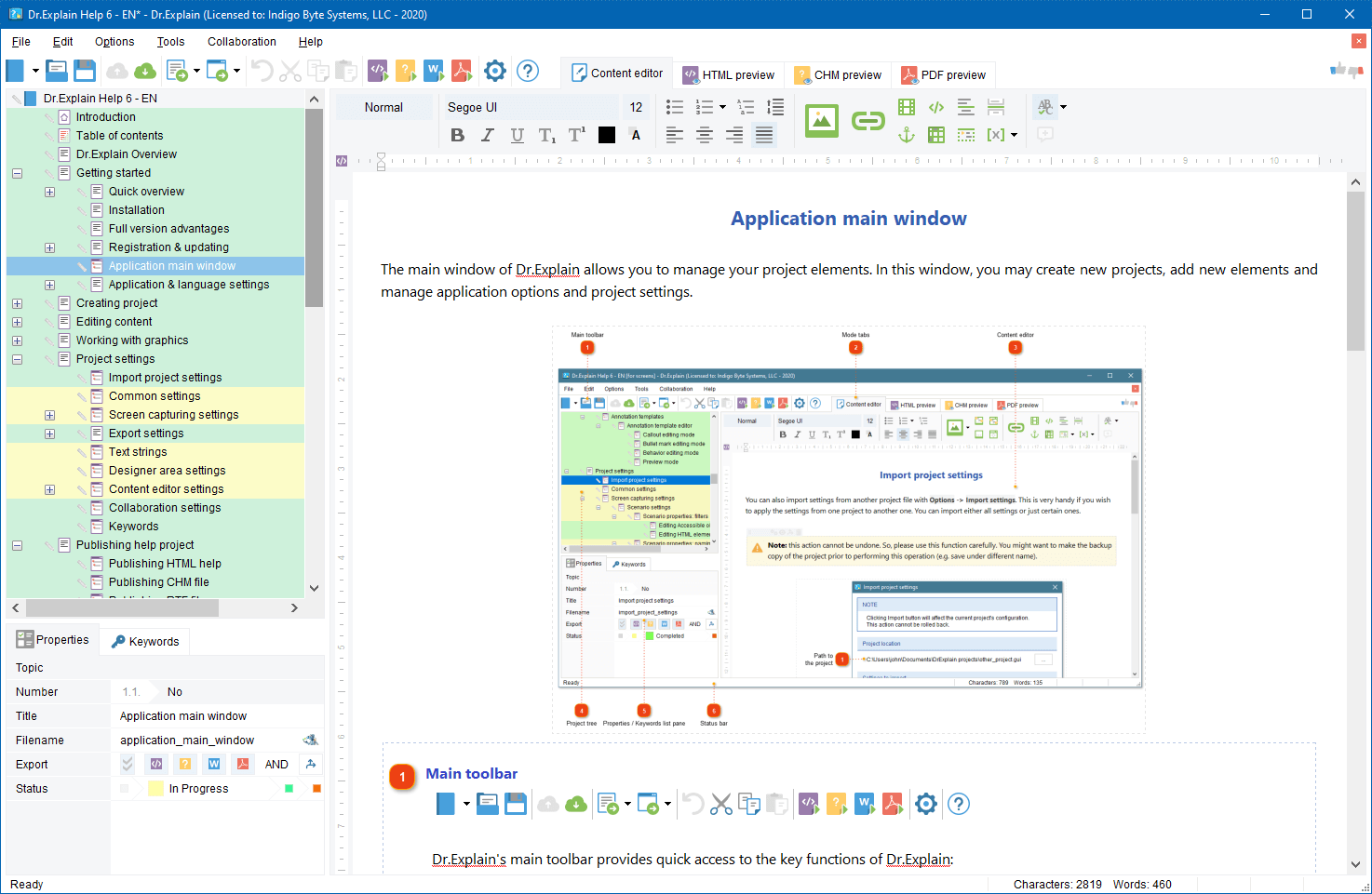
We invite members of the press to contact us to receive a free license key for reviewing the Dr.Explain. We always appreciate reviews of our software published in magazines and on websites, and are happy to send copies of our software to the authors and publishers. If you would like to review the Dr.Explain, please contact us for more information. If you have already published a review of the Dr.Explain software please write to us and let us know.
Starting from 2021, we have decided to forgo traditional press releases about Dr.Explain software.
Instead, we invite you to read our engaging release notes for each new version, where you'll find all the exciting details.
Press releases
12 November 2021
Dr.Explain 6: a new way for IT companies to save on help-desk crew and user documentation writing
4 December 2017
Dr.Explain 5.5 allows businesses to dramatically reduce the number of customer support requests and win customer loyalty
15 July 2014
The TIWRI.COM cloud platform enables faster online publishing of user or reference documentation created in Dr.Explain
10 October 2013
Dr.Explain 4.10 facilitates faster creation of software documentation and user manuals
27 May 2013
Dr.Explain 4.9 Creates “Viral” User Manuals and Software Help Systems
12 December 2011
Dr.Explain 4.5 - A new version of the best help file and manual authoring tool
15 May 2011
O Dr.Explain 4.2 permite a rápida criação de sistemas de ajuda para acelerar o lançamento de softwares
[pt]
15 May 2011
Dr.Explain 4.2 permite crear Sistemas de ayuda de una manera rápida para acelerar el proceso de lanzamiento de productos de software
[es]
15 May 2011
Dr.Explain 4.2 ermöglicht ein schnelles Erstellen von Hilfedateien und beschleunigt dadurch den Veröffentlichungsprozess von Softwareprodukten
[de]
15 May 2011
Dr.Explain 4.2 consente una veloce creazione di sistemi di aiuto per accelerare la realizzazione di prodotti software
[it]
15 May 2011
Dr.Explain 4.2 permet la création rapide de systèmes de fichiers d'aide pour accélérer les parutions des produits logiciels
[fr]
15 May 2011
Indigo Byte Systems Updates Dr.Explain 4.2 to Produce Better Help Systems
1 October 2010
Dr.Explain 4.1 - Innovative Help Authoring Suite Localized for Local European Markets and Latin America
1 March 2010
Dr.Explain 4.0 Enables Rapid Creation of Help Systems to Speed up Software Rollouts
1 September 2008
Dr.Explain 3.1: Make Help Documentation For Java Applications Automatically With Dr.Explain Tool
2 May 2008
Dr.Explain 3.0: Trim Software Development Time by Automating Help File Creation
1 May 2008
Dr.Explain 3.0: Quickly Document your Web Site, Portal, or Web Application
1 August 2007
Dr.Explain 2.6: Save Development Time By Automating Help File Creation
1 March 2007
Dr. Explain 2.5 enhances your software products usability and gives them the real competitive edge! The newest version of a professional help authoring tool that saves you time and effort.
1 March 2007
Dr. Explain 2.5 macht Ihre Software-Produkte preiswert benutzerfreundlicher! Die neueste Version des professionellen Hilfe-Autorentools, die Zeit und Arbeitsaufwand spart.
[de]
19 August 2006
Dr.Explain 2.0: Software Documentation Tool for Developers Who Value Time
19 July 2005
Dr.Explain 1.3 Dr.Explain Documents Your Software Application Automatically
Logo and corporate graphics