Archive for the 'Marketing' Category

Nowadays, the Twitter gets very popular. Frankly, the marketing value of Twitter is still doubtful for me so I have no personal account. Nevertheless, Twitter helps me to monitor what people tell about our products and in what context our product names are mentioned.

You can do the same and that’s pretty easy. Simply add a customized twitter search feed into your blog reader. The feed URL must look like:

http://search.twitter.com/search.atom?q=google+chrome

Put your product name or other target keywords into the query string and forget about it! Each time somebody mentions your product on Twitter you will be alerted and will see that post right in your blog reader. No extra efforts required.

P.S. That’s also useful for tracking cracked versions of your software appeared on the Web because pirates also use Twitter and usually announce their “victories” there too.

Recently, we needed a presentational video for an affiliated service that allows health conscious people to track their diabetes, blood pressure, or body weight records and to share the results.

The main difficulty of the project was a voice-over for the video. We needed a clear, calm and native English speech but there are no native English speaking members in our team.

The two services helped us in this matter.

EditAvenue.com is a proofreading and editing service marketplace that helped us to proofread the draft of the written script for the voice-over.

If you are non-native English speaker then through EditAvenue you can access hundreds of professional editors who can correct and refine your written communication. The prices start from about $4 per page (300 words). A relatively small task may be accomplished likely in the same or next day even if you don’t pay for express delivery service.

Once we’ve received the edited script we started to look for a talent to record a voice-over for our demo. That was a problem until I spotted a link and recommendation for Voices.com on JoS boards. That’s was amazingly helpful service!

Voices.com is another marketplace where you can hire a voice artist for almost any type of job - from commercials and presentations, to cartoons and audio books. For presentations, the rates are about $300 per 5 minutes of speech.

After we had posted a job description we received about a hundred of responses with sample records in several hours. We selected a talent, made the deposit and received the final audio files by the end of the day. That was really, really cool.

I highly recommend the above services to everyone who needs to create impressive presentations for his\her products.

Here you can see the final video with the voice-over.

Upselling (or Up-selling, or Upsell) is a simple way to increase your average revenue per customer. It’s easy and effective. At the time of purchase simply offer your customers extra options or a more valuable deal.

This is just a short list of what you can offer to your customers besides your main software product:

  1. Bundles with complementary software products
  2. Add-ons and plug-ins
  3. Visual themes and skins
  4. Advanced versions of software (Professional, Deluxe, etc)
  5. Multi-user discounted licenses
  6. Source code
  7. Delivery of files on CD or DVD
  8. Boxed version
  9. Printed manual
  10. Express shipping
  11. Extended download warranty
  12. Access to private knowledge base or use-cases
  13. Bulletin or a newsletter subscription
  14. Professional community partnership
  15. Priority support agreement
  16. Long term or life-long support agreement
  17. Long term or life-long update agreement
  18. Setup and installation services
  19. Customization services
  20. T-shirts, cups, mouse pads and other stuff
  21. User training
  22. User certification

Nevertheless, try to choose upsell options wisely in order not to turn your order page into a pile of junk and scam-like offers.
Also don’t force your customers into up-selling options as it won’t be appreciated.

Dennis Crane

How to use numbers in your sales copy

This is not my habit to copy posts from other sources but this time I couldn’t resist. The info below seems to be very useful for any ISV and everyone who deals with sales copy writing.

Here are 7 ways to use numbers to increase the selling power of your next promotion:

Original source: www.technicalcommunicationcenter.com
Author: Bob Bly

Numbers gain attention, arouse curiosity, and add credibility to product claims.

1 - Make percentages look larger.

Taking percentages out to the second decimal place makes them look bigger, because there are 2 extra digits.

Good: 230%
Better: 230.47%

2 - The magic of 2,000.

When you have 2,000 or more of something, you can legitimately say you have “thousands.”

Good: 2,100 subscribers.
Better: thousands of subscribers.
Thousands sounds better because it could be anything from 2,000
to 999,999.

3 - Almost/over.

When you want to make a number bigger than it is, compare it to the nearest round number using the words “almost” or “over/more than.”

Good: 17 years of experience.
Better: almost 20 years of experience.

Good: 21 years of experience.
Better: more than 20 years of experience.

4 - Use credible numbers.

The rule of thumb is to use the round number when you are talking theoretically, and the odd number when you are presenting hard data.

Theoretical: “Make $100,000 as a professional massage therapist.”
Hard data: “Last year Henry earned $100,287.45 in his massage therapy practice.”

5 - Do not write numbers as words. Use numerals.

Good: Seven ways to reduce PC down-time.
Better: 7 ways to reduce PC down-time.

6 - Write fractions as whole numbers rather than percentages.

Good: 30% of wine bottles have cork rot.
Better: 3 out of 10 wine bottles have cork rot.

7 - Use the largest unit of measure possible to make a number sound big.

Good: 25 years of service.
Better: A quarter of a century of service.

When we think about affiliates we usually consider them as webmasters or newsletter owners who put affiliate “Buy Now” links on their websites or plug them into e-mail newsletters.

The on-line affiliates can reach only a fraction of potential users of your software products. There are many prospects who cannot be reached by on-line marketers because they spend just a little time on the Web or don’t trust on-line sales copies.

In the same time, there are many people who could recommend your products offline: on conferences, presentations, user group meetings, etc.
But long affiliate links with personal code are useless in this case because they are hard to remember. The prospects will hardly follow the affiliate link. They will likely go to main product URL and will order from there. Thus the affiliate won’t receive the commission for that lead. This is bad.

If you use Plimus.com for managing your affiliate program then there is a way to help your affiliates to sell offline.

Setup a discount coupon and assign it to an affiliate. The affiliate may give that special coupon code to prospects and they will apply it on your website when ordering the product.

There are two obvious benefits:

  • The prospects will be able to purchase product with discount. So, this coupon will make the affiliate’s recommendation more valuable.
  • The affiliate won’t have to share an affiliate link. He\she can simply refer prospects to the product website and give them the discount coupon code. Every order with that coupon will be counted as affiliate’s lead and s\he will honestly receive the commission for that order.

Also, on Plimus you can setup the coupon to completely absorb the discount value and it won’t be deducted from affiliate commission. This will also inspire your affiliates.

I hope this idea will help you make you affiliate network more profitable.

If you’d like to sell our help authoring tool Dr.Explain offline by using this approach and to get paid then join our affiliate program and request for your personal coupon.

This post is a brief digest of most important events in our company for the past several weeks. In order to keep this blog mostly self-hype free I summarized all our news in a single short post.

Dr.Explain 3.1 release

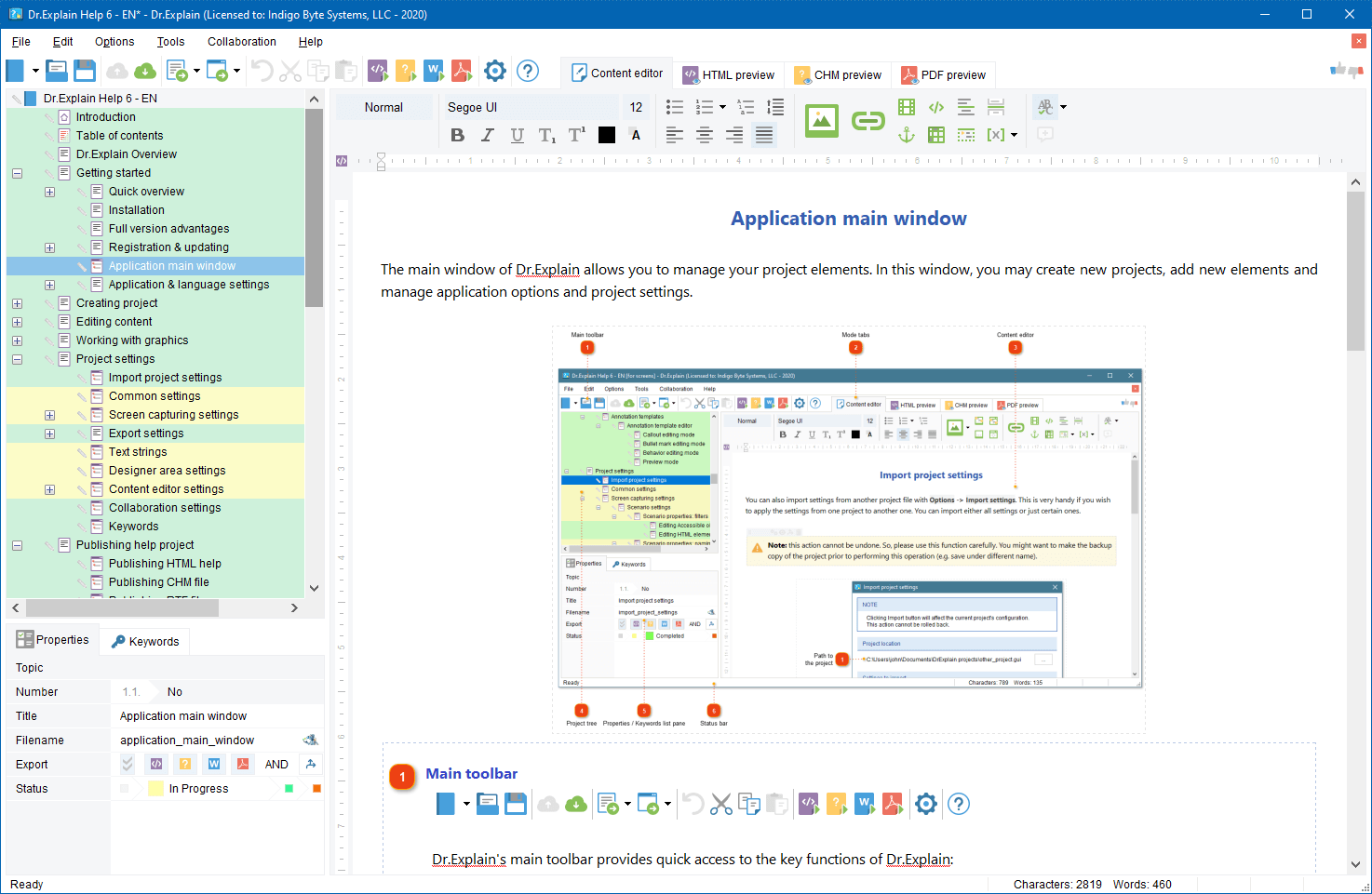
We’ve recently released the new version of our software help-authoring tool, Dr.Explain 3.1.

This update is a great step in the product history. Until the version 3.1, many software developers and vendors have been using the Dr.Explain to document their Windows software, HTML pages, or Flash (SWF) applications.
Now, the Dr.Explain 3.1 enters the Java world. Java developers can benefit from the same technology, and automatically generate professional documentation for their Java applications made with Swing components.

Besides the support of Java applications, Dr.Explain 3.1 brings more new functions that will help software vendors produce astonishing documentation even faster. The customizable capturing scenarios allow to precisely specify which window element or HTML tag to analyze or to skip, how to handle its child elements, and how to name and to annotate it. Other gems of the new version are new graphical effects and image rendering technology. All screenshot images, callout lines, text label fonts, shadow and blending effects are drawn with high precision which leaves no chance for fuzzy edges, making documentation illustrations look clean, realistic and nice (beautifully clear).

More info: www.drexplain.com

New Dr.Explain forum

If you have questions, concerns or ideas regarding the Dr.Explain software and if you want to discuss it with other users or with Dr.Explain team publicly then I invite you to join our forum at: http://www.drexplain.com/forum


ISDEF 2008

This week I, Dennis Zhuravlev (a.k.a. Dennis Crane), the CEO of Indigo Byte Systems, will attend the ISDEF 2008 conference in Moscow, Russia. If you attend this event also then I will be happy to meet you there.
There are lots of possible reasons to meet me there:

  • To ask questions about our products (Dr.Explain and TBS Cover Editor (on behalf of TrueBox Shot software)), our company, or me.
  • To receive a discount coupon
  • To know what new projects we’re going to launch shortly
  • To tell about your products or services
  • To discuss a possible venture or partnership
  • To offer a topic for this blog
  • To trade something
  • To give or to take an interview
  • To chat about software, business, sport, politics, or large hadron collider
  • To take a shot of beer, brandy, vodka, rum, whiskey, tequila, juice, tea or coffee
  • … or just to say: ‘Hello, Dennis!’

If you’re going to ISDEF, please let me know via e-mail or comment. I’m looking forward to meet you on ISDEF 2008.

Dennis Crane

How to name software product line editions

If you decide to split your software product into several editions with different settings then you will likely wonder how to name them. Naming software editions depends upon what do you offer and what do you limit in each edition. There are several common approaches in building editions:

  • Functional limitation (F)
  • Environmental or purpose usage limitation (U)
  • Limitation of number of installations (N)

Here is a list of common edition names. The hints in parenthesis designate which of the approaches each name suits better.

Level 1
Junior (F)
Beginner (F)
Student (U)
Educational (U)
Light (F)
Lite (F)
Bronze (F,U,N)
Empower (F,U,N)
Starter (F)

Level 2
Standard (F,U,N)
Regular (F,U,N)
Intermediate (F,U,N)
Personal (U,N)
Home (U,N)
Silver (F,U,N)

Level 3
Advanced (F,U)
Professional (F,U)
Business (F,U,N)
Commercial (F,U)
SOHO /Small Office or Home Office/ (F,U,N)
Company (F,U,N)
Gold (F,U,N)
Mega (F,U,N)

Level 4
Deluxe (F,U,N)
Architect (F,U,N)
Site (F,U,N)
Enterprise (F,U,N)
Platinum (F,U,N)
Premium (F,U,N)
Exclusive (F,U,N)
Ultimate (F,U,N)

This list gives you an idea how to get started with your own software editions. Combine names from different levels to build your own successful product line.

If you know more naming examples then post them as comments please.

Dennis Crane

Getting started with Google AdWords safely

This post is a short list of basic rules for those who has recently signed up for Google AdWords account and doesn’t want to waste much money for learning curve.

Please consider the advice below with “for the first time” remark.

Focus on high quality traffic first

  • Turn off Content Network advertising
  • Allow only English language in targeting settings.
  • Allow only USA, Canada, UK, Germany, Australia, New Zealand, and other “potentially profitable” countries (Nothing personal, just cold statistics).

Differentiate your ads

  • Divide your keywords into several campaigns and groups by some syntax or semantic attributes. This will allow to create more focused ads for each group.
  • In each group create two different ads with equal rotation probability.
  • Constantly monitor those pairs of ads and replace the “weakest” one (with low CTR and conversion) with a new ad. I.e. test and look for the most effective ads for each group.
  • Test various modifications of ad elements: URL, punctuation, caps, word order, etc. E.g: www.ProductName.com or www.productname.com or productname.com or ProductName.com; website or Web Site or web-site; and so on.
  • Include search keywords in the text of your ads. Google will make them bold in search results and therefore your ad will be more visible among your competitors.

Improve your campaigns

  • Try to increase bids for a couple of the most “profitable” phrases to improve their positions. But be careful and constantly monitor the effectiveness of this approach.
  • Analyze your web logs, look for irrelevant queries and add them to the negative word list not to display your ads for them. Here is another good idea how to build negative word list

Start little and look what happens. Once you feel that you have full control and understanding of how Google AdWords works then you may turn on other countries, languages, campaigns, and ads.

Google AdWords is not a rocket science but it requires your attention and constant control to get maximum ROI out of your budget when you’re getting started.

The software improvement advice, techniques and ideas that I post here are taken from our real practice. I try to keep this blog practical and hype free. This post is a rare case (the previous one was about 9 months ago) when I’d like to tell a little about our own products.
During the recent months we have been working actively to make new versions of our existing products and to develop a new product as well. Recently we have released two new products.

Dr.Explain 3.0

Dr.Explain v.3.0 ( http://www.drexplain.com ) is an innovative software documentation tool. Thanks to unique technology, with Dr.Explain you can produce attractive and professional looking help files just in a few hours, not in days.

The Dr.Explain captures windows, dialogs, and forms from live application and web pages, makes screenshots, and automatically adds interactive references to all controls. You have not to spend hours annotating your software GUI. Focus on your content - Dr.Explain will do all the tedious work for you. The program can produce CHM, RTF and HTML help files with annotated screenshots, live menus, cross-references, and navigation from a single source file.


Dr.Explain concept

What’s new in v.3.0

  • The new capturing engine captures and automatically documents windows, menus, GUI elements, web pages, and even flash applications
  • Revamped text editor allows pictures, tables, lists, fonts, multibyte encoding, RTL mode, etc…
  • Enhanced topic management supports topic statuses, marking and locking\unlocking
  • Lots of other improvements including optimized export routines, Google sitemap generator, predefined macro variables, and many more improvements and tweaks.

The new version download: http://www.drexplain.com/download

TBS Cover Editor

TBS Cover Editor ( http://www.trueboxshot.com ) is a full featured software box cover creator with 3D rendering and template library. We accomplished the project in partnership with True BoxShot Software.

With the TBS Cover Editor you can create your 3D box shot design in a single flat worksheet. Say goodbye to separate designs for each side; no more design slices in many image files. The single-sheet concept of the TBS Cover Editor allows you editing of all box sides on a single screen. The real time 3D preview immediately shows how your 3D box shot output image looks like without switching between different windows or applications.


TBS Cover Editor Box shot template library TBS Cover Editor box shot

With the TBS Cover Editor no additional expensive third party tools are required. The program supports all the steps of box shot creation: from drafting and design, to 3D scene setting and image rendering. You can create professional-quality 3D box shots with no extra expense in a single program. The TBS Cover Editor comes with a brilliant collection of software cover design templates for various types of software. You can make a box cover in less than two minutes.

The TBS Cover Editor has a powerful rendering engine that produces realistic 3D box shots by applying original 3D rendering and ray casting algorithms. Your every box shot will look as if it is made by a studio.

More details: http://www.trueboxshot.com

Both these products will automate the most tedious and time consuming routines of your software business – software help and documentation writing, and graphical design. The Dr.Explain and TBS Cover Editor will help you present your software product in a professional manner with minimal efforts. As a software vendor you may focus on your business growth and leave the dull operations to the specialized systems.

Wikipedia is one of the most visited resources on the Web. It’s built by people and for people. Many people from all over the world are looking for specific information on Wikipedia. The information they are looking for may be related to your software product.

Why not to turn the Wikipedia’s readers into your web site visitors and then into new users of your software? Link your web site from Wikipedia and receive several dozens of targeted visitors per day for free. Bellow, there are some hints how to do this.

Do it for people, not for search engines
Google seems to ignore incoming links from Wikipedia when calculating Page Rank for your web site. So it’s useless to link from Wikipedia to increase your Google Page Rank. There is no SEO in it. The main goal is attracting real people, not SE robots.

Start little
If your software product is popular then somebody likely has always created an article about you on Wikipedia and put a link to your web site in it. If your product is quite young and there are no articles about your software then you may look for articles that are relevant to your niche and add your link into References or Extras sections of them.

Observe the rules
Lurk for a while before adding your links into every article. See what links are appropriate and what kind of web sites are linked from Wikipedia. Try to add your link into a single relevant article first and wait for a couple of days to see if moderators accept or remove your contribution.

Monitor your competitors
Search for your competitors mentioned in the Wikipedia and try to add your plug into the same articles.

Be extremely relevant
Don’t add link to ‘ABC Super Audio Player’ into an article about ‘Jazz Music’. Otherwise, moderators will remove your contribution and may even ban your IP to prevent from future irrelevant contributions.

Link to information, not to infomercial
You can hardly add a link that points to the main page of your commercial product web site. I’m sure it will be rejected. You must give people really valuable information, not pure advertisement, and you must give it for free.

The appropriate information types on your website to link from Wikipedia are:
- Troubleshooting articles and white papers
- Statistical reports and analytics
- Freeware or open source tools and utilities
- Knowledge bases and How-To
- Tutorials
- Free on topic e-books and pod-casts
- … etc.

Name the link properly
The link title must be also relevant to the article topic. Look how other links are titled and name your one accordingly. Try to avoid directly mentioning you product in the title. It should not look like an ad.

Keep these simple points in your mind and you will see that being on Wikipedia is an easy way to get additional free and targeted traffic for your web site and, therefore, to increase the popularity of your product.

« Prev - Next »