
Import HLP
This section guides you through the process of importing a single HLP file into Dr.Explain.
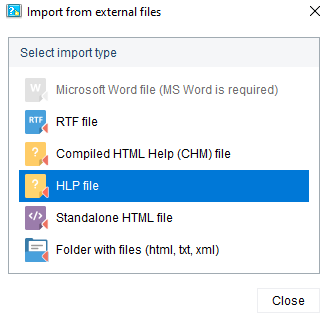
To import an HLP file into a project open the Import dialog, then select the appropriate item in the Select import type list as shown on the screenshot below:
After you specified import file, Dr.Explain will start processing it. It will show the processing progress and display the results in a separate window:
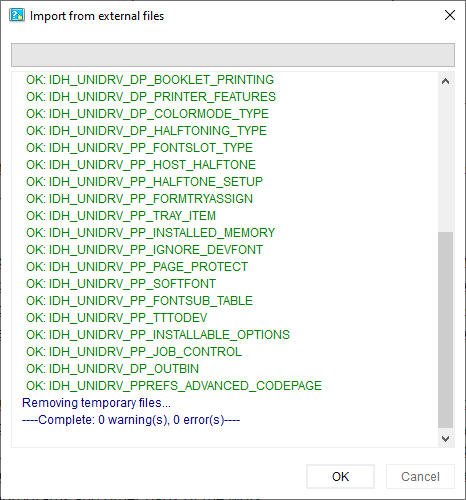
When the import is finished, click OK to close this window and start editing content.