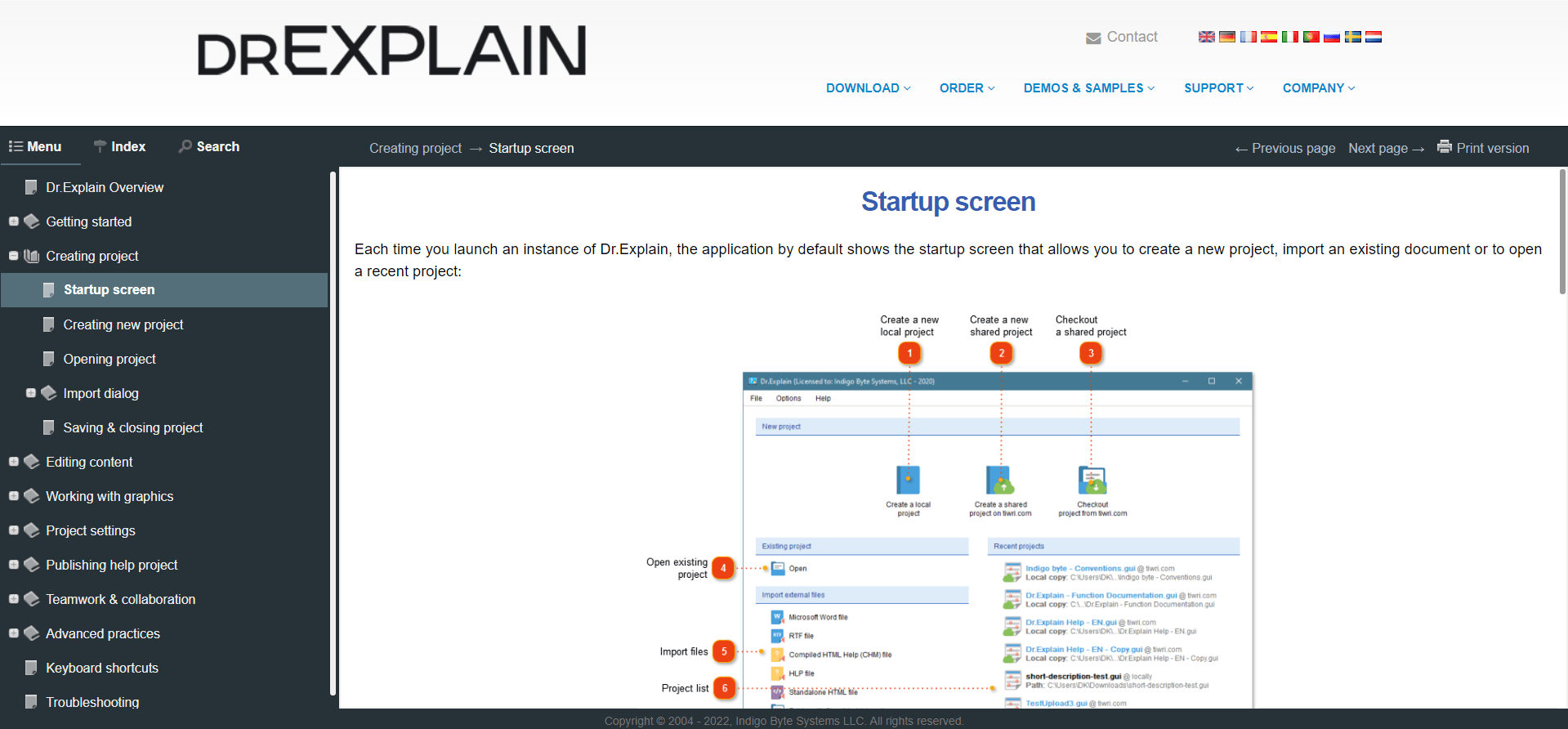
Customize the visual style of your online manual
So, you have exported the help file to a set of HTML pages or a separate CHM help file and are ready to upload them to your server. Before doing this, check the appearance of the help page. The manual should match your corporate identity or the style of your product site.
The help tool Dr.Explain allows you to customize the appearance of help pages using CSS or a collection of visual templates.
You can create an HTML template that is visually similar to the one used on your website by customizing color schemes.
Additional CSS will allow you to customize the online help look in the smallest detail.