



AI assistant
Create documentation with the AI Assistant
The AI Assistant in Dr.Explain is a built‑in tool that leverages large language models to help you create and refine user documentation. It generates lists, tables, analyzes content, identifies weak spots, and translates into other languages. Everything happens right inside the editor — no need to switch between windows or copy text into third‑party services.
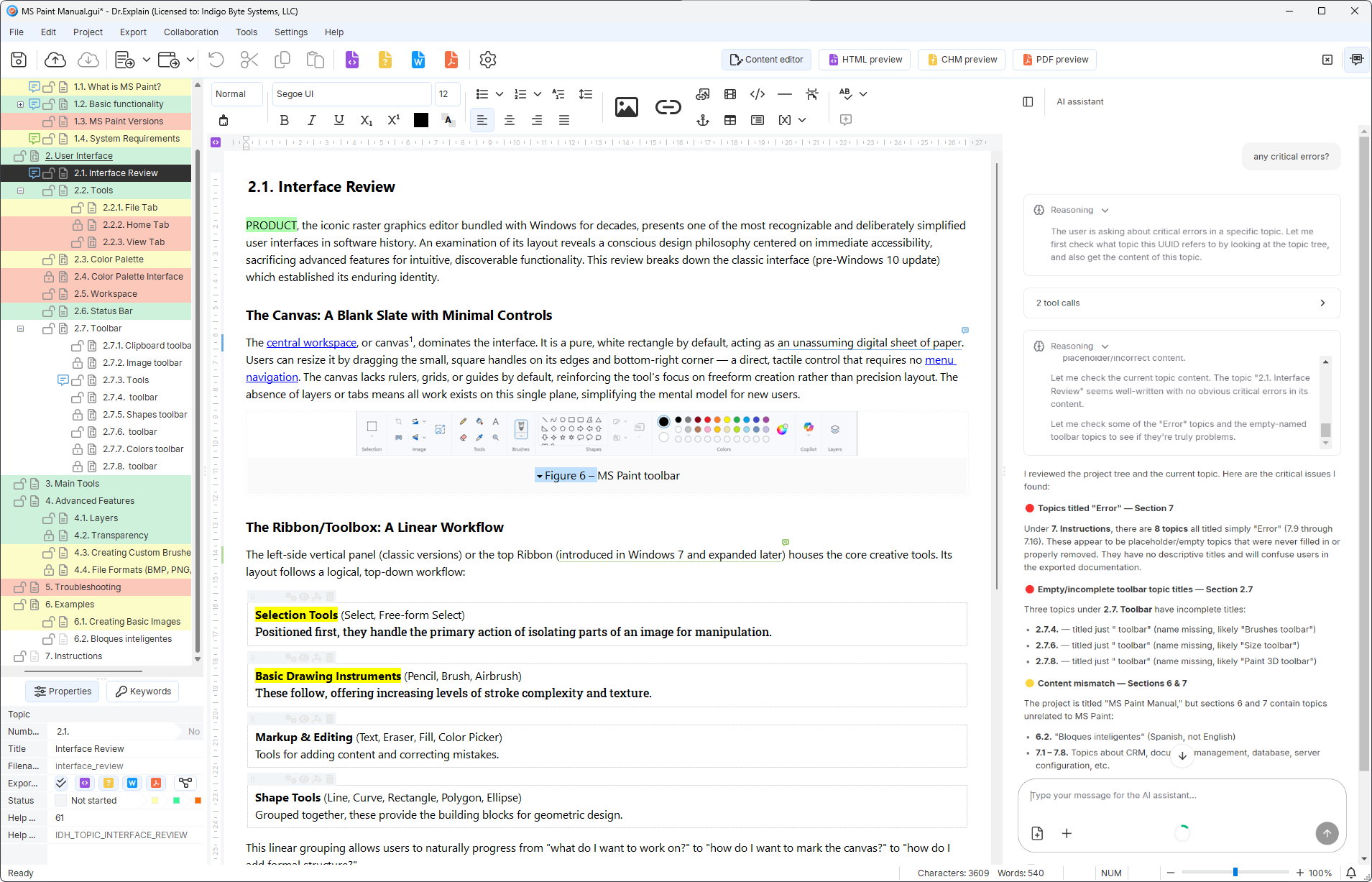
Whenever you need to generate new content, improve clarity, or translate existing topics, the AI Assistant is ready to help. It analyzes your project's tone and adapts suggestions to your style — so you can focus on the message, not the wording.
Benefits of using Dr.Explain with the AI Assistant
The AI Assistant in Dr.Explain acts like a senior colleague who knows your product inside out. It analyzes the context of your project and suggests wording that matches the tone and style of your knowledge base. This is especially useful when you need to quickly draft content, rework outdated sections, or bring documentation into a consistent style.
- Faster writing. The AI Assistant generates descriptions for interface elements, cutting down the time needed to prepare documentation.
- Better text quality. It helps fix typos, grammar mistakes, and awkward phrasing, making instructions clearer and more effective.
- Automatic translation. User documentation can be translated into multiple languages quickly, which is crucial for products with an international audience.
- Consistent style. The AI Assistant respects your project's existing style, suggesting phrasing that keeps your documentation uniform and cohesive.
- Works entirely within the program. Dr.Explain's AI Assistant removes the need for external tools — everything stays inside your workspace.
Together, these benefits make Dr.Explain with the AI Assistant more than just a help authoring tool — it becomes a collaborative workspace where ideas turn into clear, consistent, and user‑friendly documentation. Whether you work alone or in a team, the assistant helps you maintain quality without slowing down.
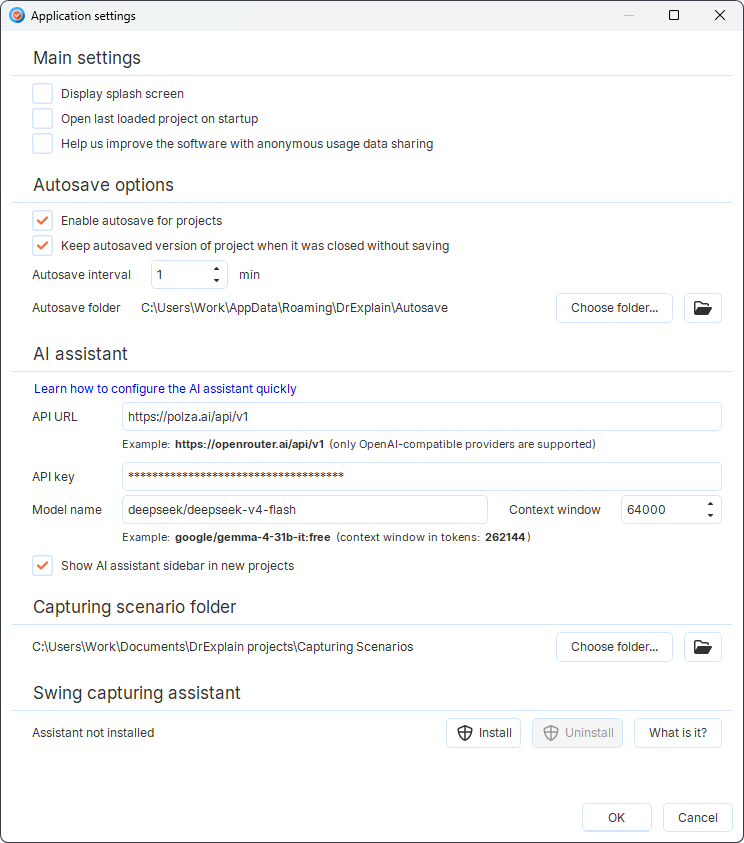
What advantages will you get?
The AI Assistant turns user documentation preparation into a fast, intelligent workflow. You're not just writing text — you get automatic suggestions, quality checks, and ready‑to‑use translations all in one window.
- Consistent corporate style across your entire project. External AI tools don't know how you write for your users. Dr.Explain analyzes your existing topics and adapts phrasing to match your company's terminology and tone.
- Time saved on context switching. You don't need to open a separate browser tab, craft prompts for a neural network, copy the result, and paste it back. Everything happens in a couple of clicks directly inside Dr.Explain, speeding up documentation development.
- Localization without breaking structure. When translating documentation through external tools, HTML tags often break and callouts shift out of place. Dr.Explain's AI Assistant translates content within topics, preserving the integrity of all embedded elements and formatting.
Example guides created with Dr.Explain
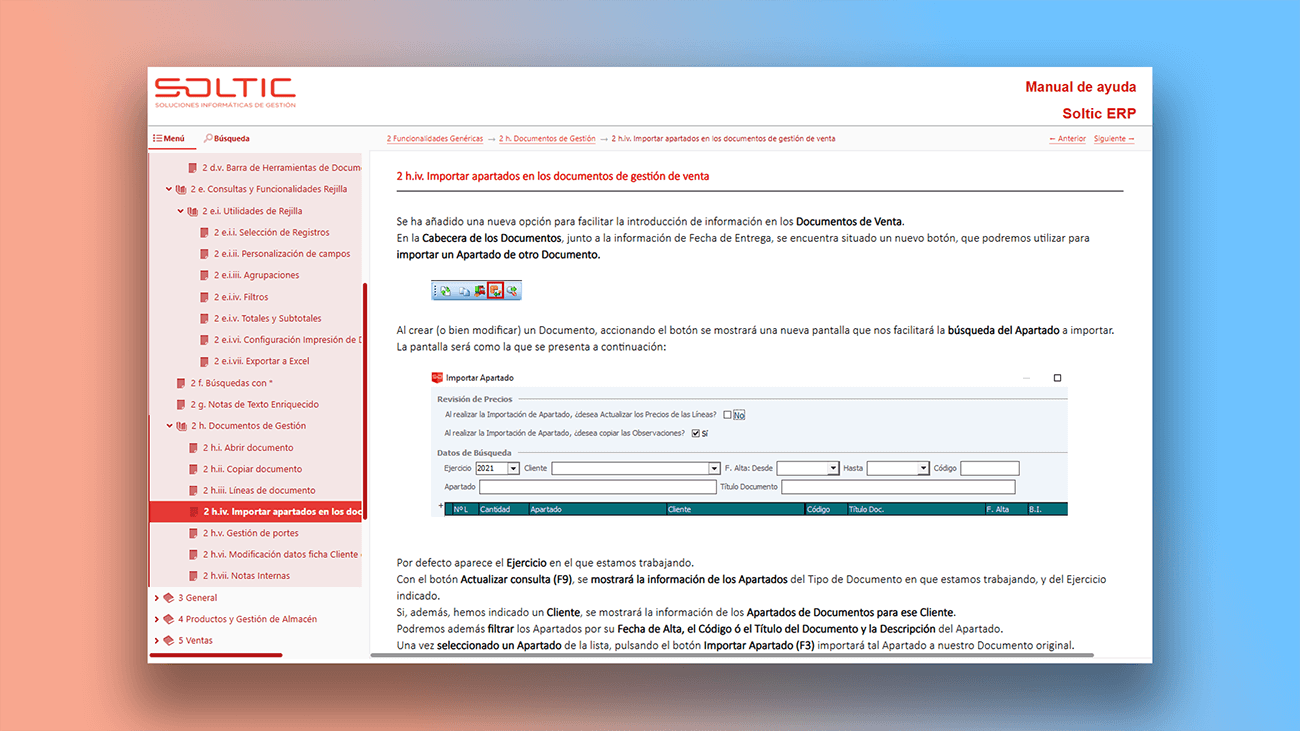
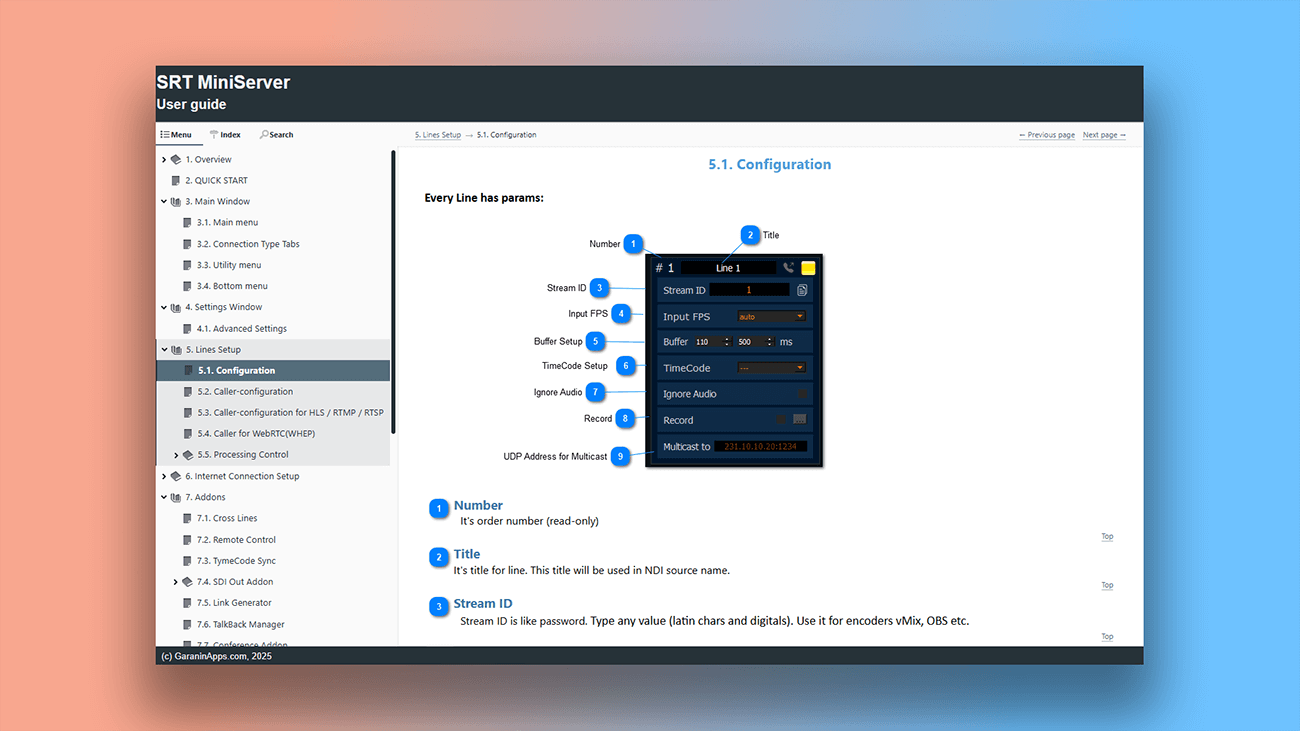
Explore real manuals created with this help authoring tool below.

Users about Dr.Explain
See what real users say about their experience with Dr.Explain.

"We’ve compared Dr.Explain with a few other applications, but their output was not quite satisfactory. Actually we were in search of a user-friendly application that would make it easier to create CHM to use offline or online. We found that Dr.Explain is quite user-friendly and supports multiple formats to export the project to".
Weerawat Charoenkoop, SolidPlant
Interview with Weerawat
Frequently asked questions
What is the AI Assistant in Dr.Explain?
It's a built‑in tool that uses artificial intelligence technologies to help create and edit user documentation. The assistant can generate texts, check quality, translate, suggest improvements, and much more.
What tasks does the AI Assistant handle?
For example, it helps write descriptions for annotations, checks spelling and grammar, improves readability, and offers alternative phrasings to increase clarity.
Do I need an internet connection to use the AI Assistant?
Yes, an internet connection is required because requests are processed on remote servers using large language models.
Can I customize the AI Assistant to match the style of my documentation?
Yes, you can set general preferences for style, tone, and format, and the AI Assistant will take them into account when generating and editing text, helping to maintain a consistent voice across your documentation.
Are the data I send to the AI Assistant secure?
Dr.Explain ensures the protection of transmitted data. Requests to the AI Assistant are processed in compliance with security standards, and texts are not used to train models without your consent.