



Variables — Text Macro Automation Tool
Documentation authors often face the challenge of reusing the same text fragments repeatedly. While the usual solution is copying and pasting or manually retyping, Dr.Explain offers a more efficient alternative: text variables.
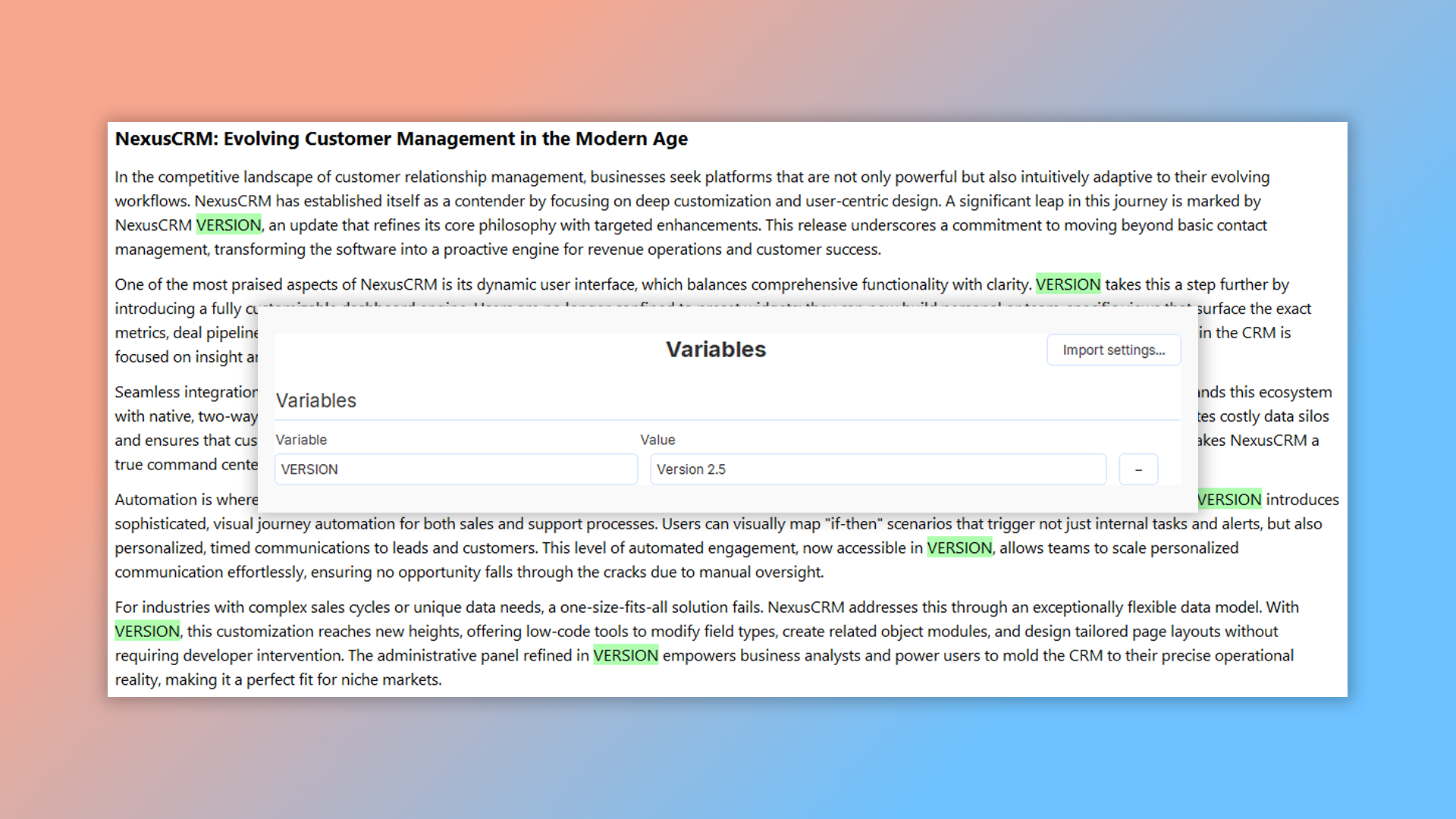
This feature eliminates repetitive work and boosts your productivity. Use variables for frequently repeated content like:
- company name;
- product name;
- contact details;
- software version numbers.
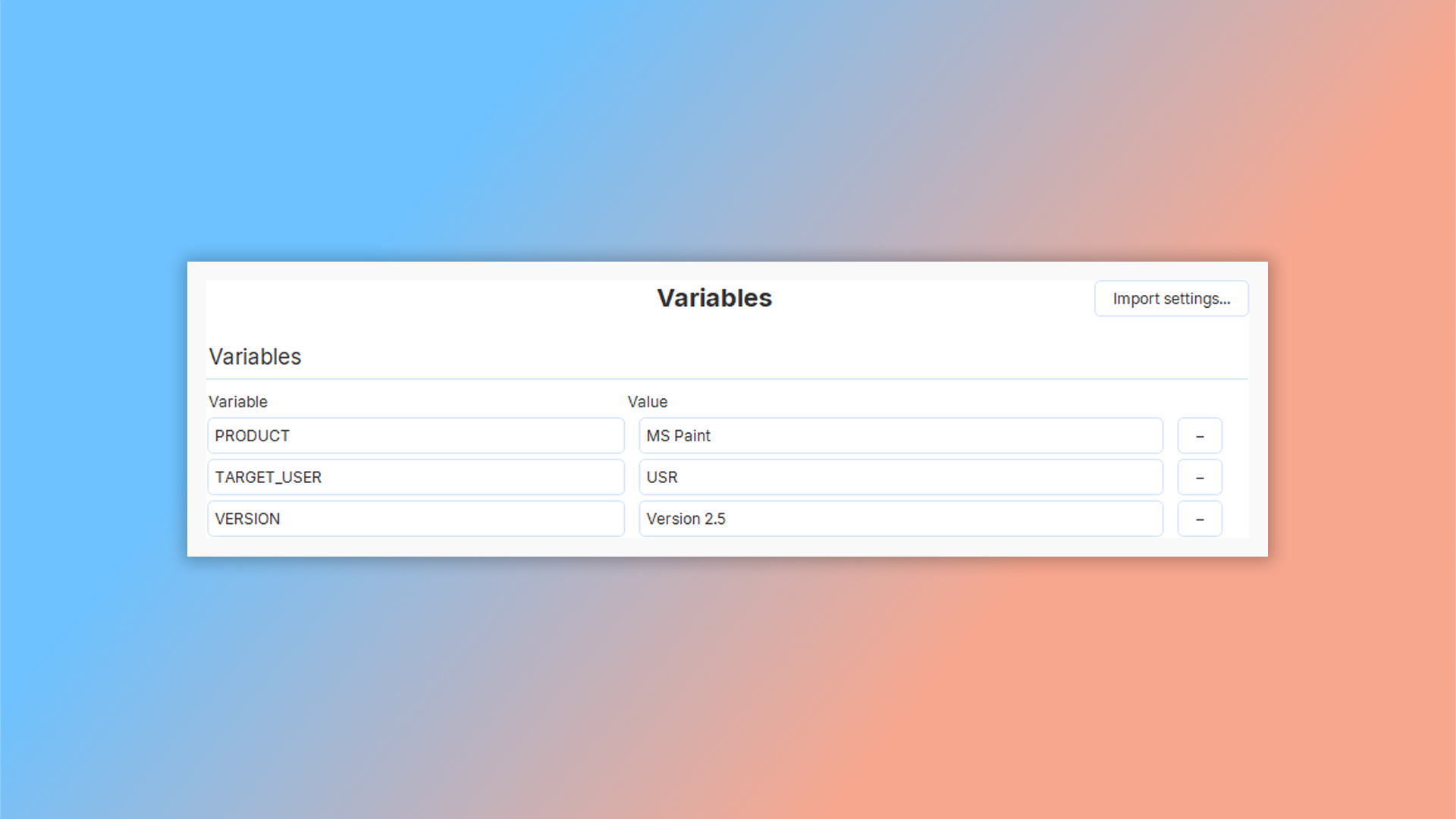
Variables are particularly helpful when you need to reuse text that occasionally changes — like version numbers — ensuring consistency and saving time across your entire document.
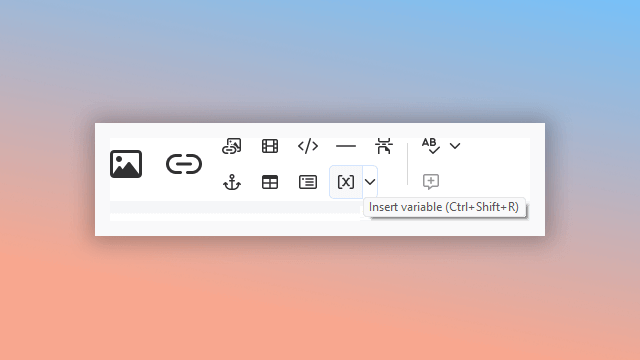
How do variables work in Dr.Explain?
Let's say you need to repeatedly include content like software version numbers or email addresses throughout your guide. Instead of typing them out every time, just create a variable. Next time you need that text, simply select the appropriate variable from your list.
When you need to update information across your entire project — like a version number or contact email — just change the variable's value once. Dr.Explain automatically updates every instance throughout your documentation.
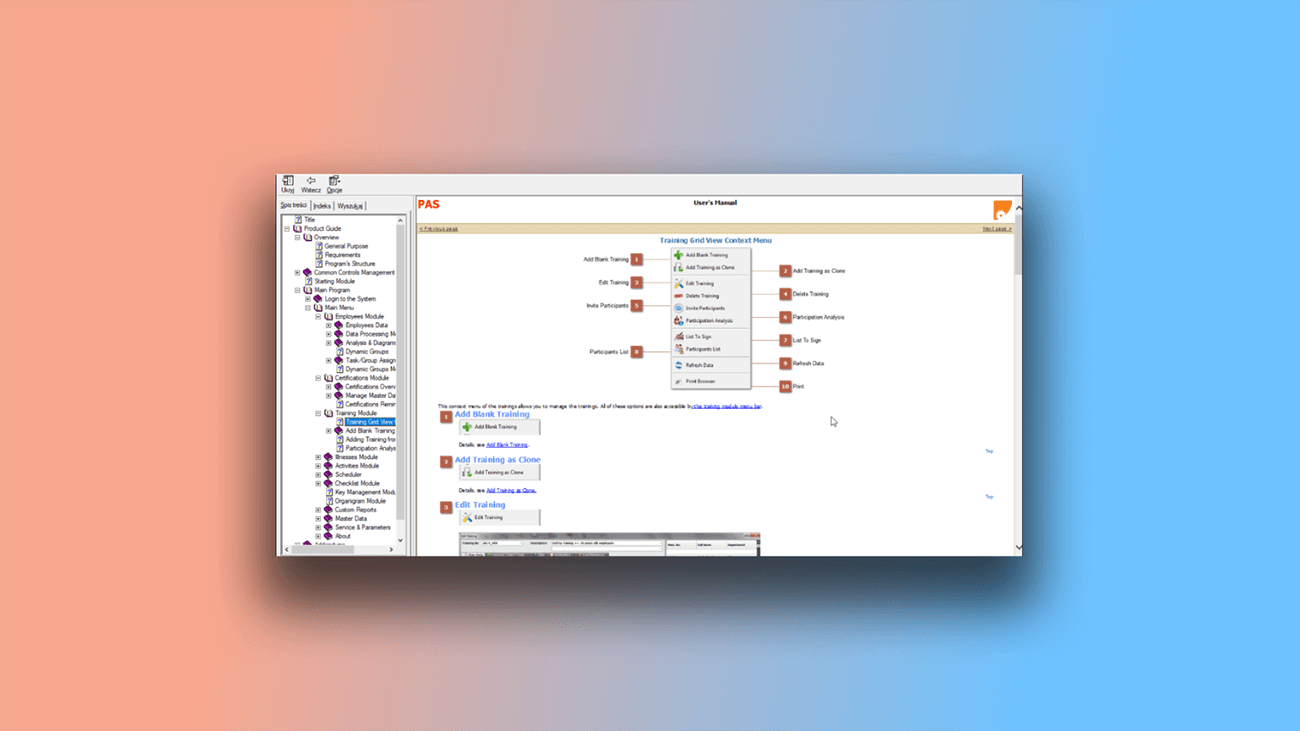
Documentation examples created with Dr.Explain
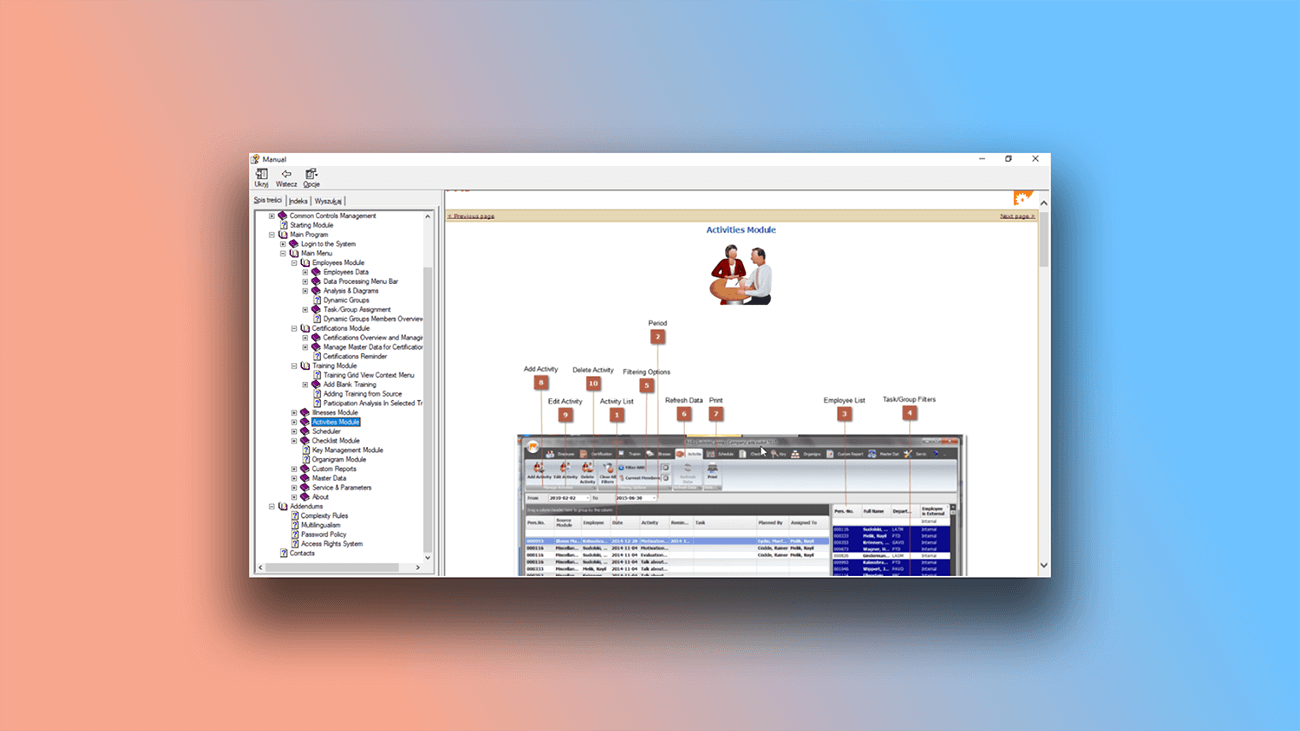
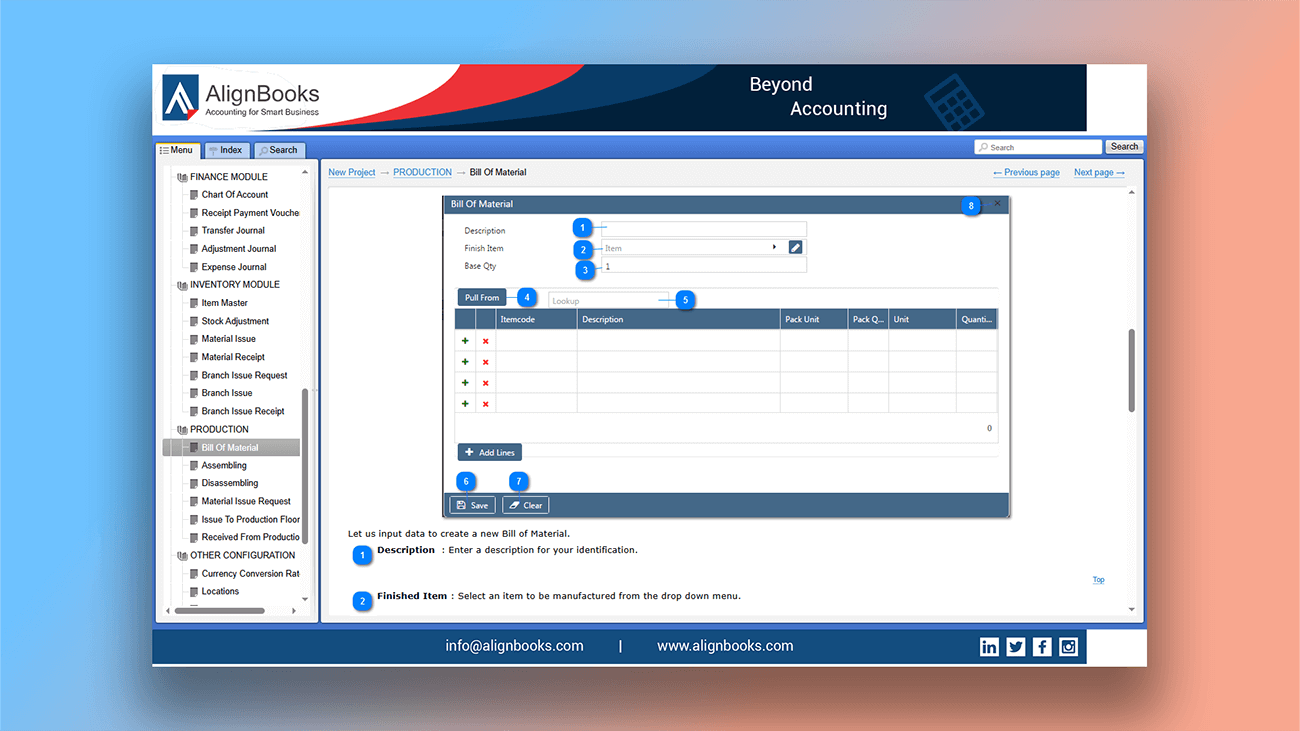
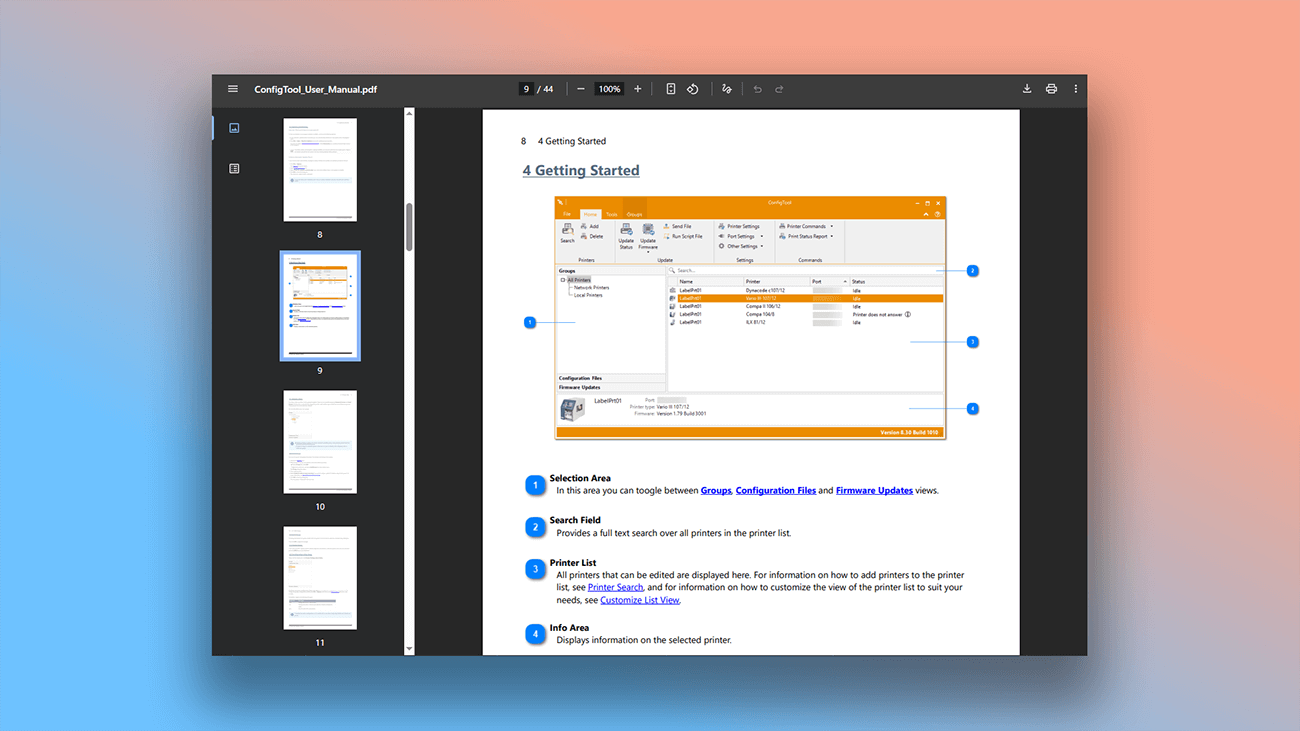
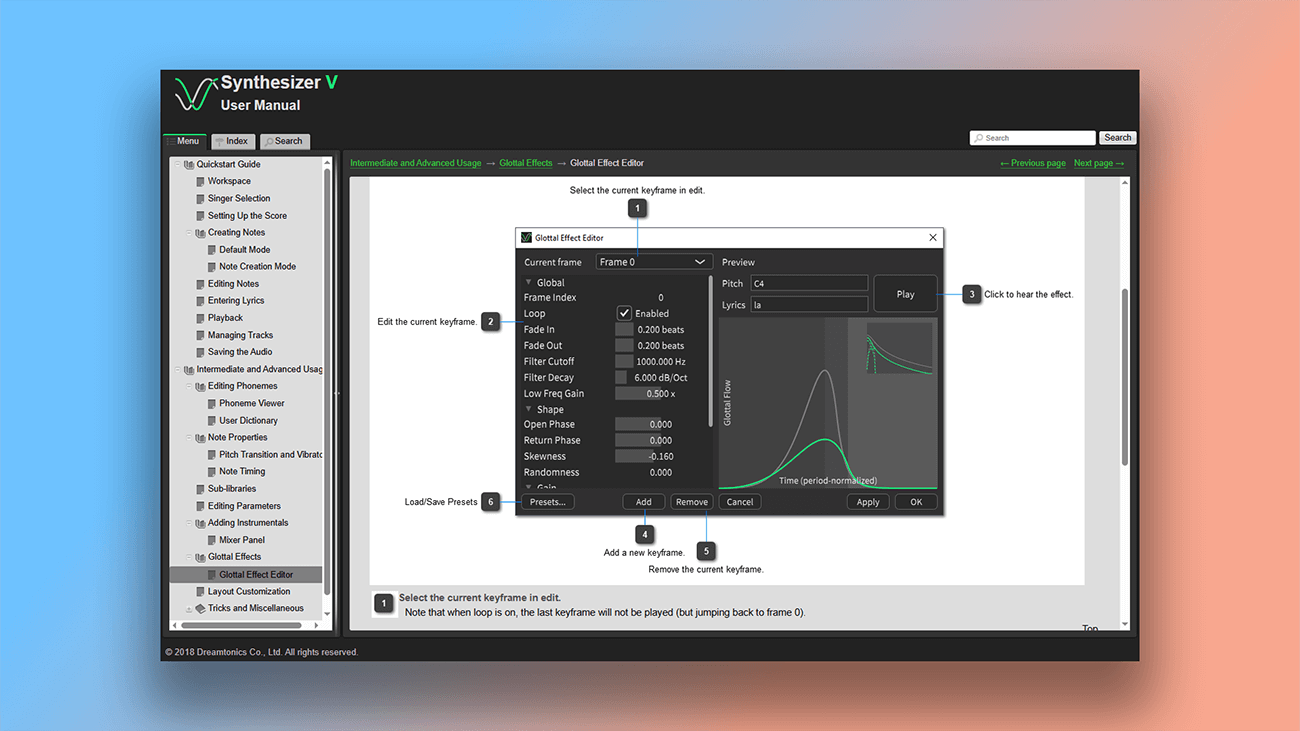
This page contains links to real user guides developed in Dr.Explain. Below you'll find screenshots demonstrating the program's capabilities.

What are the benefits of using Dr.Explain?
Dr.Explain eliminates manual repetitive work — especially when your documentation contains lots of repeated text. With variables, you'll never need to manually duplicate content again.
Easy content Maintenance. Variables make it simple to keep information current across your entire documentation. (We've covered the risks of outdated content in the article Applying the broken windows theory to technical writing).
More creativity, less routine. Variables remove the tedium of editing the same data in multiple places. Spend less time on repetitive typing and more time improving your content.
Personalized documentation. Use conditional display rules to show different content to different user groups, tailoring the experience for each audience.
What type of users is Dr.Explain suited for?
Dr.Explain is a professional hel authoring tool that works for organizations of all sizes — from large teams to individual authors, and from complete beginners to experienced professionals. Its intuitive tools require no lengthy training, and the included templates help you create polished help systems faster. It’s a reliable choice when you need to:
- regularly update contact details, version numbers, or entire text blocks across your documentation;
- enable multiple authors to collaborate on the same document;
- choose from flexible licensing options;
- check spelling in multiple languages;
- customize the design and layout of your documentation.
Users about working with variables in Dr.Explain

"We love the variables in Dr.Explain as they allow us to version our documentation in one place. The users can easily see if they are looking at the latest version of the document".
David Swindon, CIO of Trustco Group Holdings
Interview with David

"Because Dr.Explain is specifically designed for documentation, it made the whole process so much easier. For example, searching, indexing, hyperlinks, etc".
Mike McLoughlin, the sole developer of Champion Software
Interview with Mike
Frequently Asked Questions
Are there video tutorials for your program?
Yes. You can find them on our Youtube channel.
Can Dr.Explain check spelling?
Yes. Learn more in the Spell checking topic.
Does the program include ready-made documentation templates?
Yes.
Are there limits on how many nested topics I can create?
No limits.
Can I use my own CSS code to style online documentation?
Yes, you can fully customize the design with CSS.