



Keyword index
Create keyword indexes for help files and online guides with professional help authoring tool Dr.Explain. When generating CHM or HTML help files, you can add keywords to build an indexed list. Link each word or phrase to specific pages in your help system, so users can quickly find what they need. Well-organized navigation improves the user experience and builds trust in your product and its documentation.
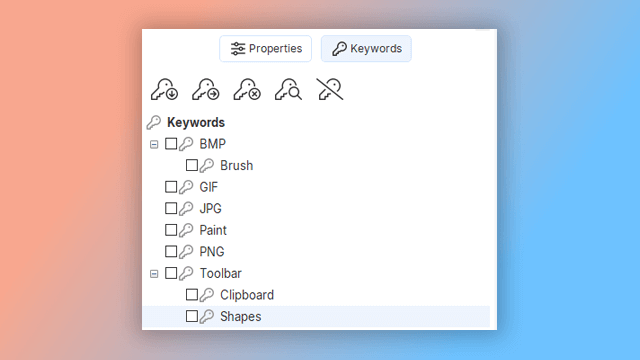
How to work with the keyword indexes in Dr.Explain?
Select a page in the topic tree and assign relevant keywords to it by selecting them in the keyword list. Use the toolbar buttons to add or remove keywords as needed. You can also lock topics to prevent unintended edits and set statuses to track your progress — all directly from the topic tree.
Examples of user documentation created in Dr.Explain
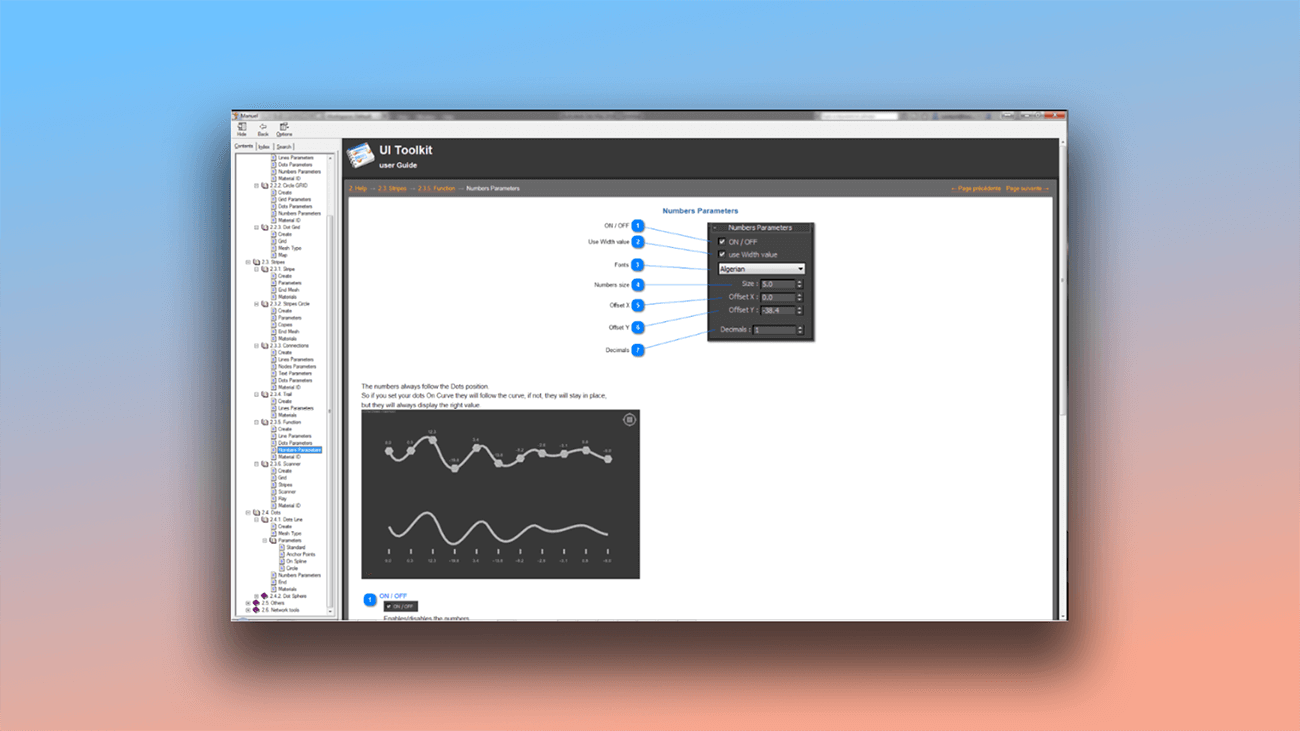
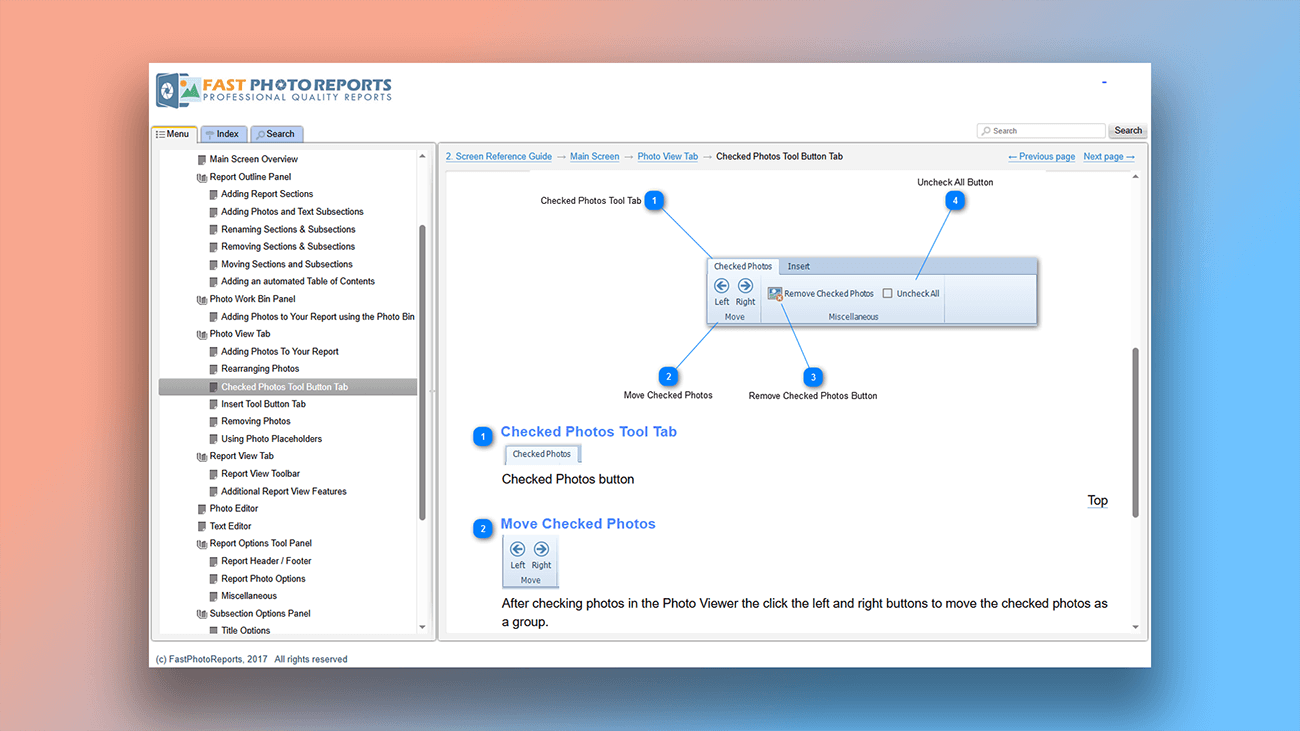
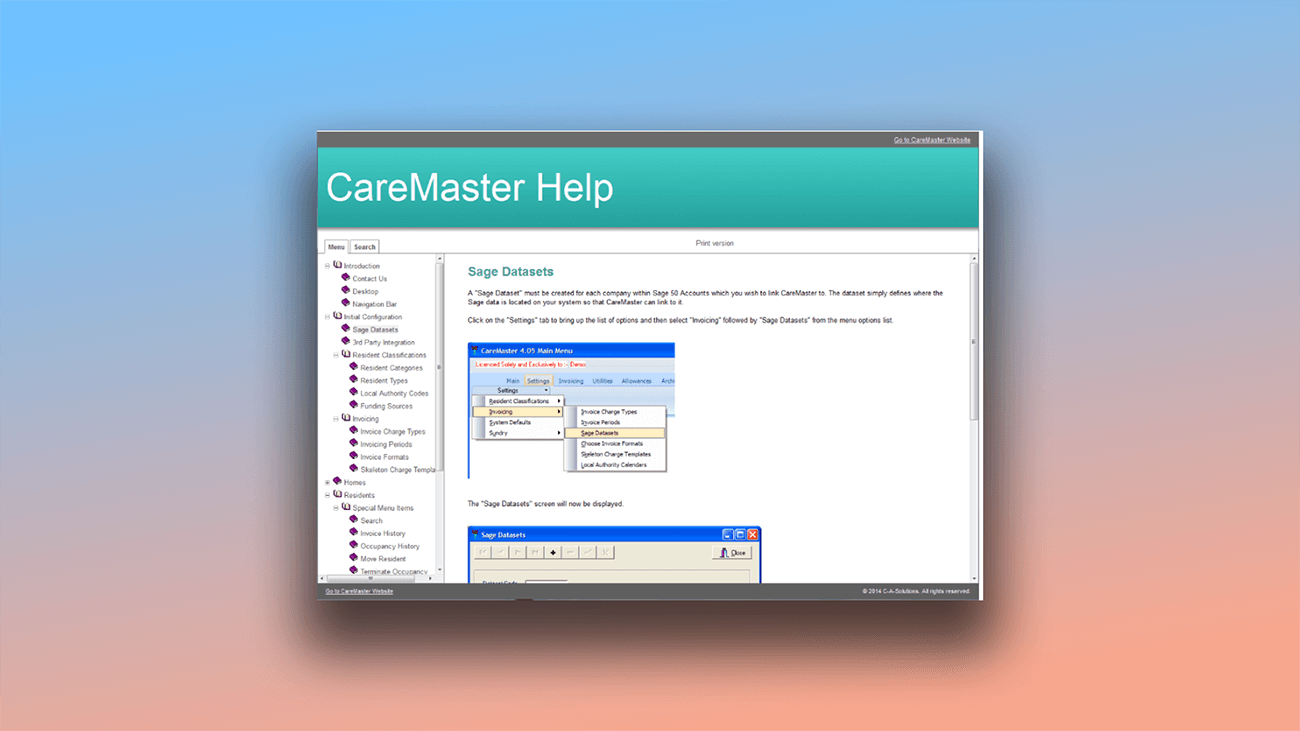
The best way to see what the program can do is to explore real examples. You'll find working help systems created with Dr.Explain on our site, along with screenshots from actual customer projects below.


What are the benefits of using Dr.Explain?
A key factor in documentation effectiveness is how easily users find information. If users spend too much time searching for answers, they can lose interest and abandon the product. But when information is quick to locate, it creates a positive experience and increases the product's value.
A keyword index transforms your guide into a truly useful tool by letting users instantly find topics using familiar terms.
Quick access to information. Users can jump directly to relevant topics by selecting known words or phrases — no need to browse the table of contents or use search.
Multiple entry points assign several keywords to the same topic, increasing the chances users will find it through different terms.
Better accessibility. The index is especially helpful for less technical users, who can navigate more easily using simple keywords they already know.
What type of users is Dr.Explain suited for?
Dr.Explain simplifies the most challenging parts of documentation — planning your project structure, creating annotated screenshots, and exporting to the right formats. Try this help authoring tool if you need:
- a user-friendly text editor with spell checking for multiple languages;
- a free trial before making a purchase decision;
- cloud-based collaboration for author teams;
- a desktop application rather than a SaaS platform;
- single-source export to multiple output formats.
Users about working with the keyword index in Dr.Explain

"The features I liked were the Menu, Index and Search. It is very clean and easy for my customers to find just the section they need. I also like that they can download a PDF of the guide but not a lot of customers do that because the main User Guide is over 400 pages! It is very easy to update when I add new features".
Margaret Messick,Owner/Database Designer
Interview with Margaret

"We chose Dr.Explain software based on good references, user friendly interface, image capturing and mapping capabilities, adaptability for mobile devices and most of all a very good search engine with index in capabilities".
Crt Kosak, the Head of IT in the Association of Laryngectomees of Slovenia
Interview with Mr Kosak
Frequently Asked Questions
Where can I purchase a license?
You can buy a Dr.Explain license on this page.
Where can I find video tutorials about the program?
Check out our video tutorials on the official Dr.Explain Youtube channel.
Can the documentation tool be set up within our organization's local network?
Yes. Use Dr.Explain Collaboration Server for on-premises team collaboration.