



Integrate the help file into your software
A help file acts as a self-contained guide, giving users immediate answers without web searches or support tickets. It works entirely offline and features a table of contents, index, and full-text search for easy navigation. With professional help authoring tool you can create and integrate the help file into your application with no coding experience required.
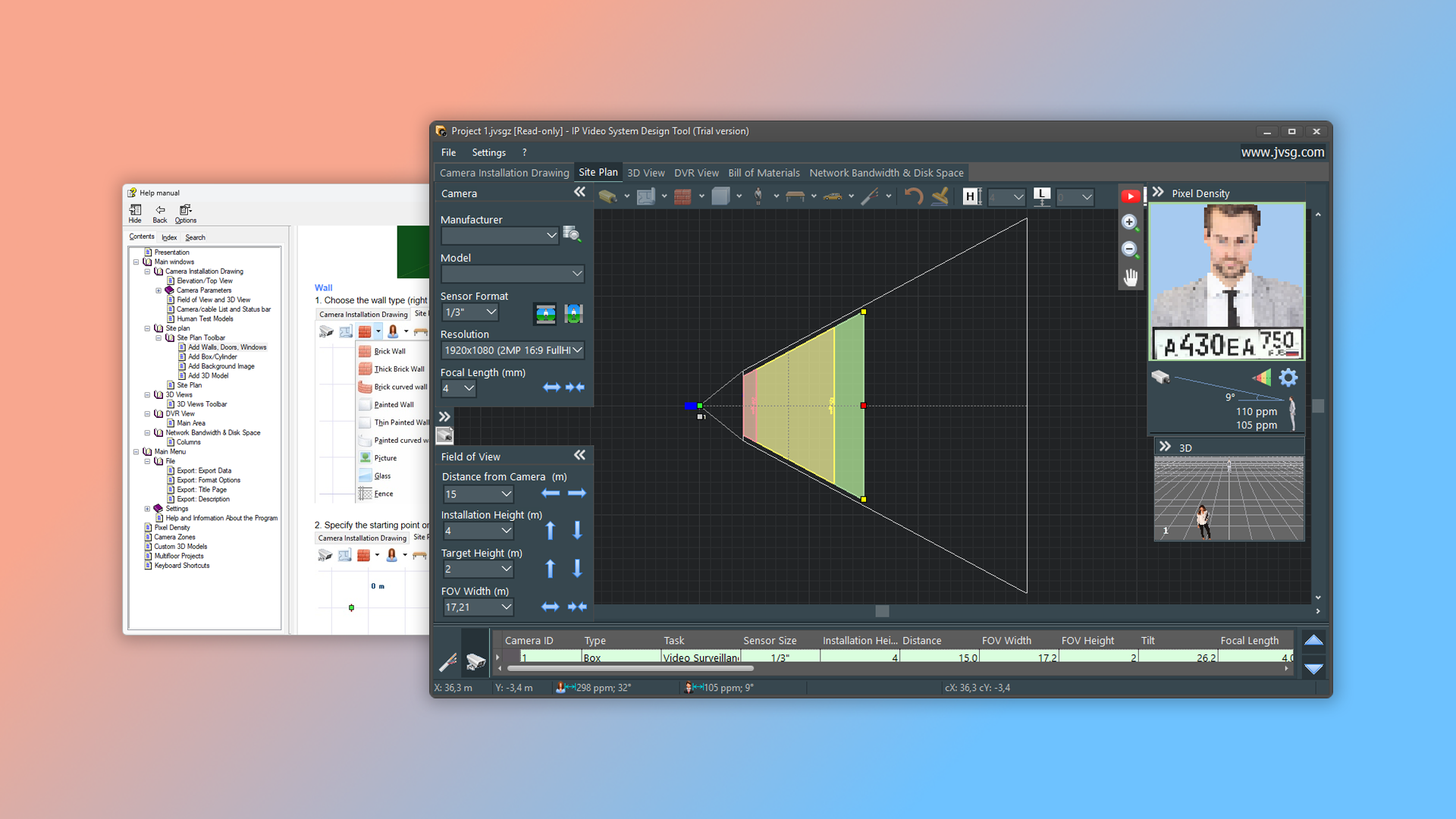
What is a help file?
A help file is a structured user guide in CHM format – the standard Windows format for application help systems.
Key benefits of CHM files:
- full-text search helps users find information quickly;
- bookmark support for fast access to important topics;
- rich media support — embed images, video, and audio to make documentation more engaging;
- cross-topic hyperlinks connect related content for better understanding JavaScript support for interactive elements like dropdowns, forms, and dynamic content.
Dr.Explain simplifies the entire process — from creating to integrating help files. Focus on your content while the program handles the technical work, ensuring compatibility with your application and delivering documentation that truly helps users.
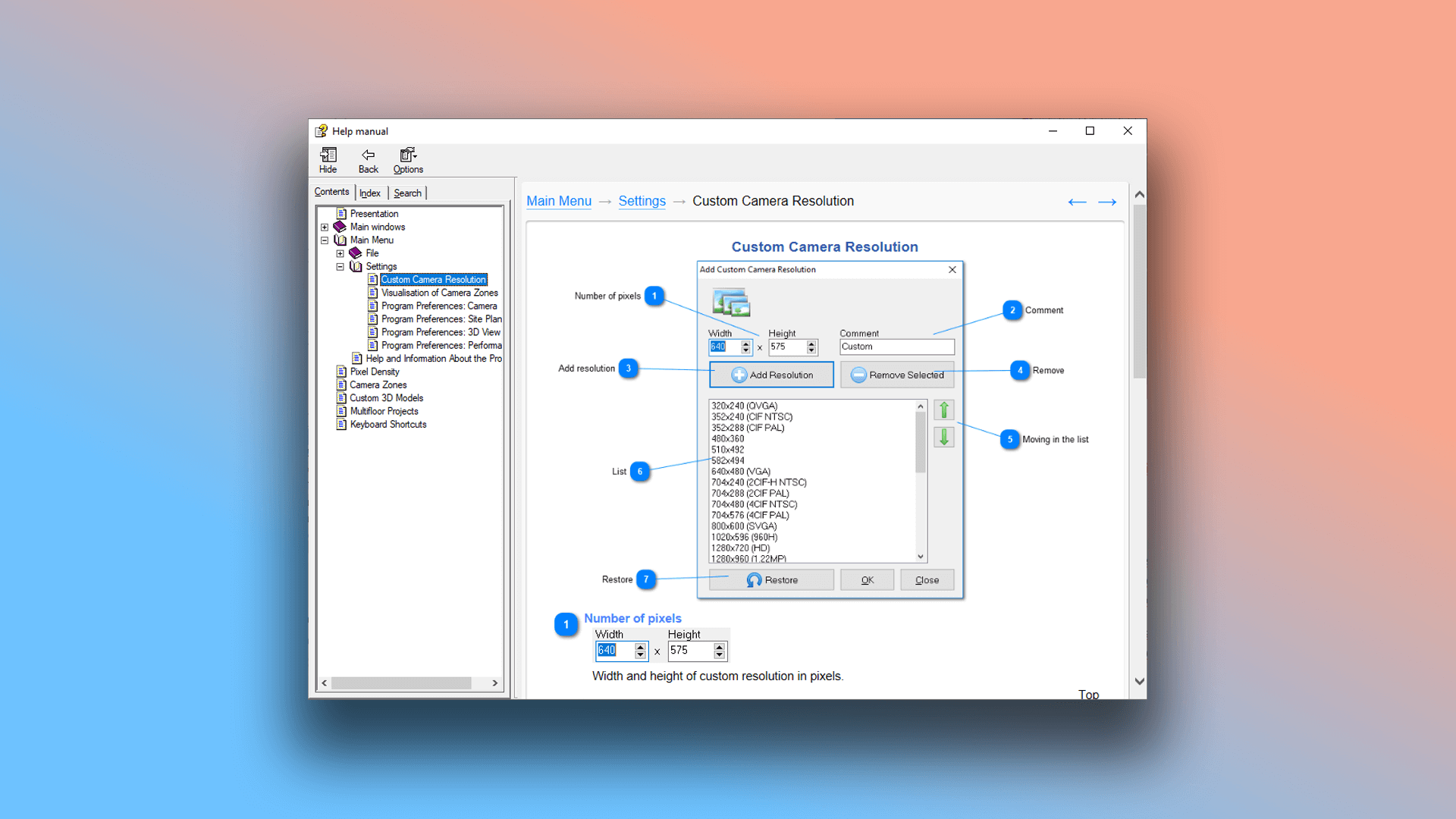
Example of a help file window created in Dr.Explain:
What is help file integration?
Help file integration connects your documentation directly to your application, letting users access context-sensitive help with answers to their questions without leaving the program. We recommend exploring our website's series of articles for step-by-step guidance on creating user documentation.
How does Dr.Explain's integration work?
Dr.Explain can automatically assign Help Context IDs to your topics. If you have an existing help project without these IDs, the tool will generate them for all topics automatically.
Benefits for users. Context-sensitive help delivers relevant information instantly familiar interaction — works like pressing "F1" in Microsoft Word to get help for the current window or feature.
Benefits for developers. Easy implementation — assign Help IDs to UI elements like dialogs, buttons, and controls during development seamless integration — your compiled application will display the correct help topic for each interface element based on its ID.
Examples of help files created in Dr.Explain
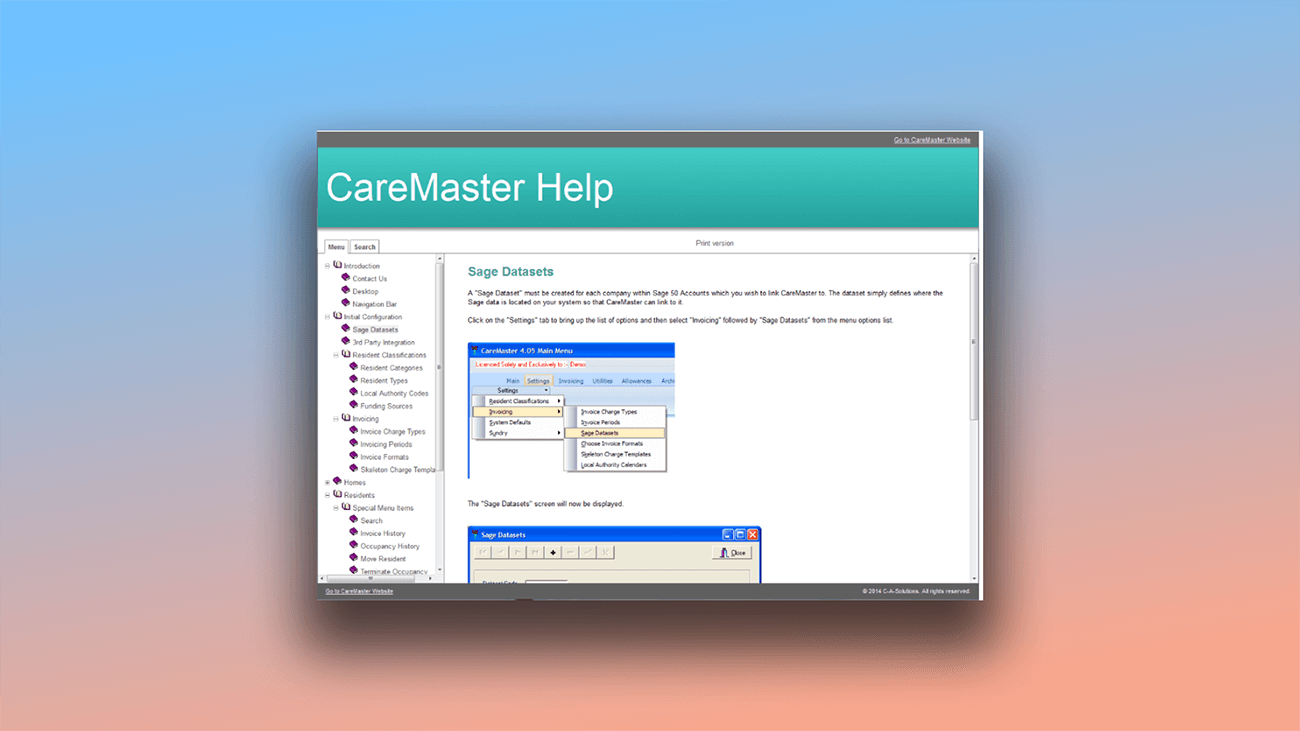
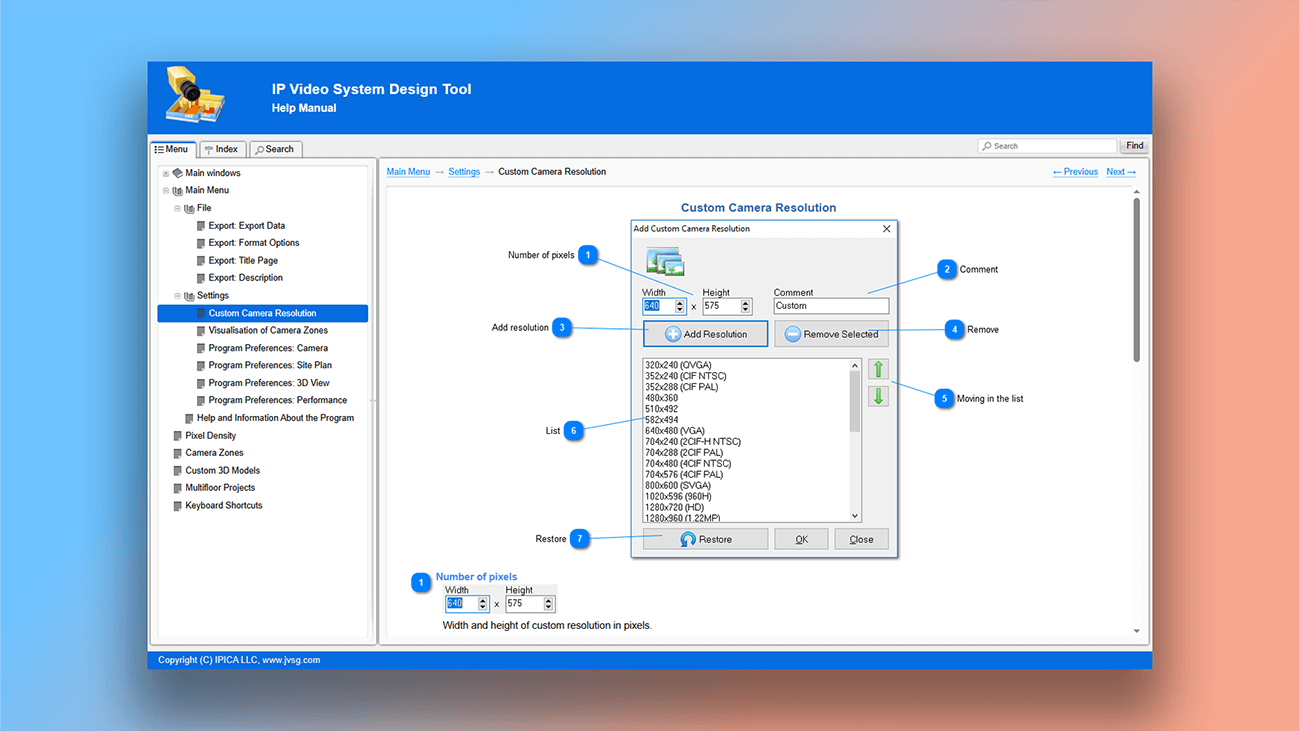
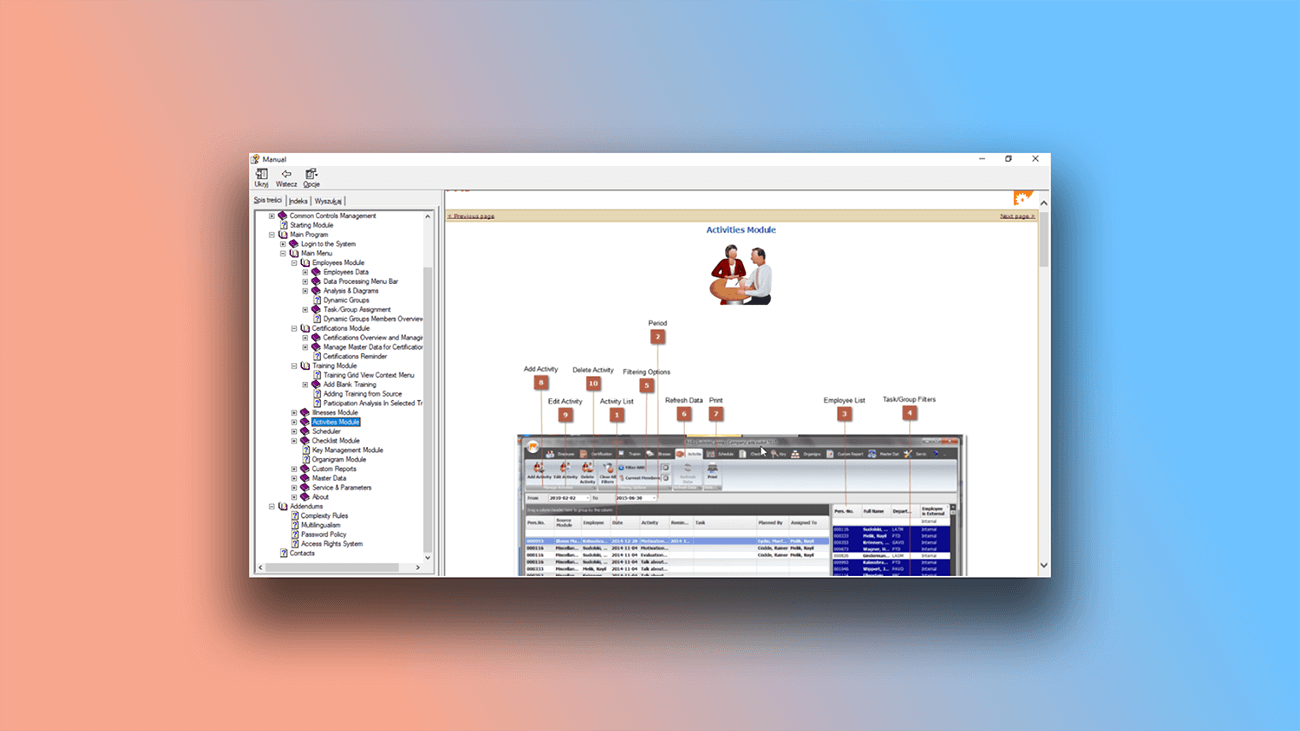
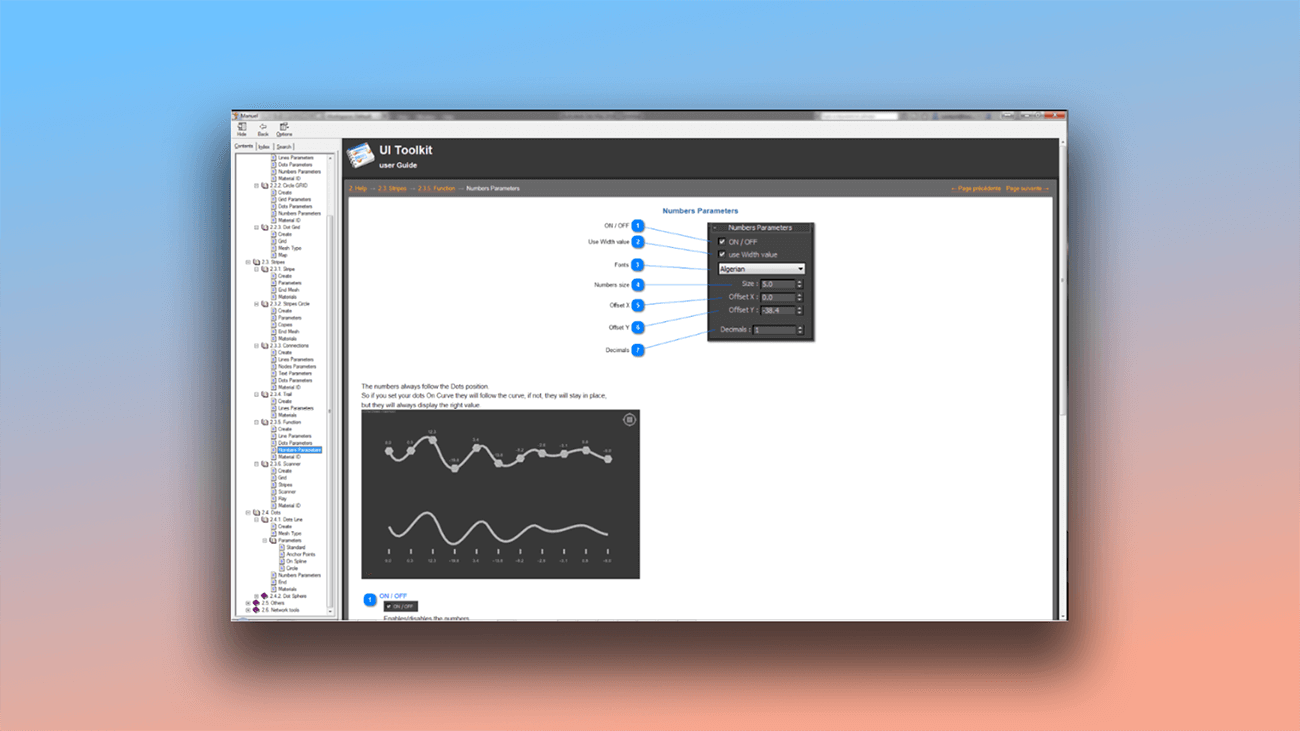
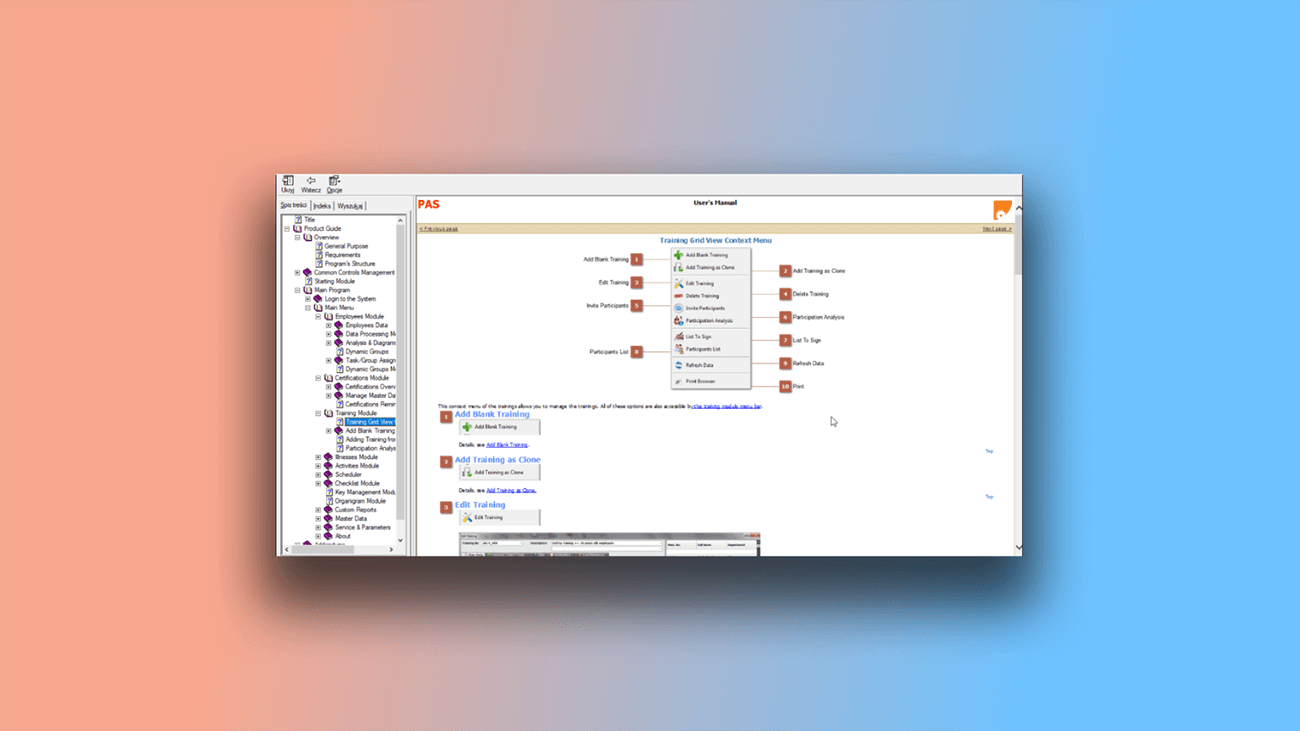
Despite the rise of SaaS platforms, help files remain a widely used format. We've covered the differences between cloud services and desktop applications in this article. Below are examples of context-sensitive help for applications created with Dr.Explain.
What are the benefits of using Dr.Explain?
Save time. With no special skills required, you can use automated tools to create and integrate a help file directly into your application.
Better user experience. Users can find help and answers to their questions right inside your application, without having to search elsewhere.
Easy navigation. A table of contents helps users quickly locate information. A keyword index simplifies searching, and full-text search delivers precise answers. Bookmarks let users save frequently visited pages for instant access.
Works offline. CHM files don’t require an internet connection, making them ideal for offline use.
What type of users is Dr.Explain suited for?
Dr.Explain works for organizations of all sizes — from large companies building professional knowledge bases to small teams needing an efficient, affordable tool.
Here’s why users choose Dr.Explain:
- create one document and export to multiple formats;
- enjoy the Word-like editor with advanced features;
- rely on established, actively supported software;
- use a desktop app, not just a cloud platform;
- choose from flexible licensing, including a free trial;
- enable real-time collaboration.
Users about the integration tools in Dr.Exlain

"We are very happy with our current help docs and the integration with our tools. From any dialog or panel in the software, we can now click on Help and open the relevant page in the docs. I think our main focus going forward will be to create more videos and embed these directly in the docs".
Are Tømmerås, Senior Geologist
Interview with Are

"In evaluating and comparing modern alternatives to generate CHM files, Dr. Explain presented excellent credentials. It combined a reasonable cost with a full suite of features".
Joe T. Evans, Jr., Radiant Technology owner
Interview with Joe

"Using Dr.Explain, we not only have created a context-sensitive help system, but also made it user-aware. This way, we sort of provide a different help system based on the user’s privileges".
Robert Sibilski, CEO and chief programmer of SIBORSOFT
Interview with Robert
Frequently Asked Questions
Can I create and integrate a help file in Dr.Explain without programming or technical skills?
Yes, absolutely. The process is automated and requires no special knowledge.
Do I need an internet connection to use the help file?
No. Help files work completely offline.
Where is the help file stored? On a remote server?
No. It's stored locally on your computer.
Is your program available for free? Does it have a trial period?
Yes, you can download Dr.Explain for free and use it without time restrictions.
Does the program include ready-made documentation templates?
Yes. It comes with professionally designed templates that you can customize to fit your needs.