



Automatic assignment of Help Context ID identifiers to topics
Dr.Explain lets you assign numeric Help Context IDs and text aliases to each topic, creating a fully context-sensitive help system for your application. If you already have a help project without these IDs, Dr.Explain can automatically assign them to all your topics — just define a simple naming rule, and the tool does the rest.
Why does context-sensitive help improve user experience? Users get immediate answers about the specific interface element they're using — no need to type search terms or browse manually.
Here’s how it works in practice. Let’s say a user is working in the Export to HTML dialog and runs into trouble. When they open help from that window, the guide automatically opens to the exact page explaining that dialog and HTML export scenarios.
For documentation authors the automatic Help Context ID feature saves significant time — no need to manually assign IDs to every topic in your project.
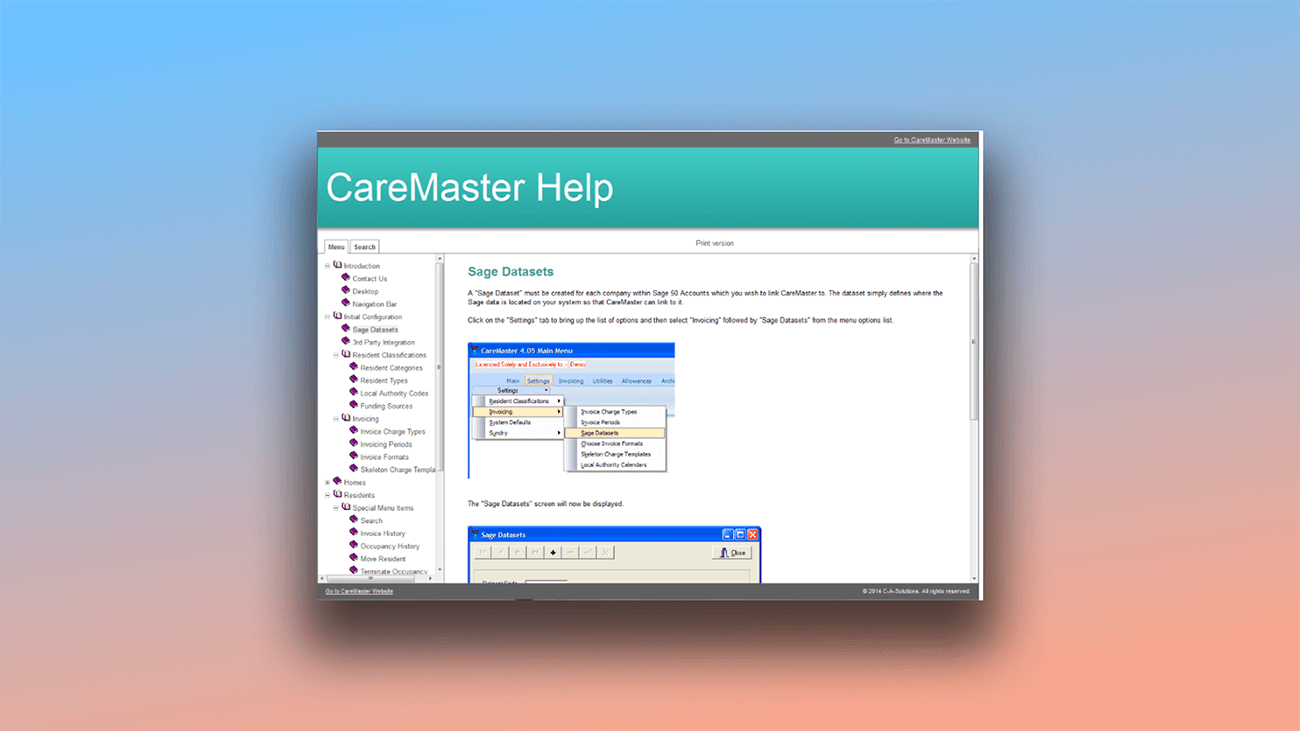
This is what the context help window looks like:
How to automatically assign Help Context ID to topics in Dr.Explain?
To configure Help Context ID settings for CHM export in your current project:
- go to Project settings;
- or click the gear icon on the toolbar.
Then navigate to CHM export → Help Context ID management.
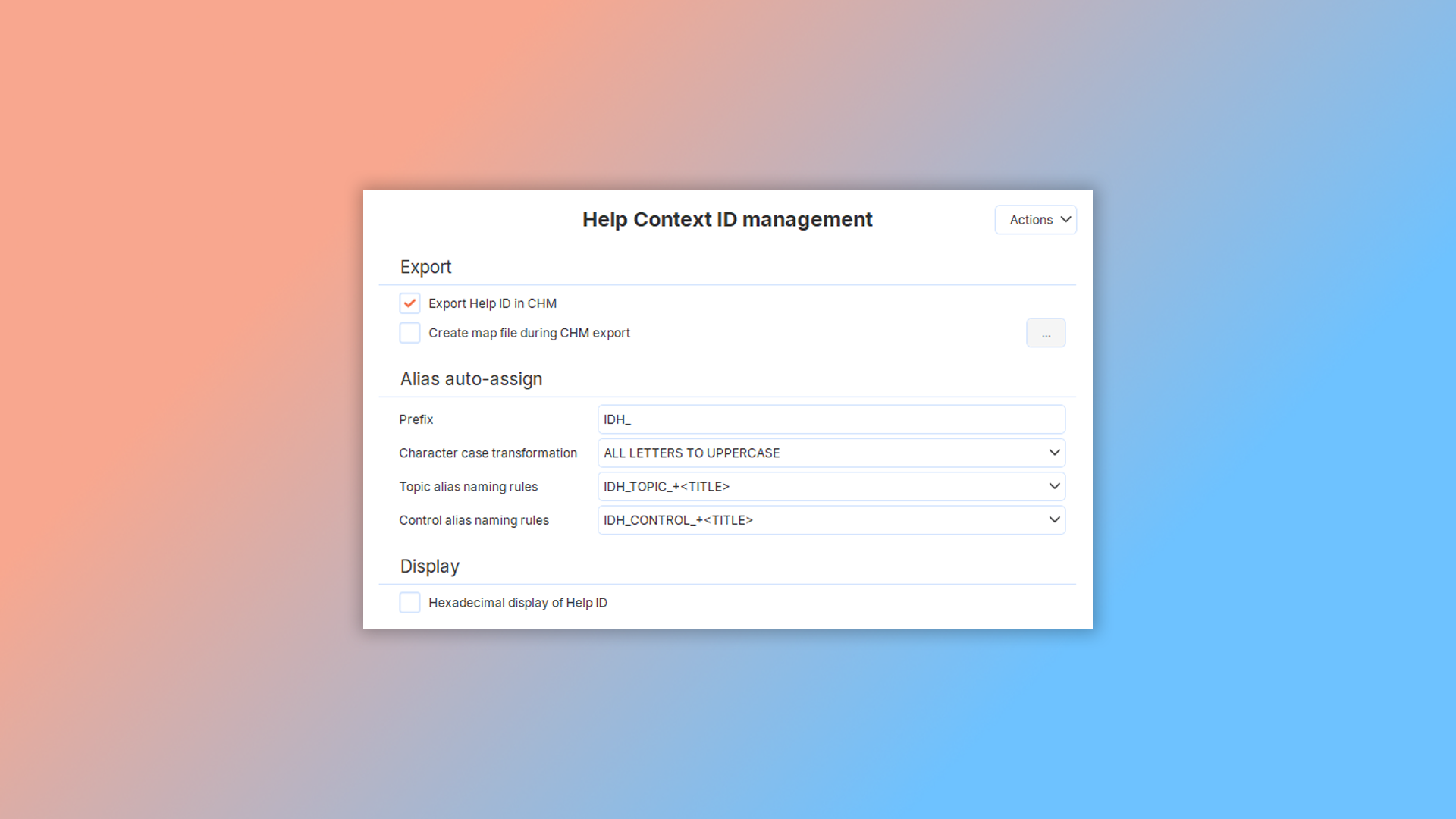
The configuration dialog will open:
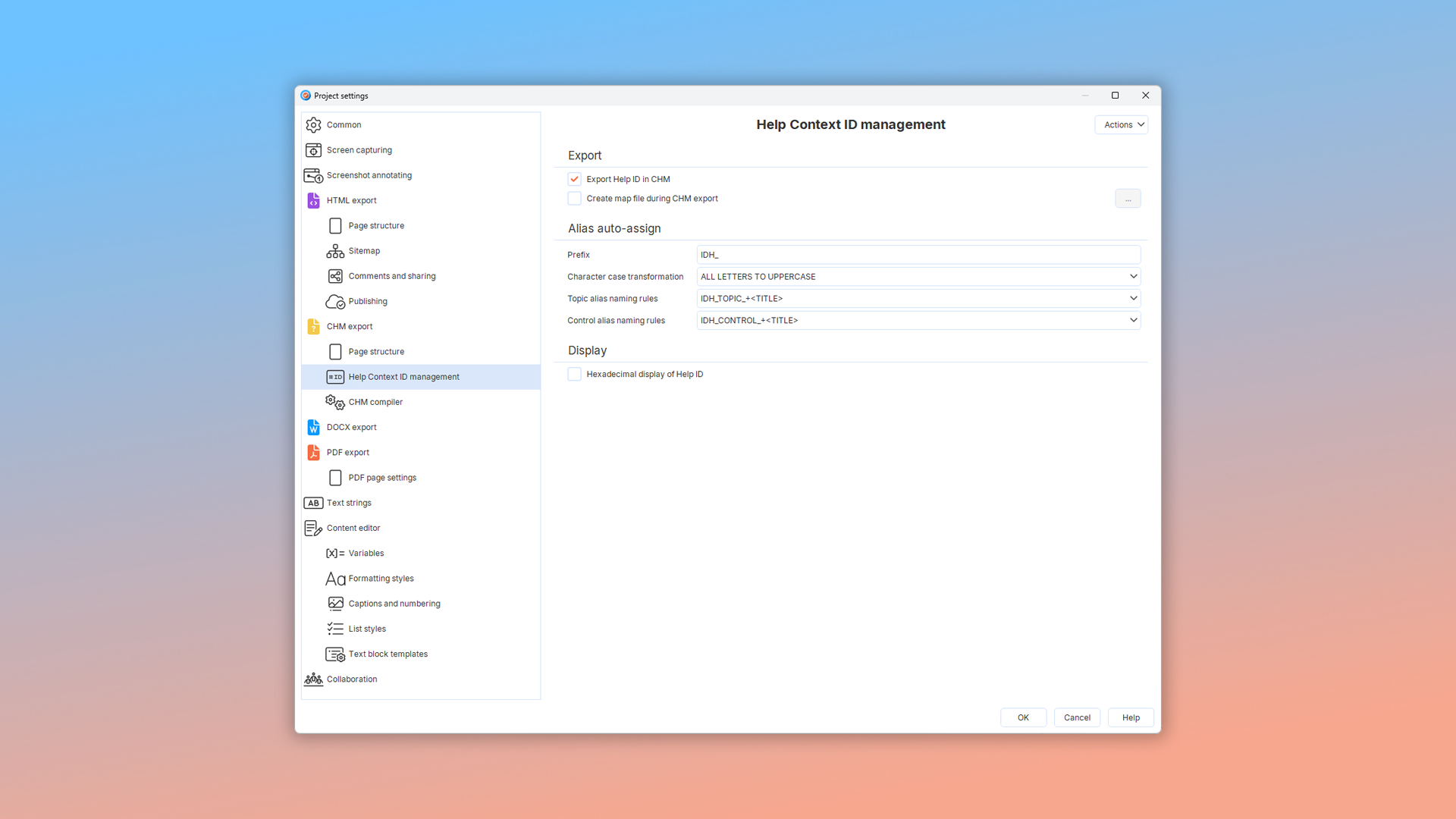
Read more about the controls in this window in Help Context ID management topic.
Examples of user documentation created in Dr.Explain
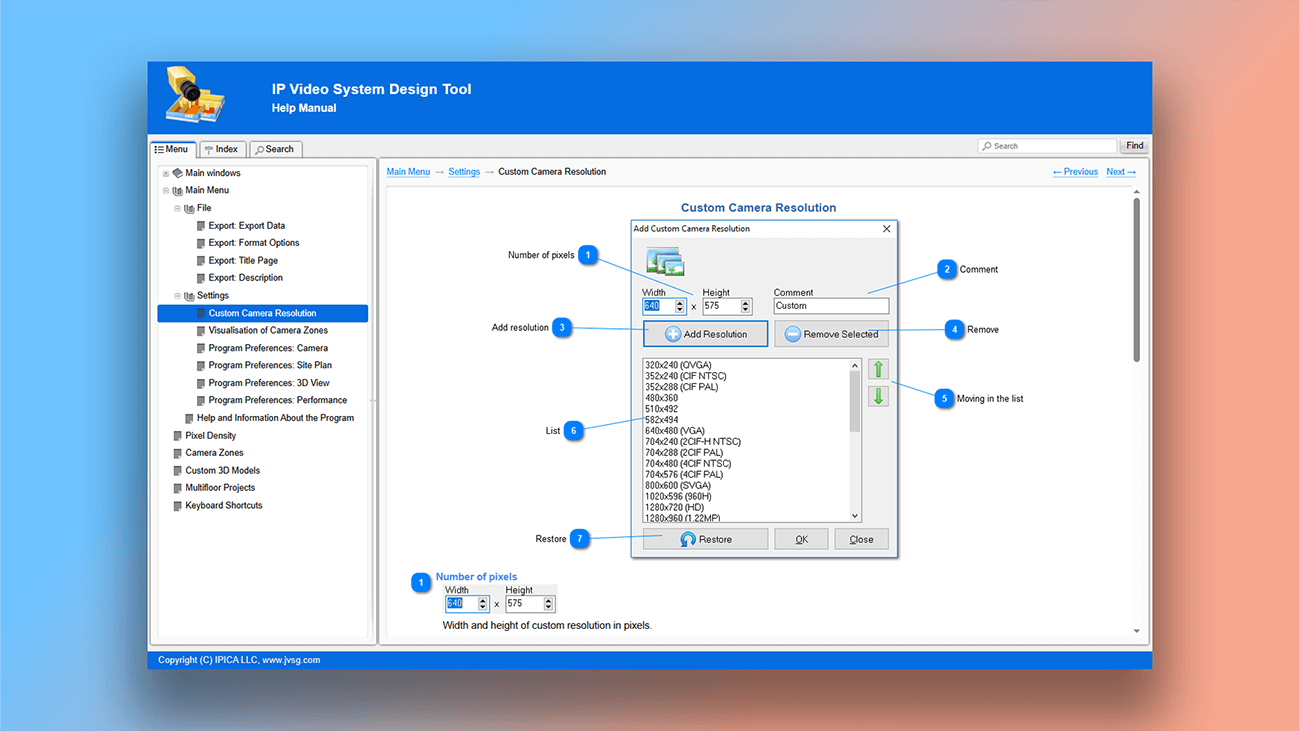
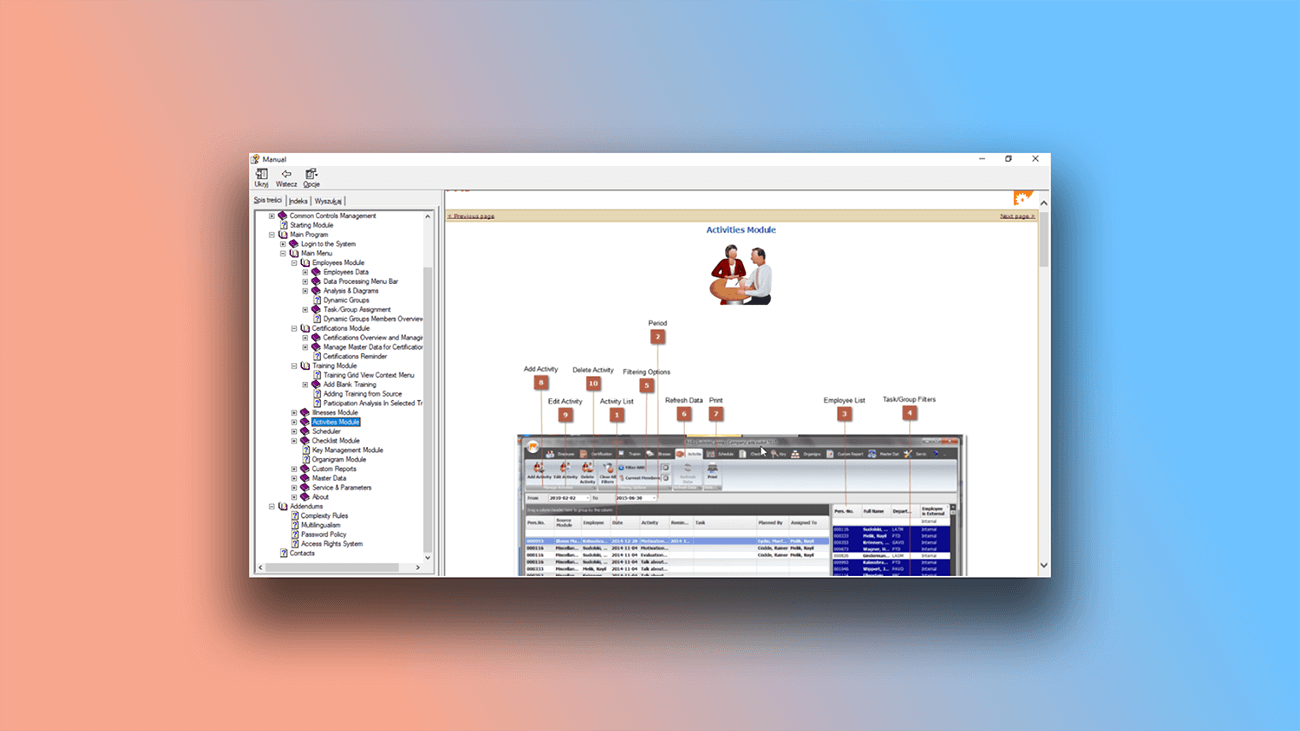
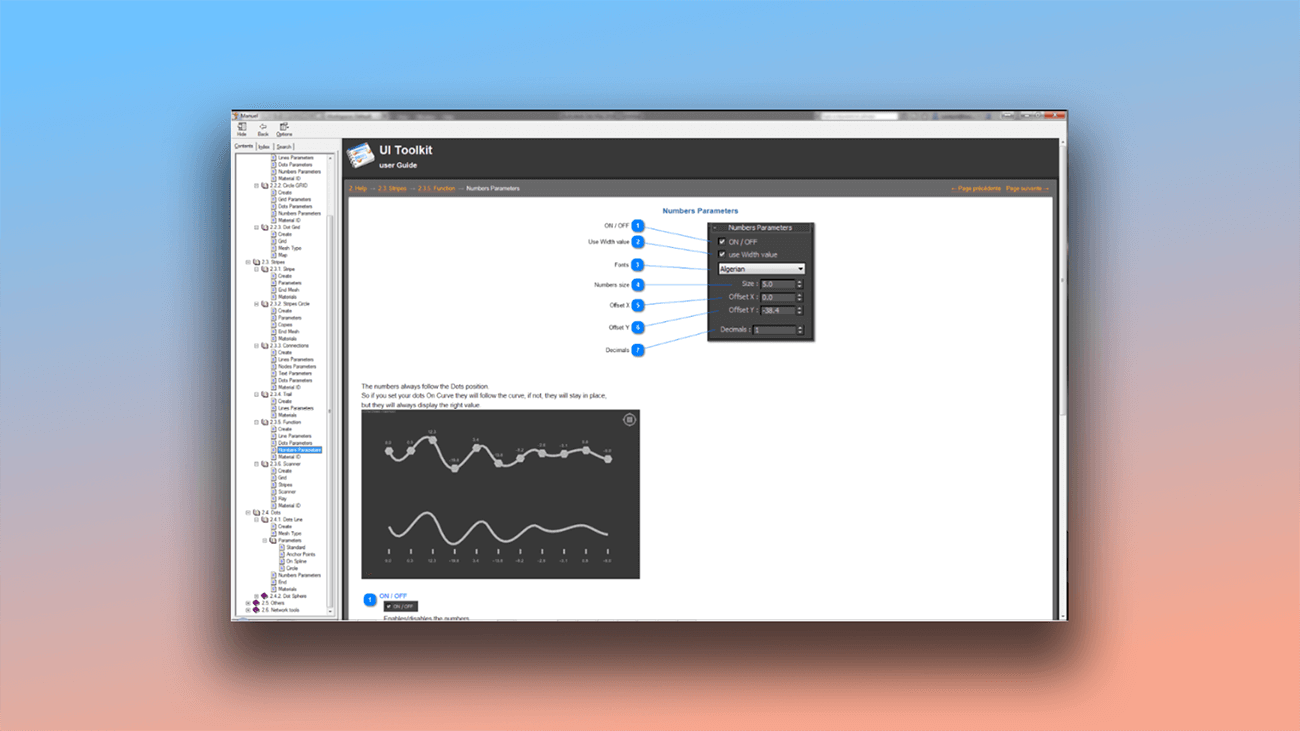
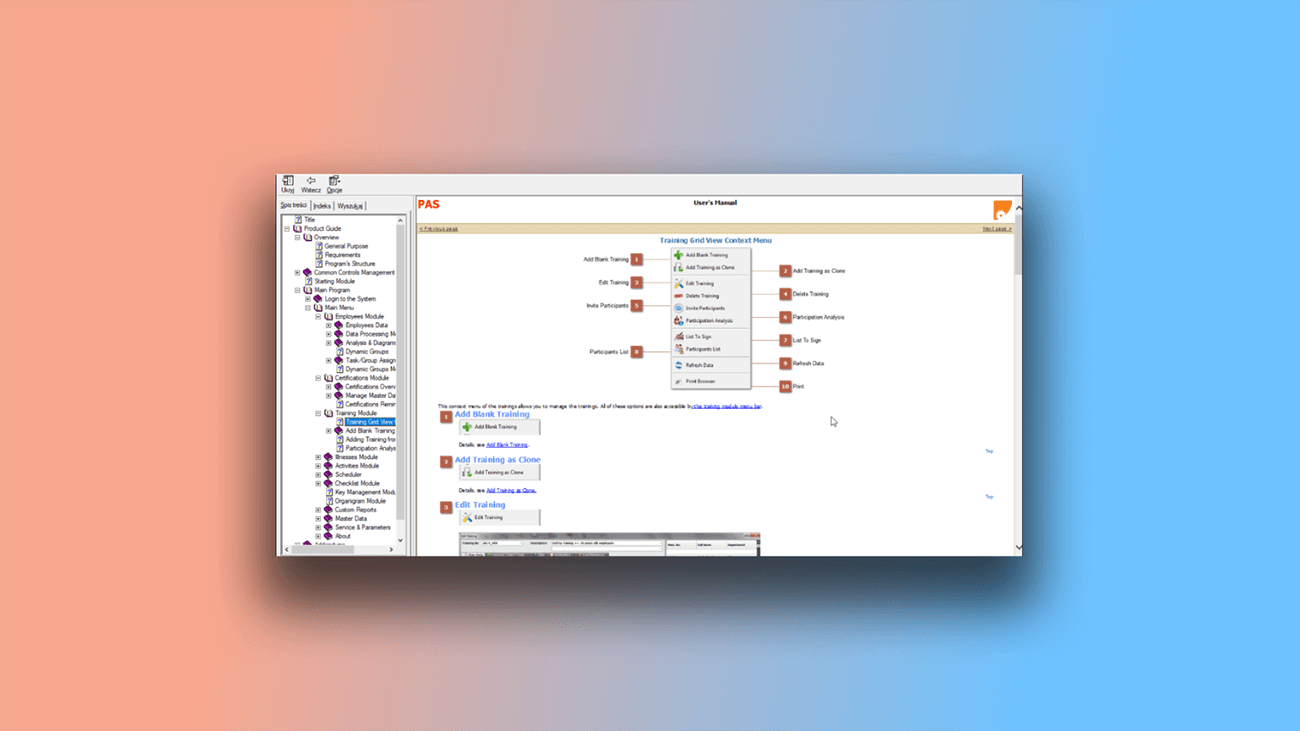
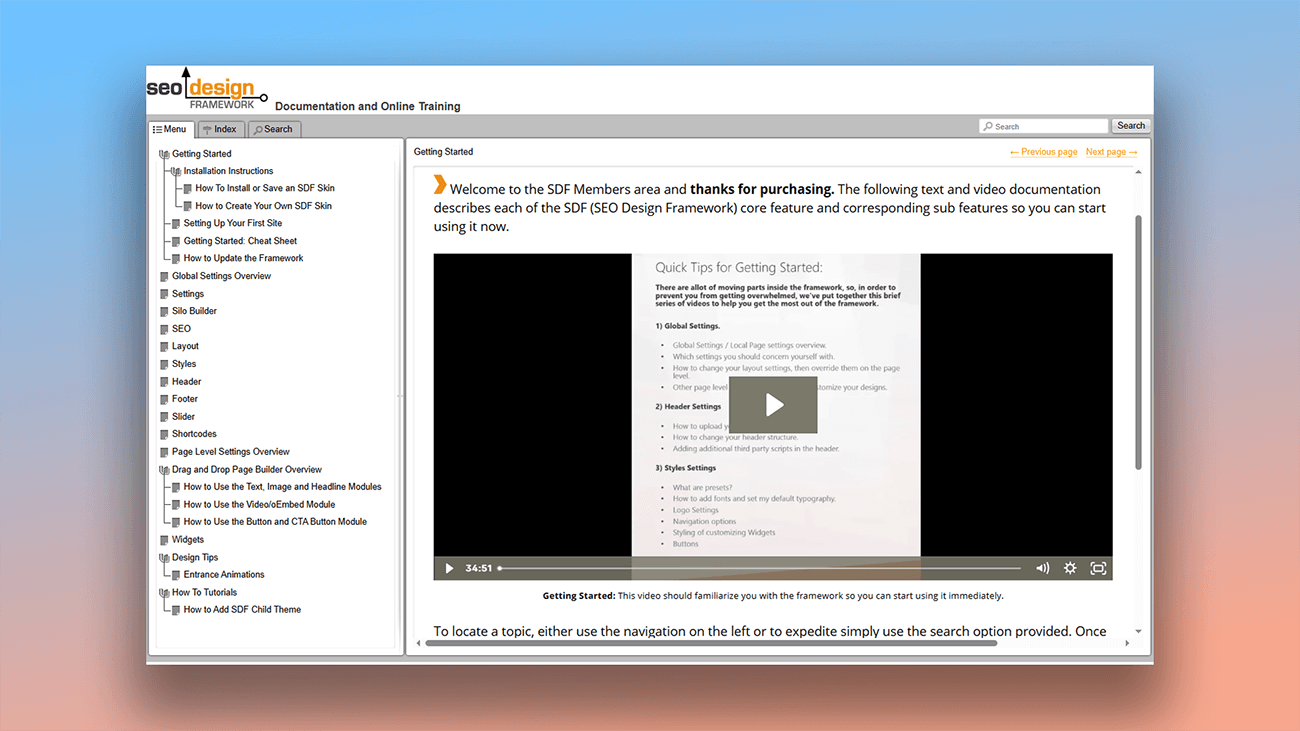
On our website, you'll find more than just examples of documentation created with Dr.Explain — you can also read interviews with authors who have successfully integrated help systems into their workflows. Below, see sample screenshots from real projects across different formats and industries:
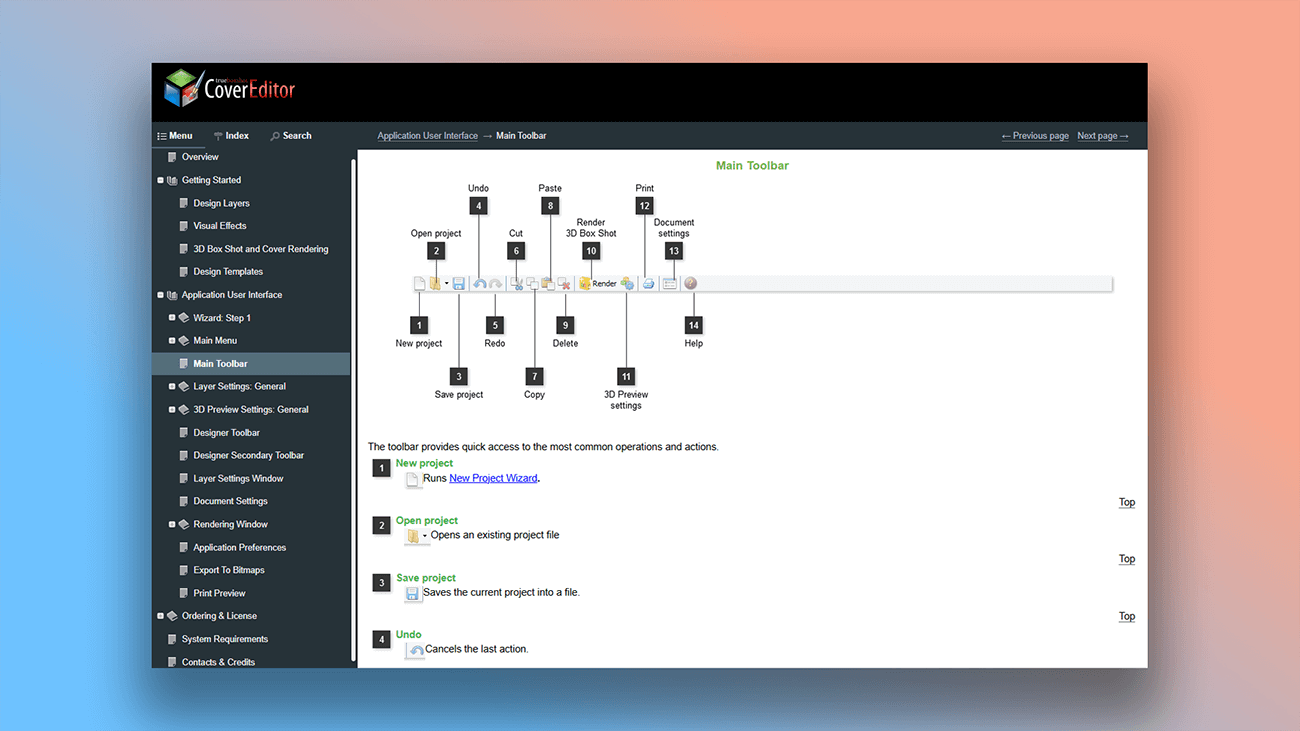
What are the benefits of using Dr.Explain?
Dr.Explain is built for authors who prioritize speed and quality, helping you create professional help systems with clear, well-structured, and visually engaging content. It’s the right choice when you need:
- an intuitive help authoring tool that handles a wide range of documentation tasks;
- high performance with no internet dependency;
- a time-tested application with regularly released updates;
- spell checking in multiple languages;
- collaboration tools for remote authors;
- ready-made templates built to industry standards.
Users about working with the Help-ID in Dr.Explain

"Dr.Explain came as a boon and made the entire process of creating and maintaining the user documentation simple and streamlined. We can now focus on producing content while the software takes care of other things like conversion to different formats and single point update processing. We can export the same document to various media and print-ready formats as required".
Ali Ataya, General Manager and Crystaltrack
Interview with Ali
Frequently Asked Questions
How to purchase Dr.Explain?
You can purchase the program on the page Order Licenses & Pricing Plans.
Can I customize the ready-made templates?
Yes. You can edit HTML and CSS, or embed third-party widgets.
Are there video tutorials available?
Yes. You'll find a Dr.Explain overview on this page and more tutorials on our Youtube channel.
Is there online help for your application?
Yes. Learn more about our help authoring tool in our Dr.Explain user guide.