



Creating Help Context ID map files
With Dr.Explain, you can assign numeric Help Context IDs and text aliases to each help topic, building a context-sensitive help system for your software. You can then create Help Context ID map files ready for integration into your application's source code. Dr.Explain supports three common map file formats:
- ".h" – for C++ header files;
- ".vb" – for Visual Basic;
- ".inc" – for Object Pascal and Delphi.
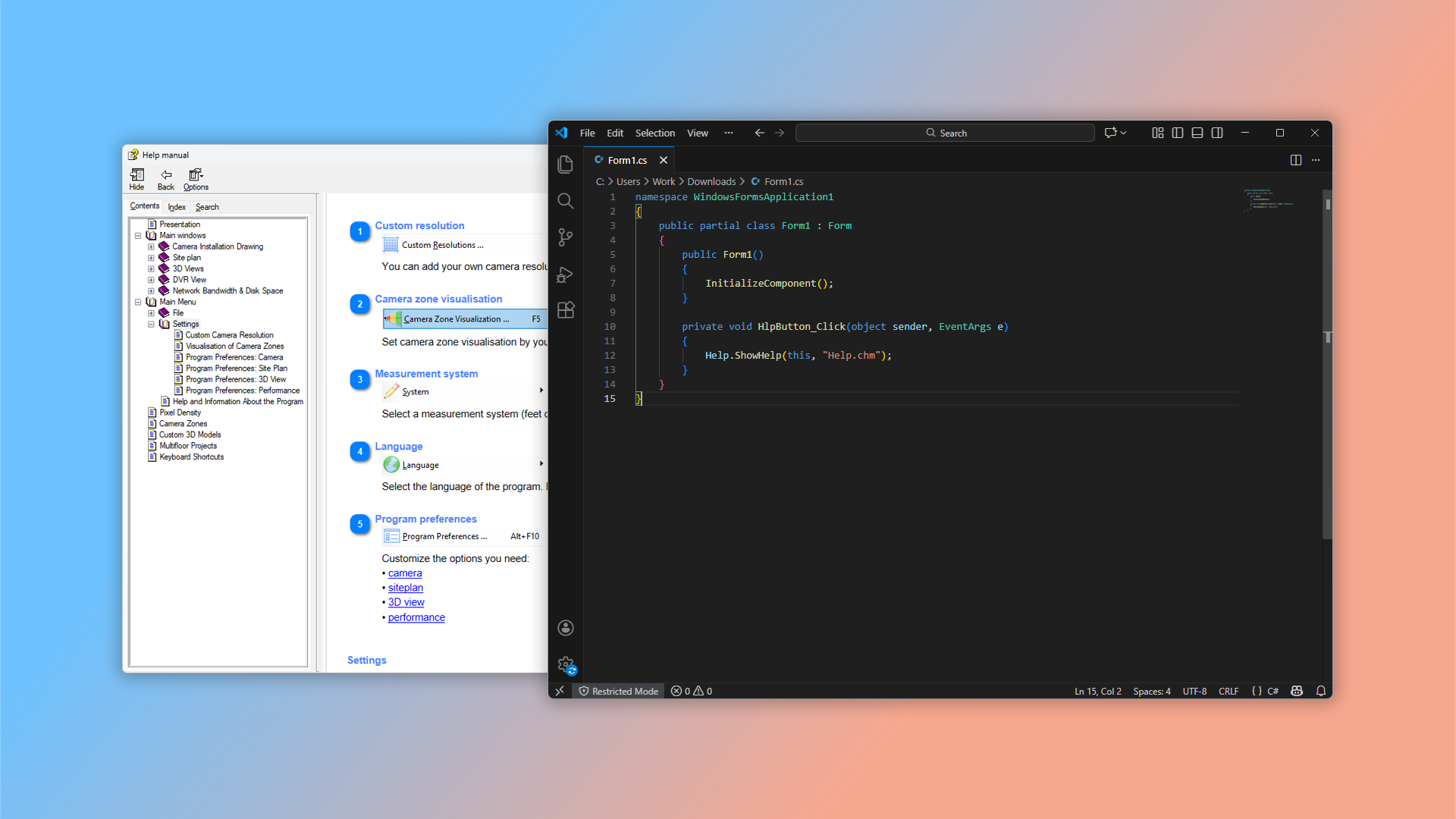
What is a context-sensitive help file?
This type of file connects pages in your guide to specific elements in your program's interface. Each control in your software has a unique identifier — and matching values are assigned to corresponding help topics. Using Microsoft's HtmlHelp API, your application can open the help file directly to the topic related to the interface element the user is viewing.
For example, if a user opens help from your application's main window, they'll see the CHM guide opened to the page explaining that exact window.
How to create a Help Context ID map file in Dr.Explain?
Generate the map file through the main menu when you export to CHM format.
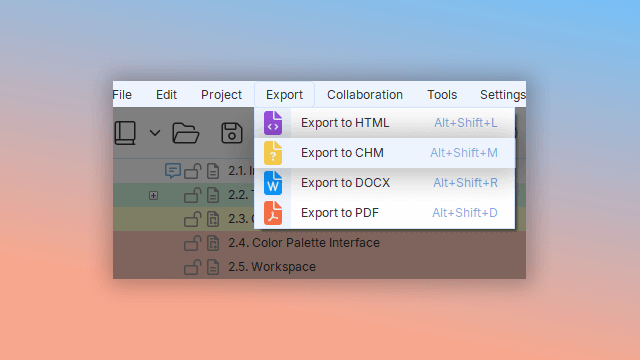
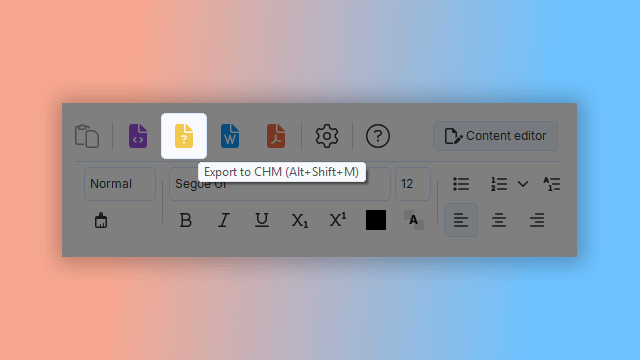
Click the "Create CHM" toolbar icon, or press Alt+Shift+M.
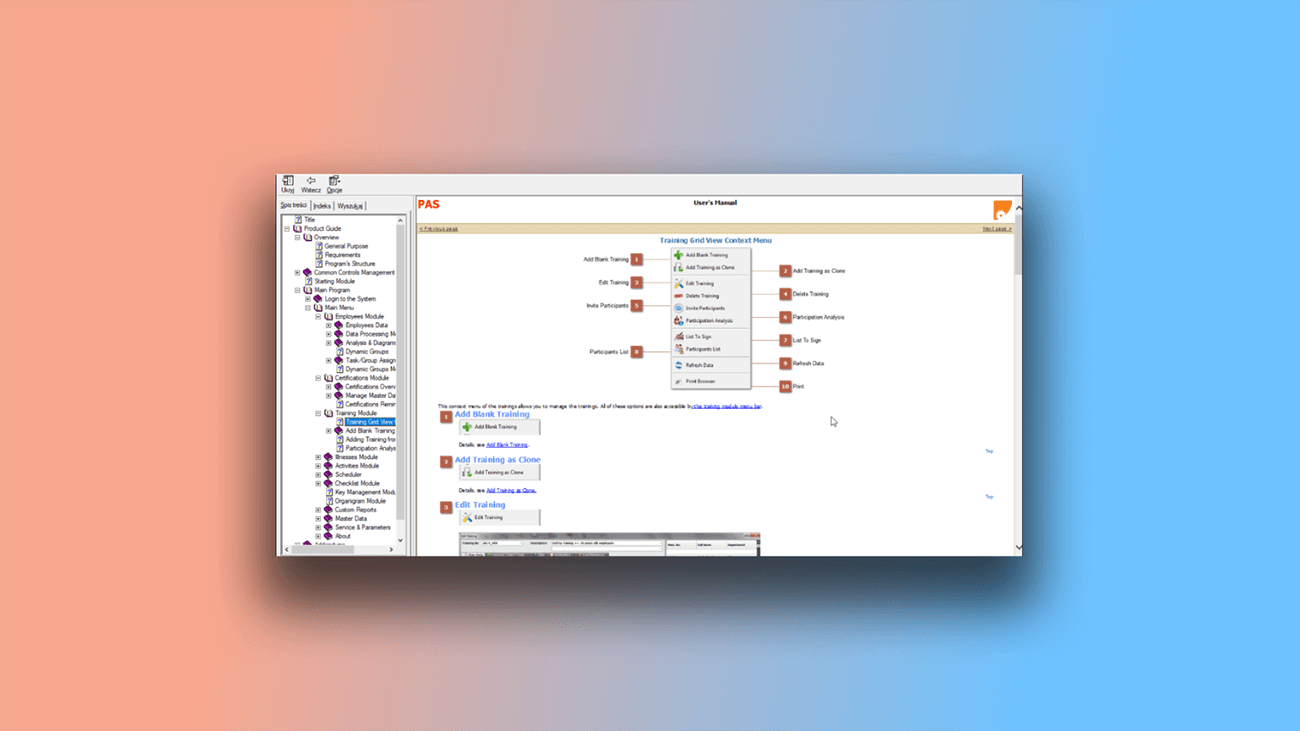
Examples of user documentation created in Dr.Explain
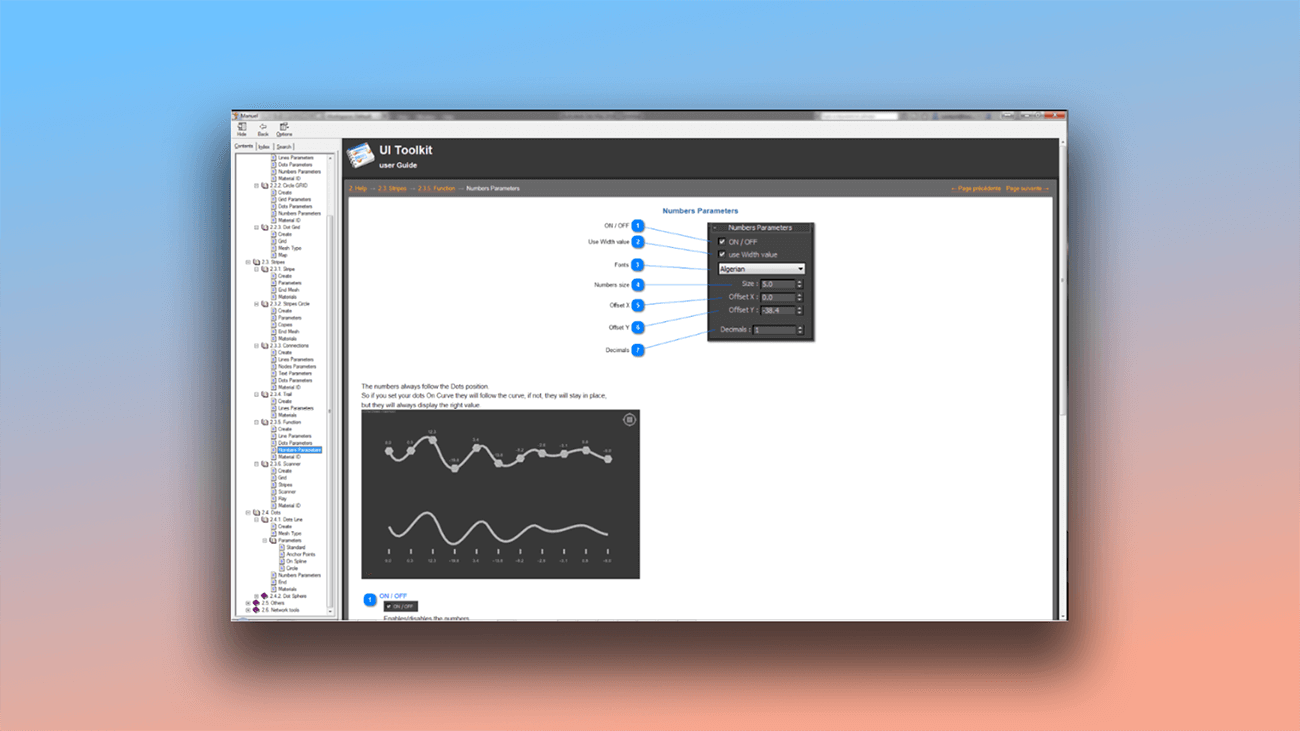
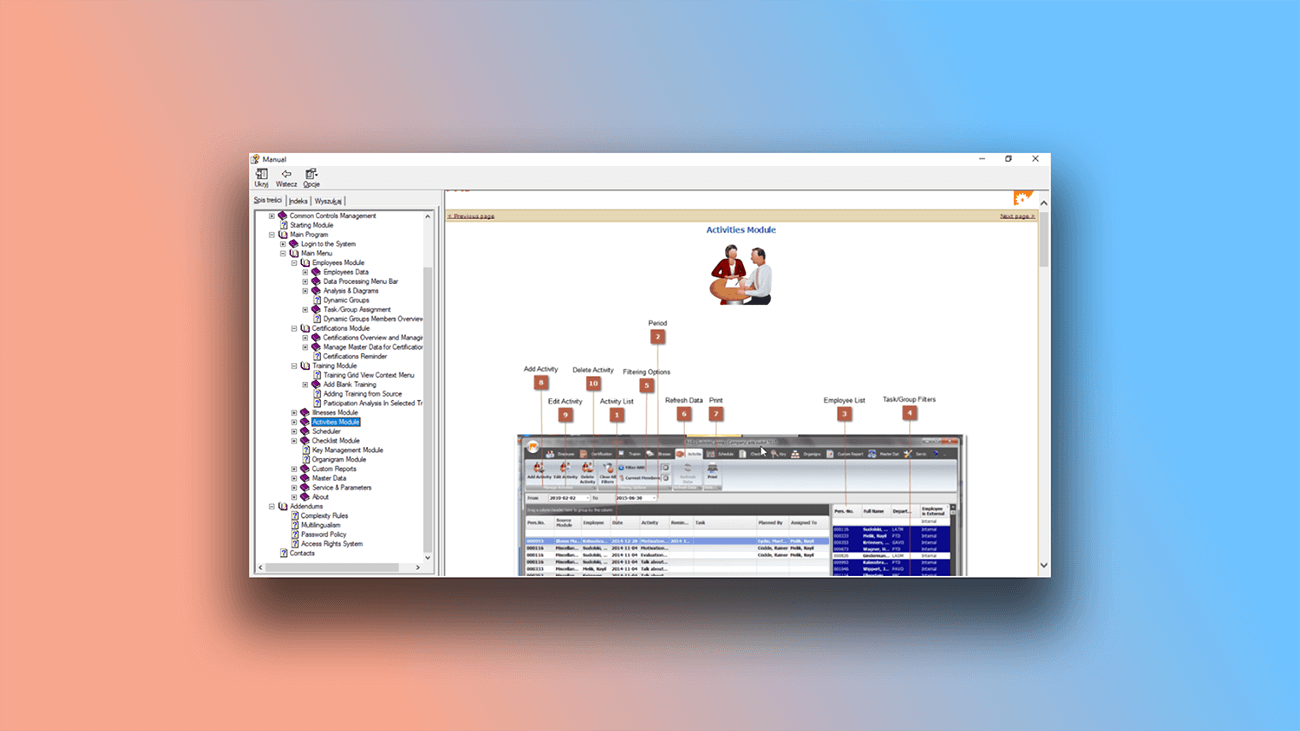
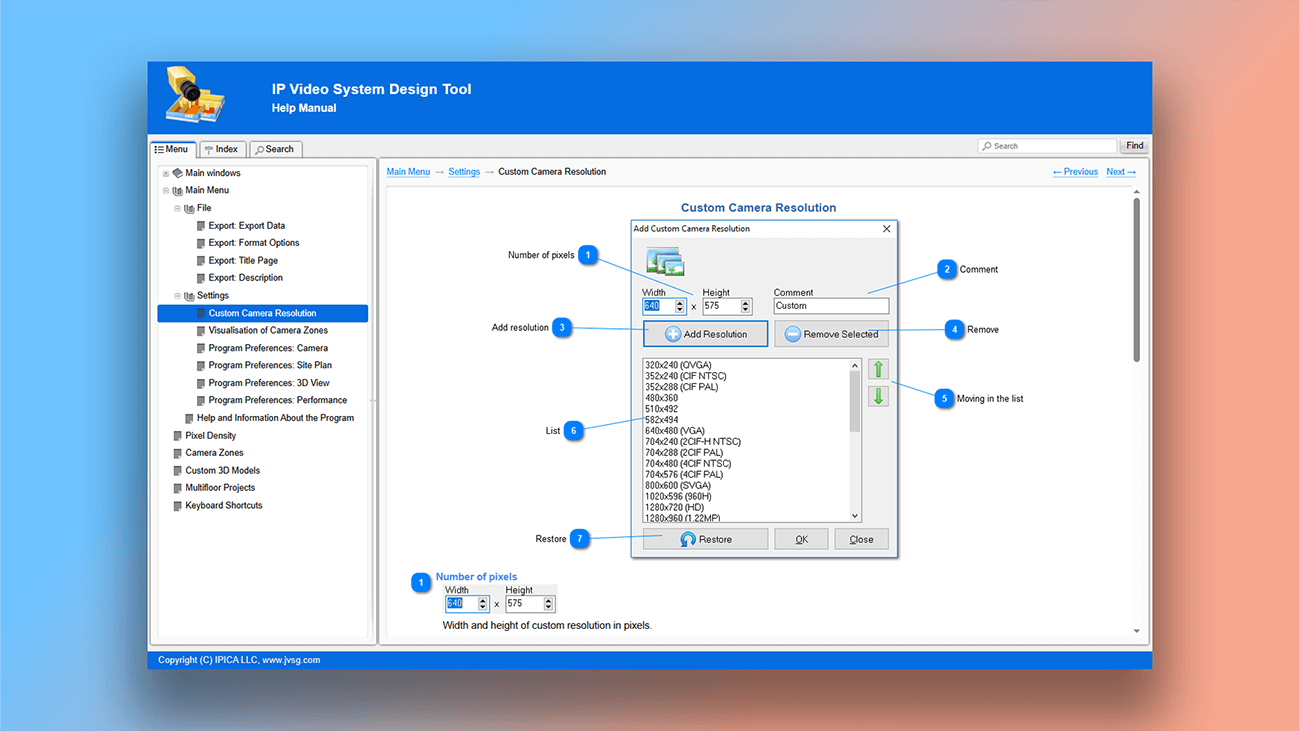
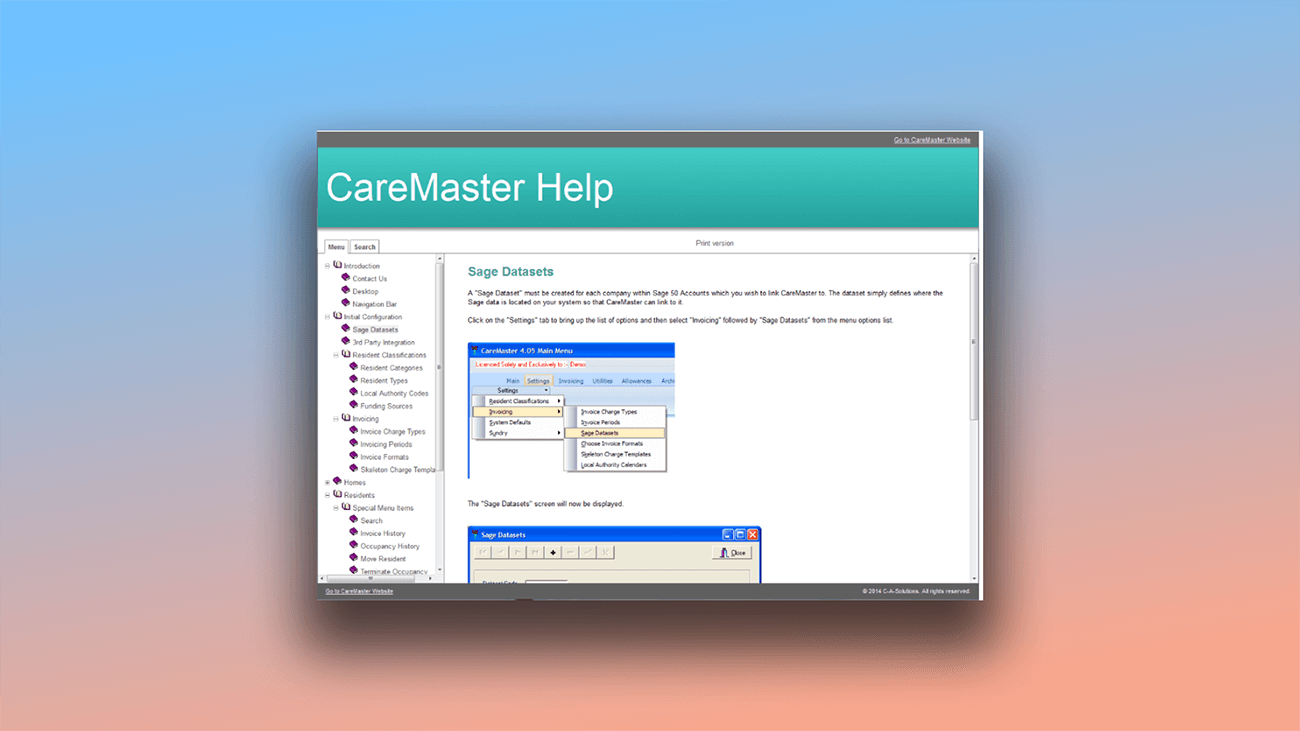
On the page "Examples of user manuals and Online Documentation", you can see real examples of user guides created with Dr.Explain. Below are sample screenshots of help manuals in various formats, including CHM:
What are the benefits of using Dr.Explain?
Dr.Explain replaces the need for multiple tools — no more switching between screenshot apps, annotation editors, and export utilities. Focus on your content while the tool handles formatting and technical details.
Easy to use. Automatic annotation saves time and effort.
Consistent results. Built-in templates and guidelines ensure professional formatting, including automated cover pages and annotations.
Multilingual support. Create documentation in multiple languages with spell checking for each.
What type of users is Dr.Explain suited for?
Dr.Explain serves a wide range of users with its core strength: automating the documentation process. Here’s why teams choose it:
- on-premises security — desktop app keeps sensitive data local;
- real-time collaboration — multiple authors can work together;
- streamlined project management — intuitive structure editing;
- multi-format export — publish to PDF, HTML, CHM, and DOCX;
- long-term support — established product with ongoing development;
- pre-built templates — jumpstart projects with professional layouts.
Users about creating map files in Dr.Explain

"Having created the CHM, it is easy for us to add it to our ".NET" applications".
Alex Muir, the managing director of Database Software Solutions Ltd
Interview with Alex
Frequently Asked Questions
Can I create a map file without technical skills?
Yes. The process is automated. Dr.Explain lets you build context-sensitive help by assigning topic IDs and generating ready-to-use map files for app integration.
What is context-sensitive help?
It provides users with assistance for the specific program element they’re currently using.
Can I create a web version of the help documentation?
Yes, no technical knowledge required.
Does the program support automatic numbering?
Yes, and numbering updates automatically if you add or remove topic.
Can I edit auto-generated annotations?
Yes, using the built-in annotation designer.
Can I import old Word documents and continue working on them?
Yes, and your document structure will be preserved.
Do you have Youtube chanel with tutorials?
Yes, watch tutorials on our Dr.Explain Youtube channel.