



Ready-made guide templates
The ready-made guide templates in Dr.Explain are pre-built layouts. If you're new to creating documentation and aren't sure where to start, they provide a great starting point for quickly building a professional-looking help system. These templates come with a modern design and well-organized topics. All you need to do is add your own content and, if you wish, change the visual style. Later, you can fully adapt the template-based project to your specific needs — customize the fonts, change the background, add different icons, adjust spacing, and more.
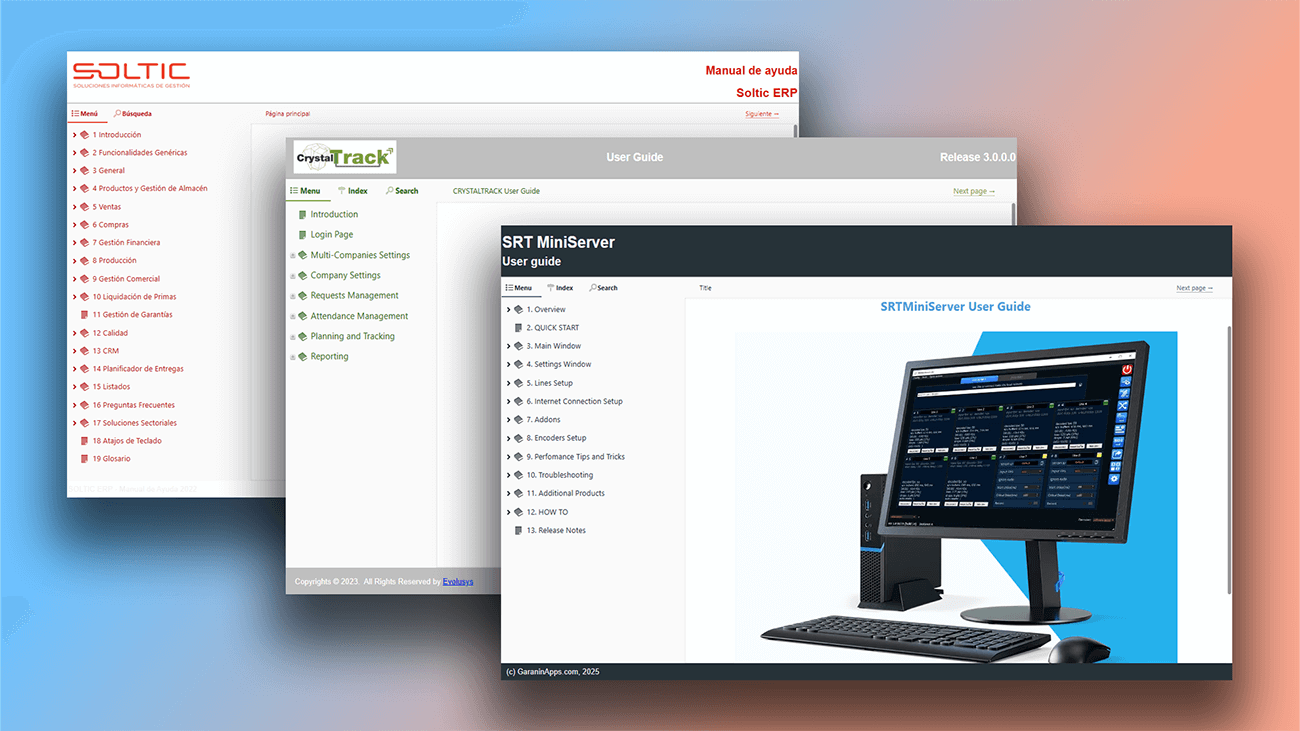
What are ready-made templates?
A template is a pre-built framework for your user guide. It provides a starting point with basic content like a structured outline, headings, and formatting. For a simple user guide, this might be all you need.
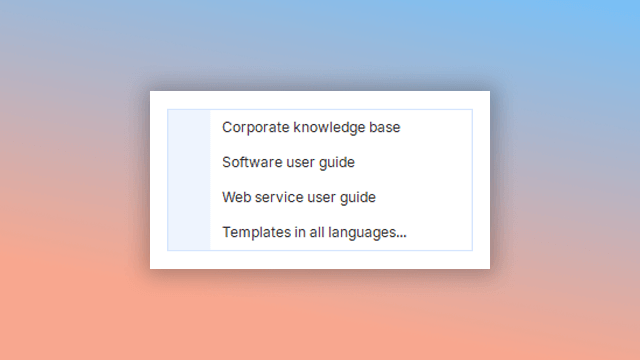
How to use ready-made templates in Dr.Explain?
To get started, simply select a template. You can do this when you first launch the program or later by going to "File" -> "Create a local project from a template" in the main menu. Your chosen template will open with a pre-defined topic structure and a basic visual design that you can customize.
For authors creating documentation in other languages, we offer localized templates in:
- German;
- English;
- Spanish;
- French;
- Italian;
- Portuguese.
Interactive features
When building an online guide, you don't need to create common elements like menus, next/previous page arrows, or a search box from scratch. Dr.Explain automatically generates all these interactive features. For advanced customization, you can also add your own elements, scripts, or third-party widgets by inserting blocks of HTML code directly into your content.
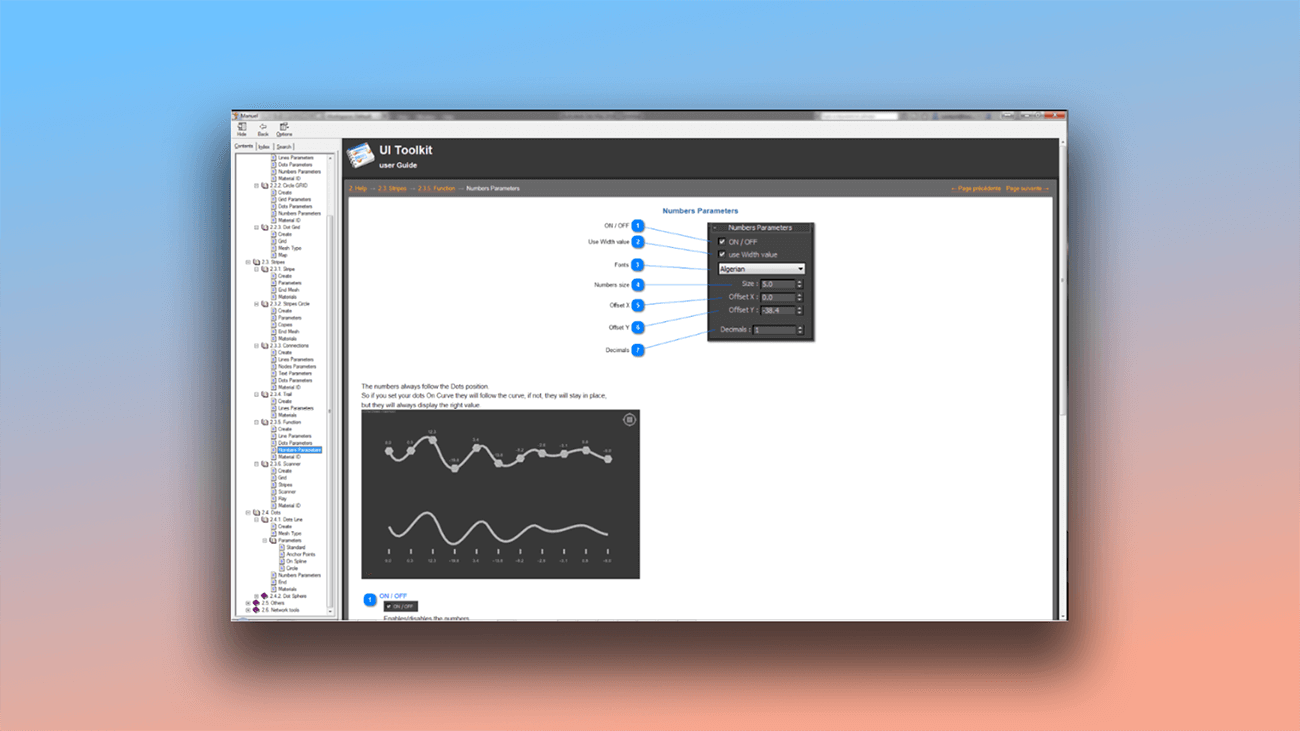
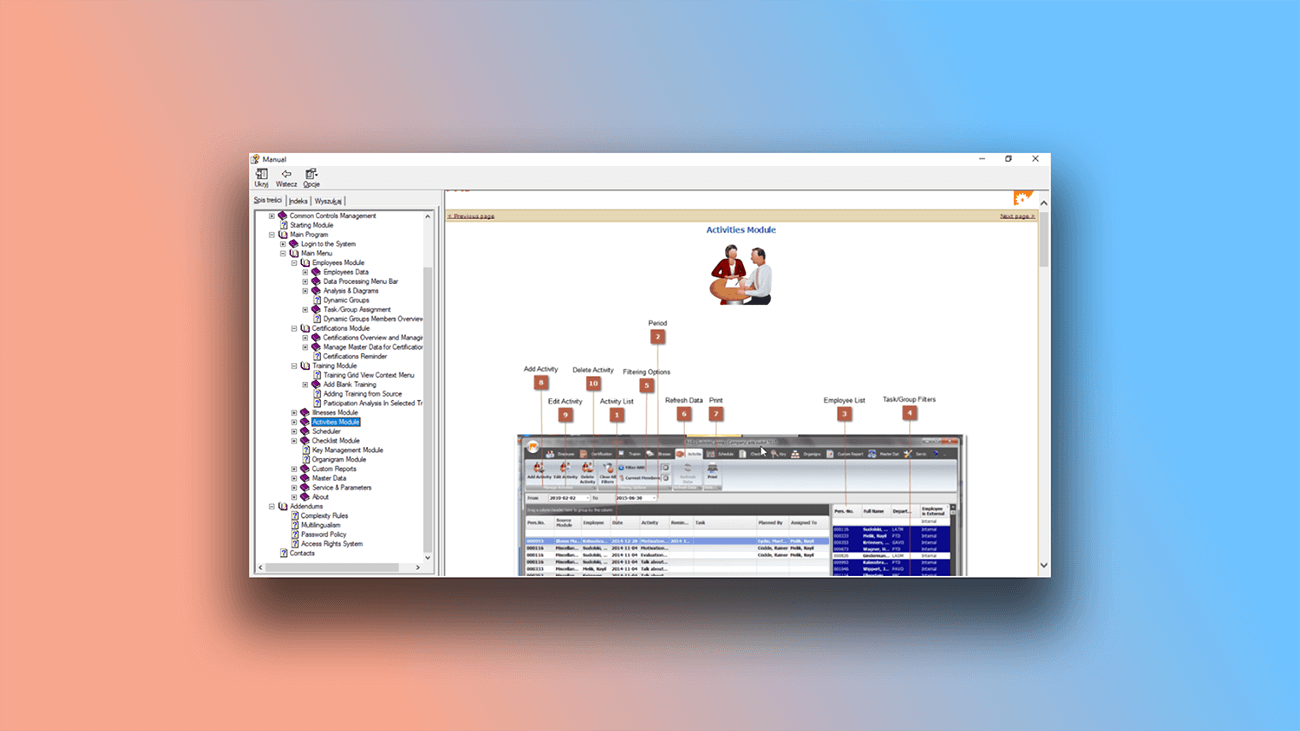
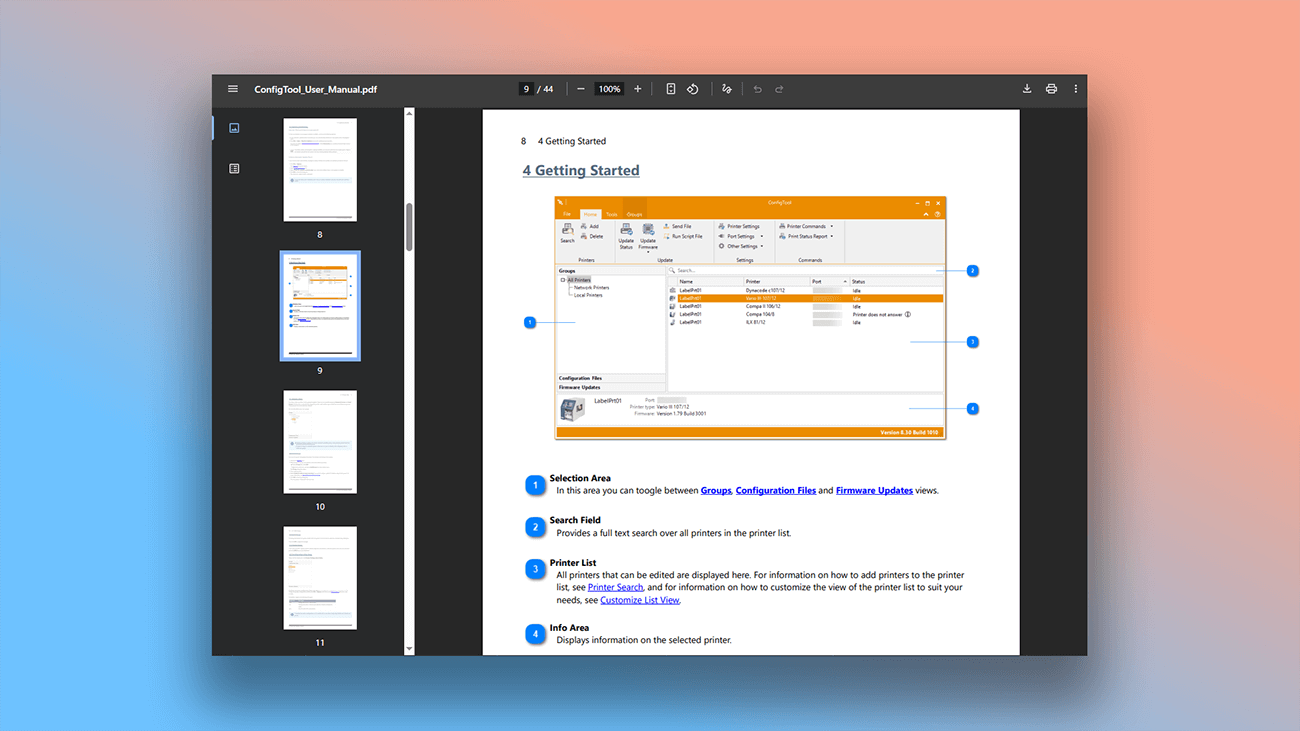
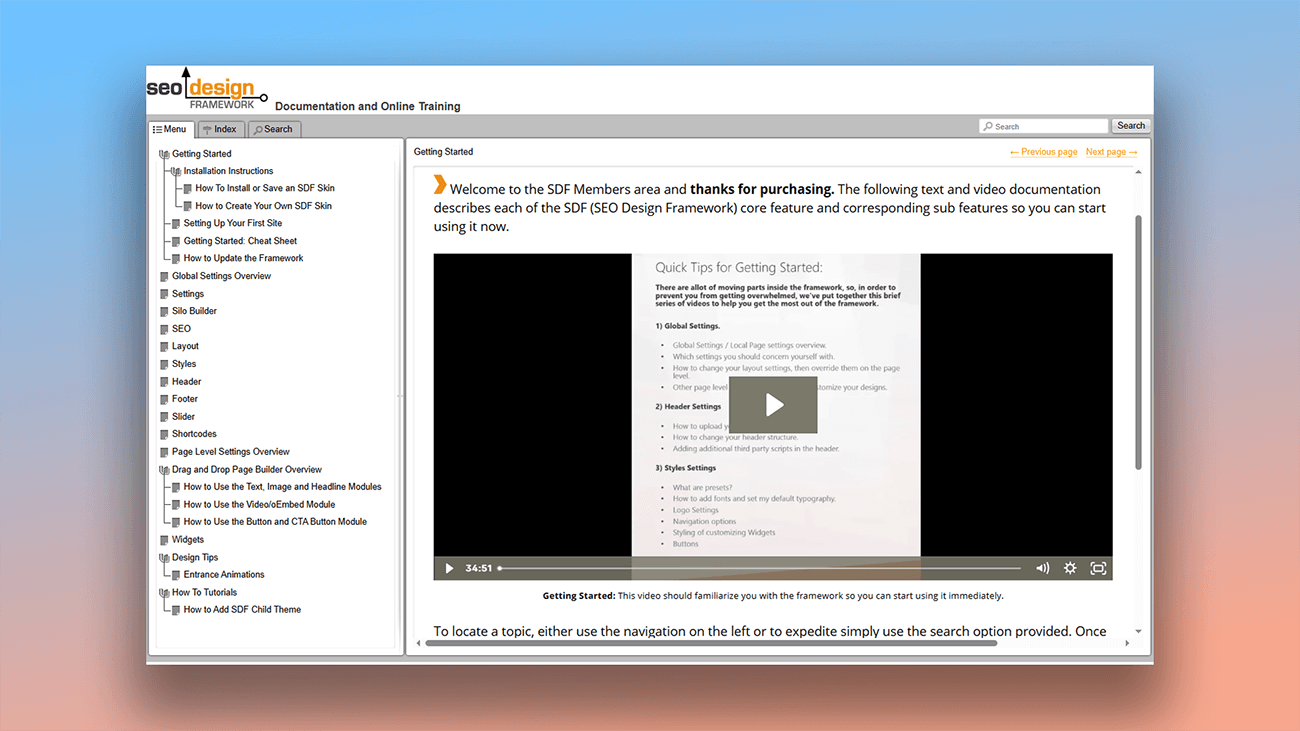
Examples of user guides created in Dr.Explain
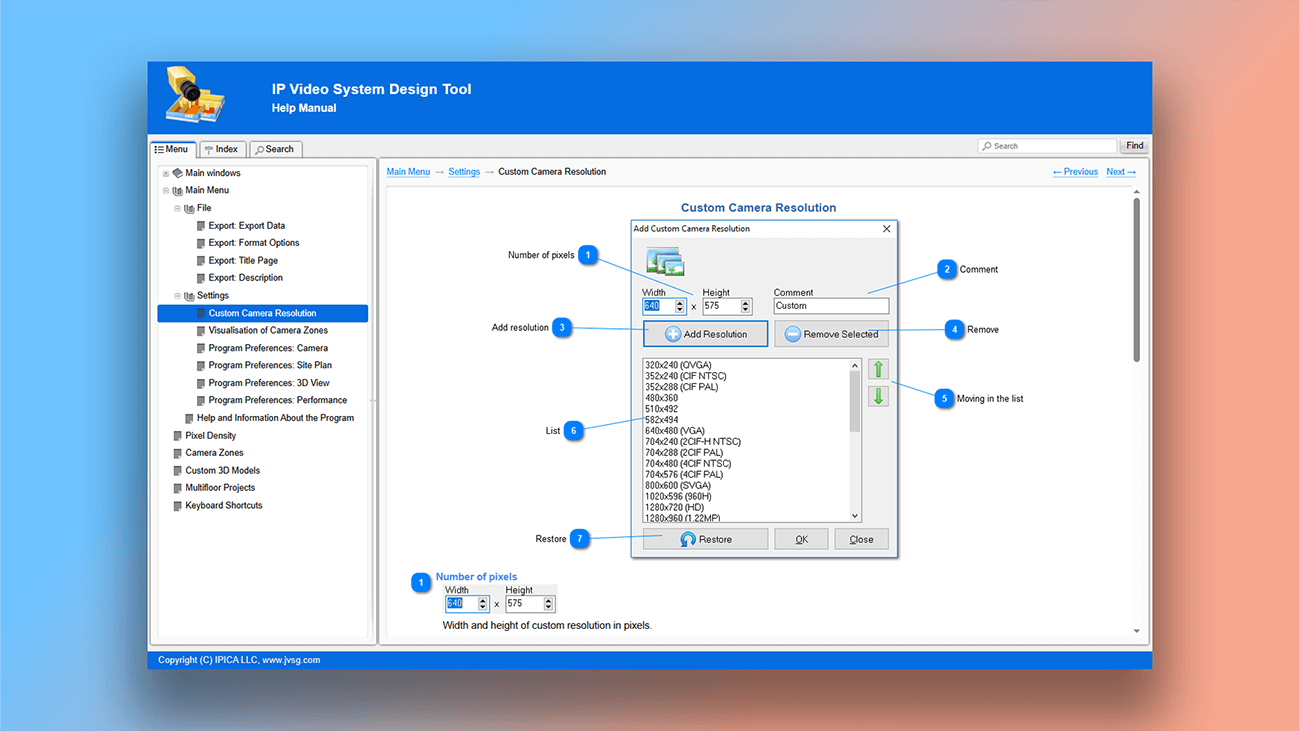
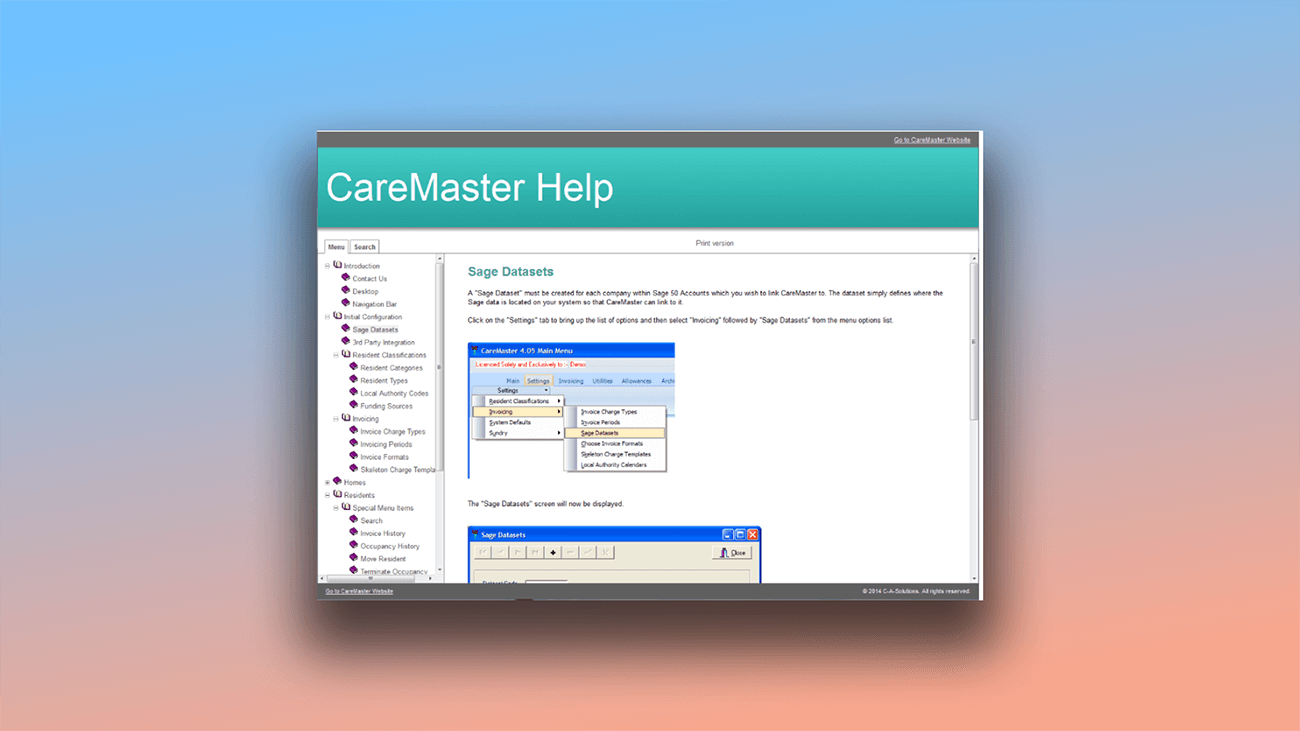
Dr.Explain helps you create user documentation faster. Take a look at these examples of real manuals made with this help authoring tool.
What are the benefits of using Dr.Explain?
Saves time. You just add your content to the template. There's no need to spend time designing the layout or organizing the document's structure.
Clear understanding. Well-formatted and logically structured content makes information easier to digest. Users get accustomed to a consistent style, which helps them find what they need quickly.
Professional look. The templates are designed based on best practices for user documentation, ensuring a polished and consistent appearance.
Legal protection. In some cases, adhering to standards can provide legal protection for a company. If disputes arise, having documentation created according to established norms can serve as proof that users were properly informed about a product or service.
What type of users is Dr.Explain suited for?
Dr.Explain is designed to meet the needs of both professional technical writers and complete beginners facing documentation for the first time. This philosophy also applies to our pricing: if you're not ready to purchase a license, you can install the free version and use it indefinitely. Here are some common situations where Dr.Explain can help:
- your documentation has grown too large and become difficult to manage and maintain;
- your manual is so lengthy that users struggle to find their way around and need better navigation;
- you require a comprehensive search function so users can quickly find answers;
- it's time to improve your guide's visual design;
- you need efficient tools for handling content like images, tables, and videos;
- you need the flexibility to export your documentation into different formats;
- you require a collaborative environment for multiple authors to work on the same document;
- you need the assurance of long-term software support.
Users about working with user guide templates in Dr.Exlain

"We produced a wonderful set of user documentation that has the keyword, cross-referencing, and other features that let the user quickly find what they are looking for and get their questions answered. It looks very professional and gives TYR a level of sophistication that competitors do not have. If you are in need of documentation for your application we strongly recommend Dr.Explain".
Jack Floyd, the founder of a non-profit called "To Your Rescue"
Interview with Jack

"The help file is around 87 pages, and adapting every language with Dr.Explain took only five days! It was a huge work, as it means around 350 pages to manage, but your tool is very well designed and easy to use, and requires only a few hours of practice".
Michel Garcia, the founder and CEO of the IIM Services Agency
Interview with Michel
Frequently Asked Questions
Are there any video tutorials for Dr.Explain?
Yes. Check out our Dr.Explain Youtube channel.
What standard templates are available in Dr.Explain?
There are three templates:
- Corporate knowledge base;
- Software user guide;
- Web service user guide.
What formats can I export these templates to?
Templates can be exported to these formats:
- HTML;
- CHM;
- PDF;
- DOCX.
Is there a free version of the program to try?
Yes. You can download Dr.Explain for free and use it without any time restrictions.
Is collaborative work on a single project possible?
Yes. Collaboration is enabled through the cloud-based Tiwri.com platform. See more in the topic Tiwri.com cloud service.