



Free corporate knowledge base template
Using the ready-to-use corporate knowledge base template will save you the time it takes to create a project's initial structure. A Dr.Explain project created from this template comes with a pre-built table of contents. The topics are partially filled with a structural framework — including headings, subheadings, and helpful prompts to guide you as you add your own content.
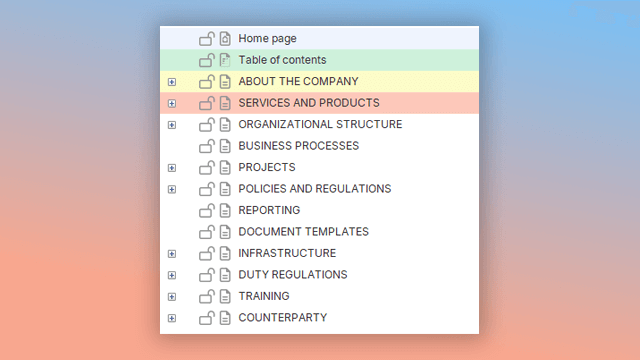
Please note that the corporate knowledge base template in Dr.Explain is an expert recommendation from our team, built on years of experience in knowledge management and help authoring. The suggested structure and sample content are not rigid standards, but a flexible foundation. You are free to adapt the template-based project to the specific needs of your business, products, and services.
This flexible approach makes Dr.Explain's templates suitable for a wide range of industries — from engineering and education to healthcare, science, finance, and consumer services.
The templates come pre-equipped with specialized features to speed up your work, such as text variables, formatted blocks, and custom text styles. This helps you get acquainted with these powerful program features and simplifies your project development.
If you feel the program is missing a new specialized template that could be useful to a wide audience, our team is ready to develop it and include it in future versions of Dr.Explain. Please contact us at: help@drexplain.com.
How do I create a corporate knowledge base template in Dr.Explain?
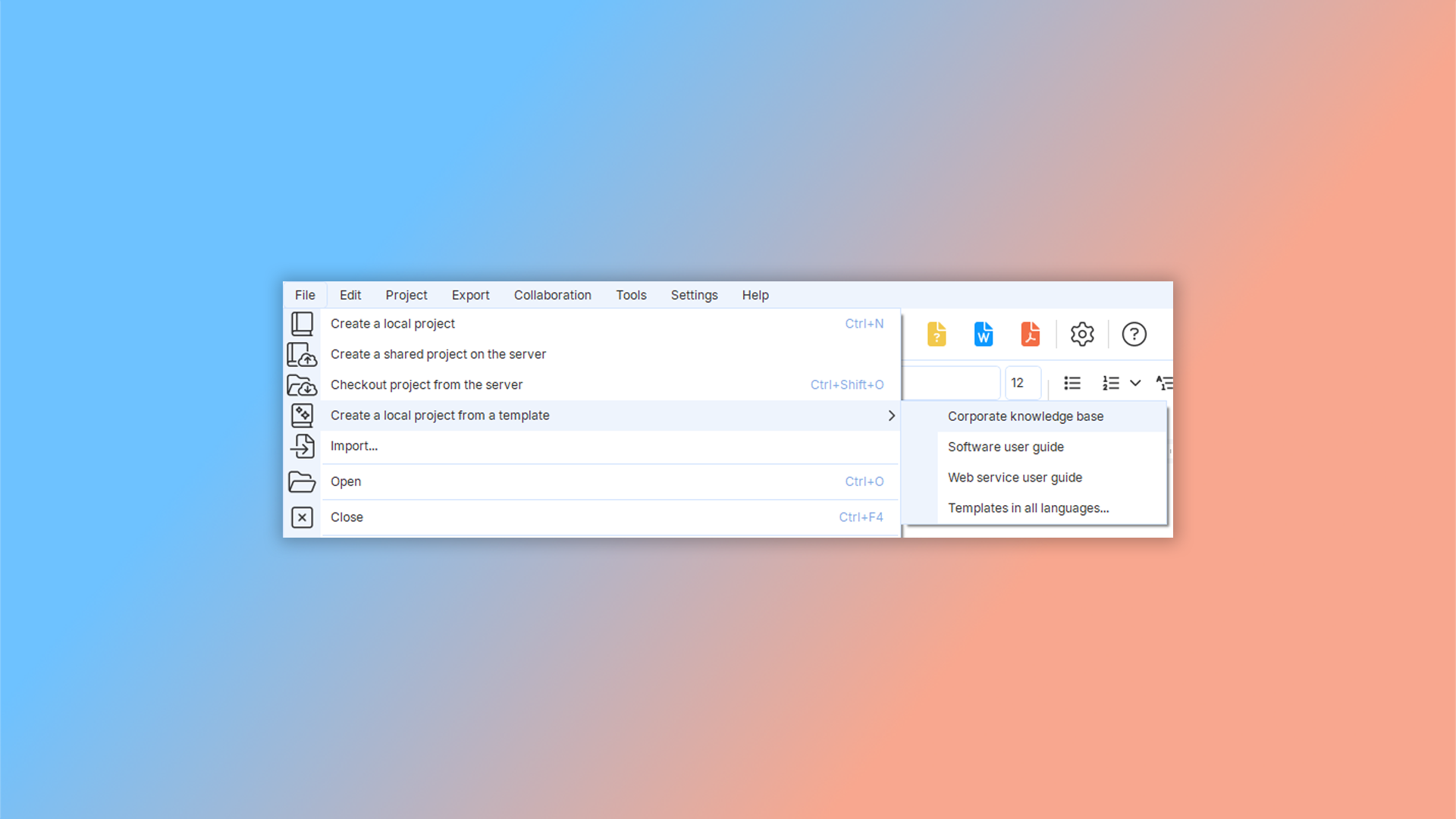
To create a corporate knowledge base from a template, launch the program and navigate to "File" -> "Create a local project from a template" in the main menu. Then, select option "Corporate knowledge base".
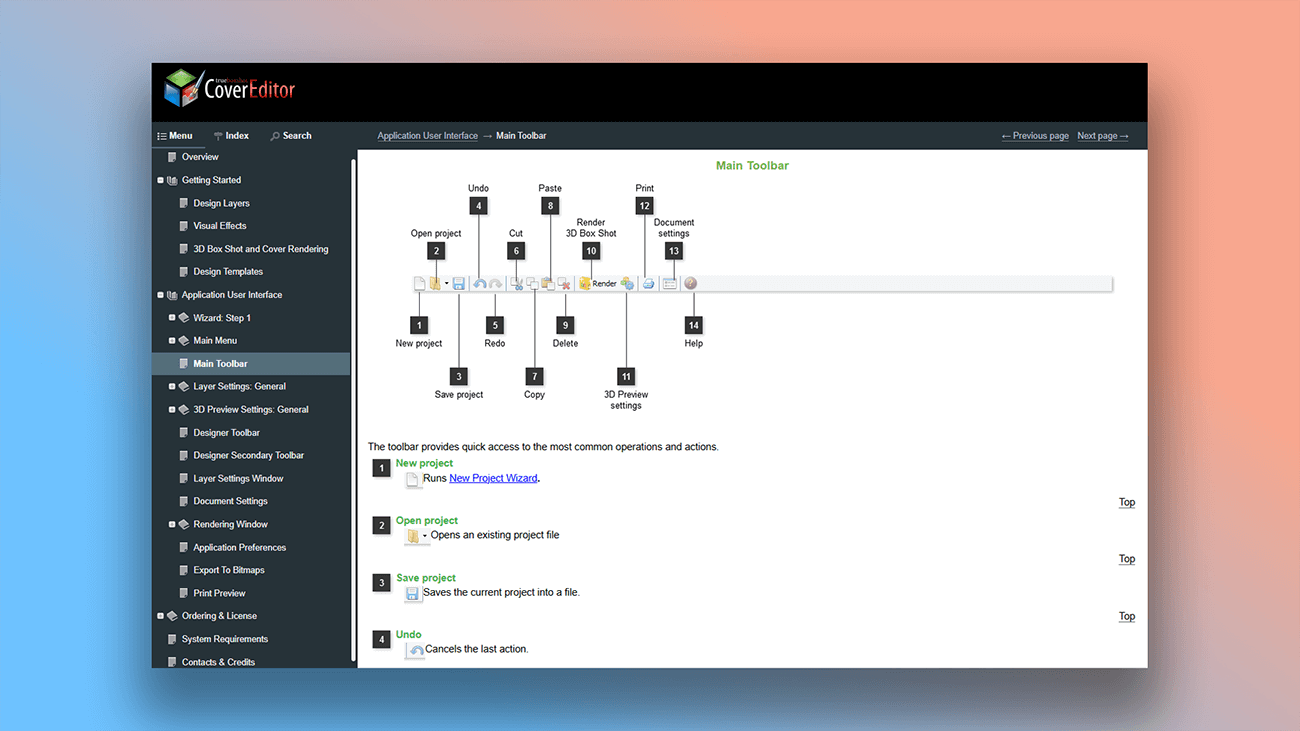
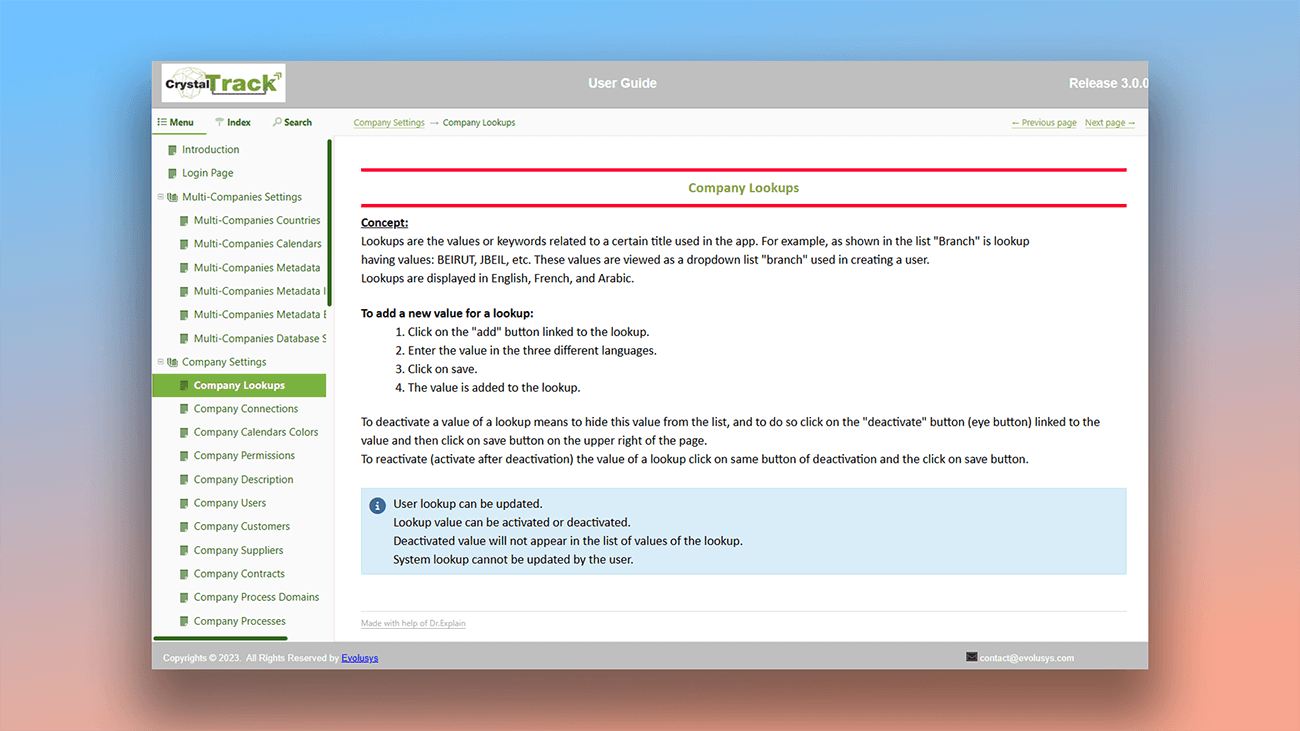
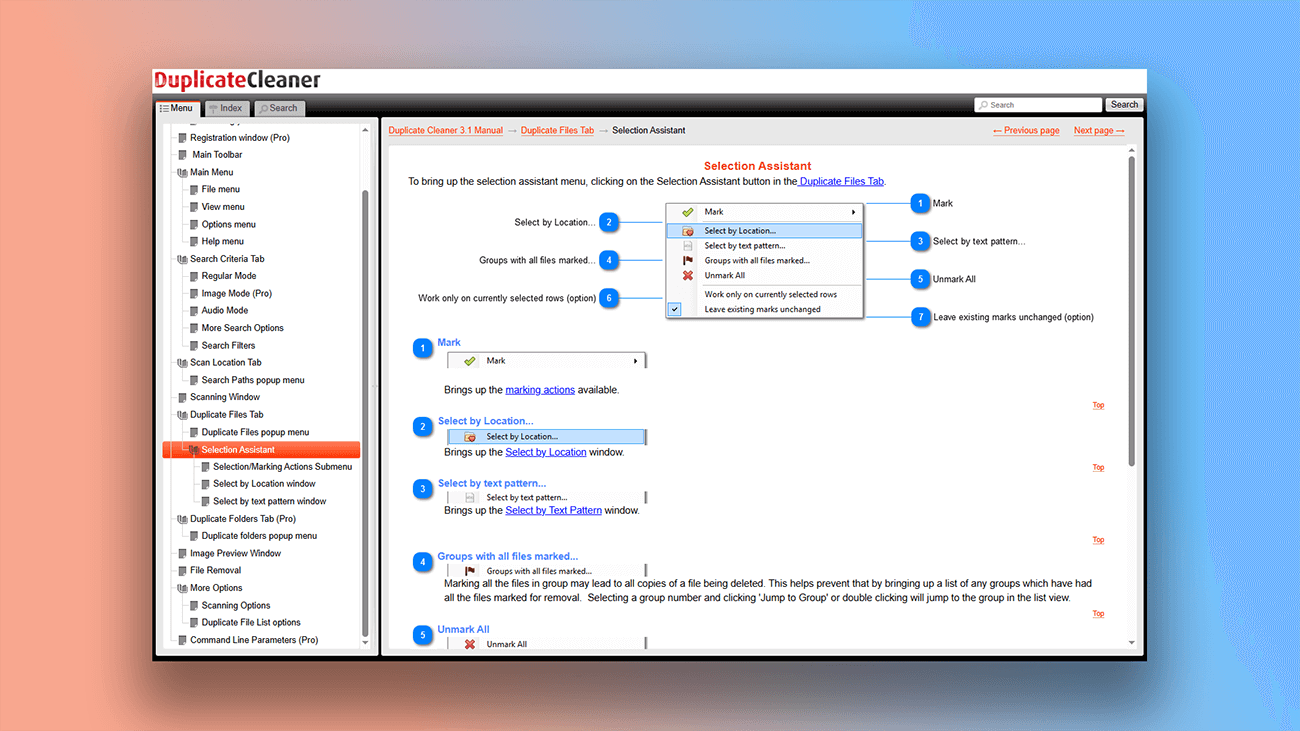
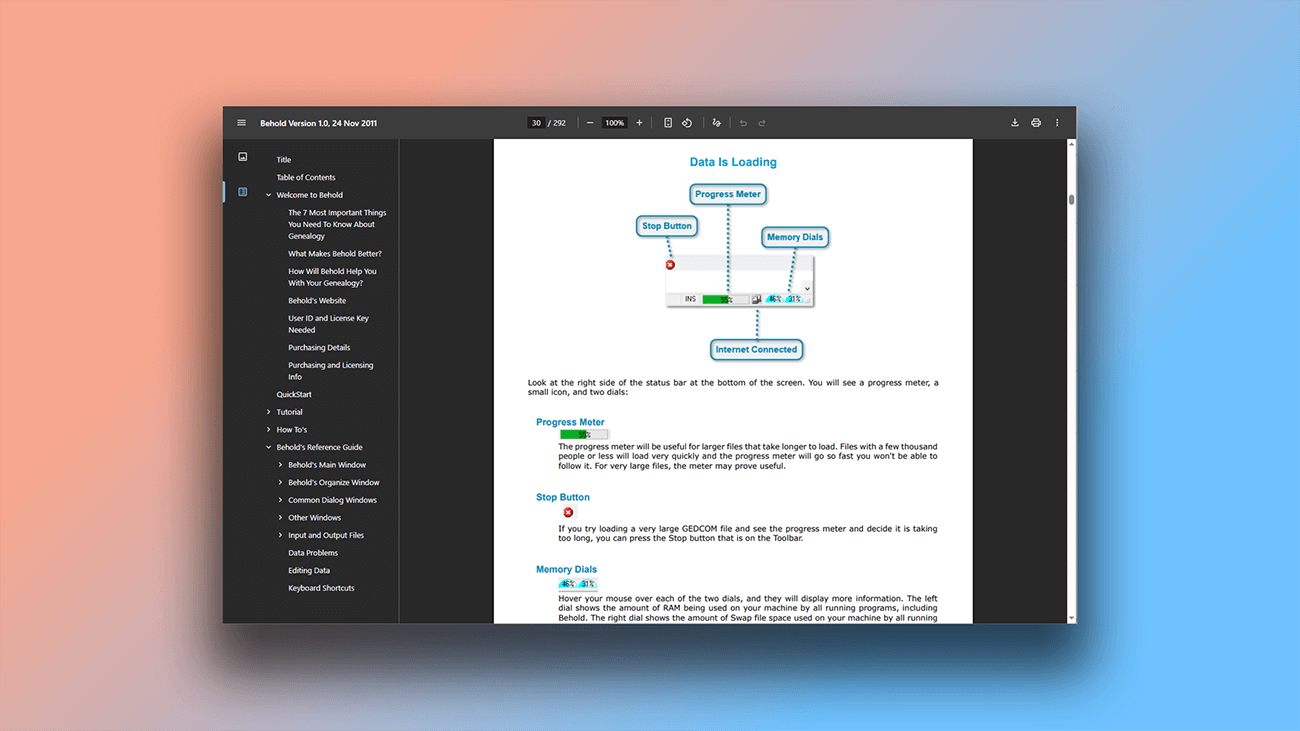
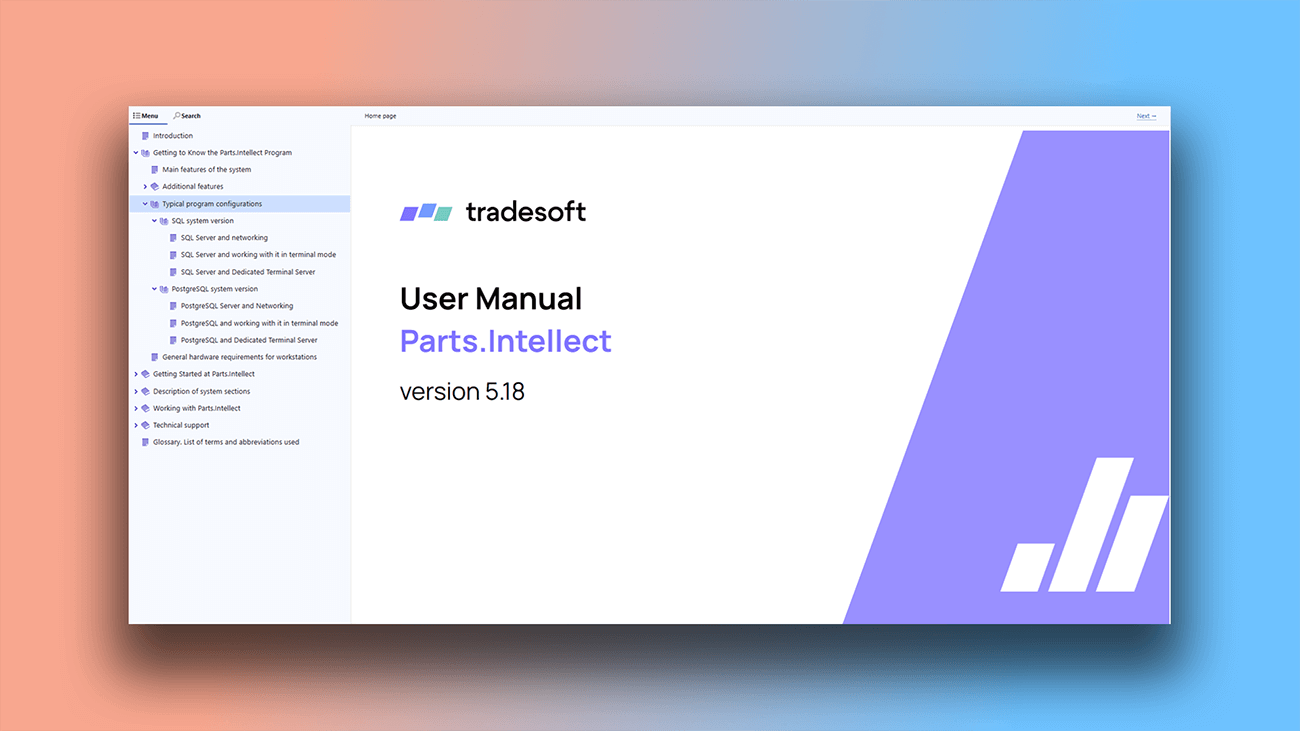
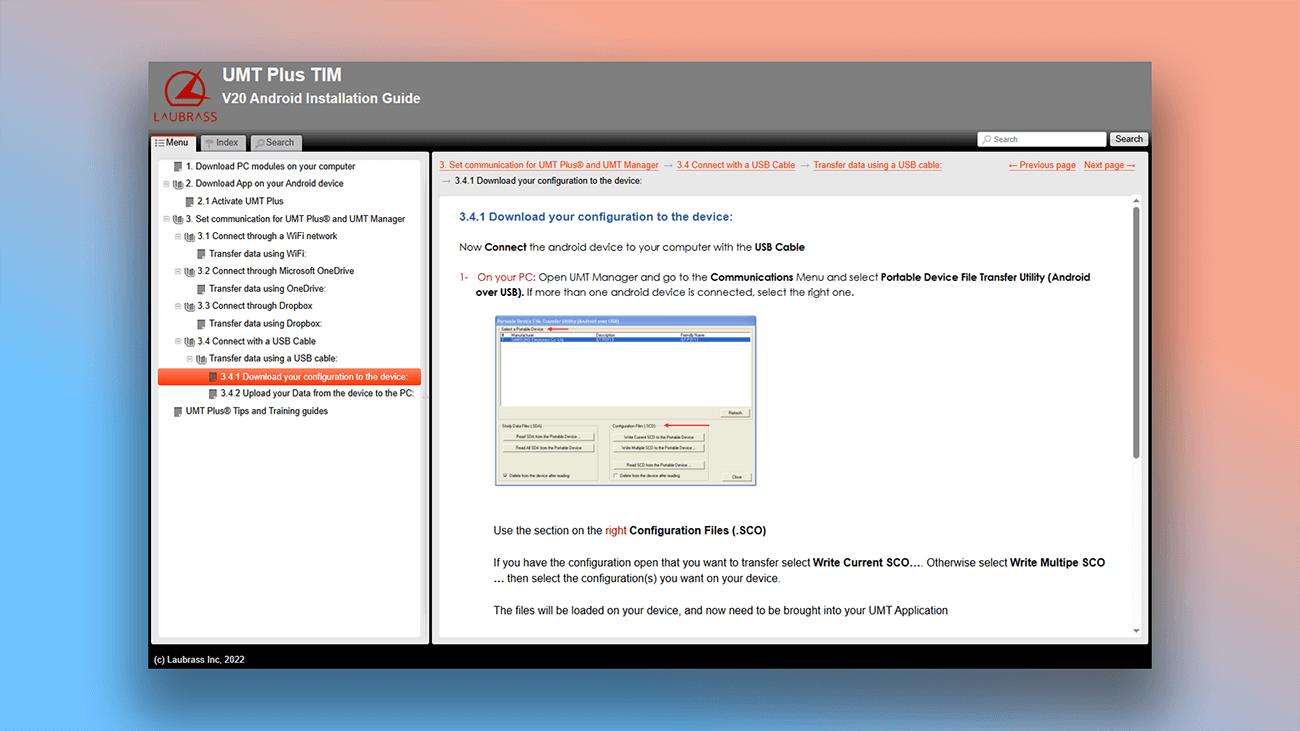
Examples of user documentation created in Dr.Explain
Visual learning materials are always more effective. That's why Dr.Explain includes a wide range of tools to help you create them. Here's what you can accomplish.
What are the benefits of using Dr.Explain?
Dr.Explain not only speeds up writing but also makes the entire development process smoother. The templates let you start adding content immediately, eliminating the need to build a structure from scratch. The heatmap provides a visual overview of your writing progress, while the tree structure makes it easy to manage your content hierarchy.
Security. As a desktop application, your data is stored locally on your computer. If data confidentiality is a priority, this makes it a more secure choice than cloud-based services.
Automatic annotations. This key feature automatically generates descriptive text for elements, eliminating tedious manual work for authors.
Export settings. Generate user guides in one of four common formats, all from a single source project. The software includes built-in error checking and allows you to set specific conditions for how content is displayed in each output.
What type of users is Dr.Explain suited for?
Dr.Explain offers ready-made templates that save you time by providing a pre-structured project with headings and helpful prompts. You don't need any special skills to create documentation in any format, and many processes are automated.
Consider using Dr.Explain if you need:
- advanced functionality for implementing a full-text search in your documentation;
- built-in tools for adding and editing graphics;
- support for multiple languages, including spell-checking;
- templates with a modern, professional design;
- the ability to instantly preview your results without exporting the document;
- a help authoring tool that supports text variables for efficient content management.
Users about templates in Dr.Explain

"We compared Dr.Explain to other help compilers and found it to be easier to use, and we liked how it makes it easy to publish its content. We also felt it provided good navigation for the end users, making it easy for them to find specific help content".
Gary Arnold, the founder and CEO of Structured Solutions Inc.
Interview with Gary
Frequently Asked Questions
Where can I see examples of user documentation made with your program?
You can view examples on the page Examples of user manuals and online documentation created with Dr.Explain.
Does the program have keyboard shortcuts?
Yes, you can find a list of hot keys to speed up your work on the page Keyboard shortcuts.
Are there ready-made color schemes for styling the documentation?
Yes. Read more about editing theme colors in our user guide.
When collaborating using the Tiwri service, can I lock topics to prevent other authors from accidentally making edits?
Yes, you can. Learn more in the topic Lock & status options.