



Import existing user documentation from the file
If you have existing documentation, Dr.Explain allows you to start with importing user guides from external files. Import them directly into Dr.Explain while preserving the original structure, navigation, and formatting. Supported formats include CHM, HLP, HTML, XML, DOC/DOCX, and plain text files.
How to import documentation into Dr.Explain?
Select your file and adjust any import settings if needed. After importing, review the structure and formatting in Dr.Explain. Make any necessary adjustments.
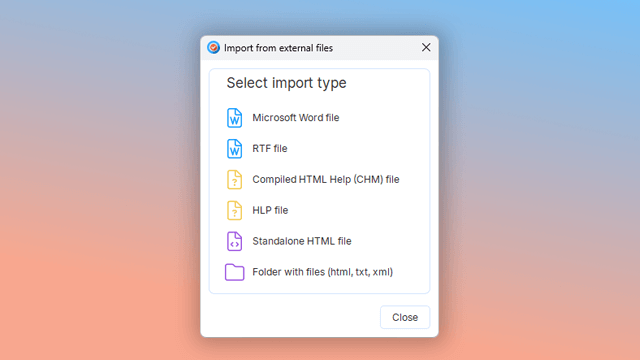
Supported import formats include:
- Microsoft Word documents;
- RTF files;
- compiled HTML Help (CHM);
- Help files;
- single HTML documents;
- folders containing HTML, TXT, or XML files.
Dr.Explain preserves the original document structure and formatting during import, including fonts, sizes, styles, and other text properties.
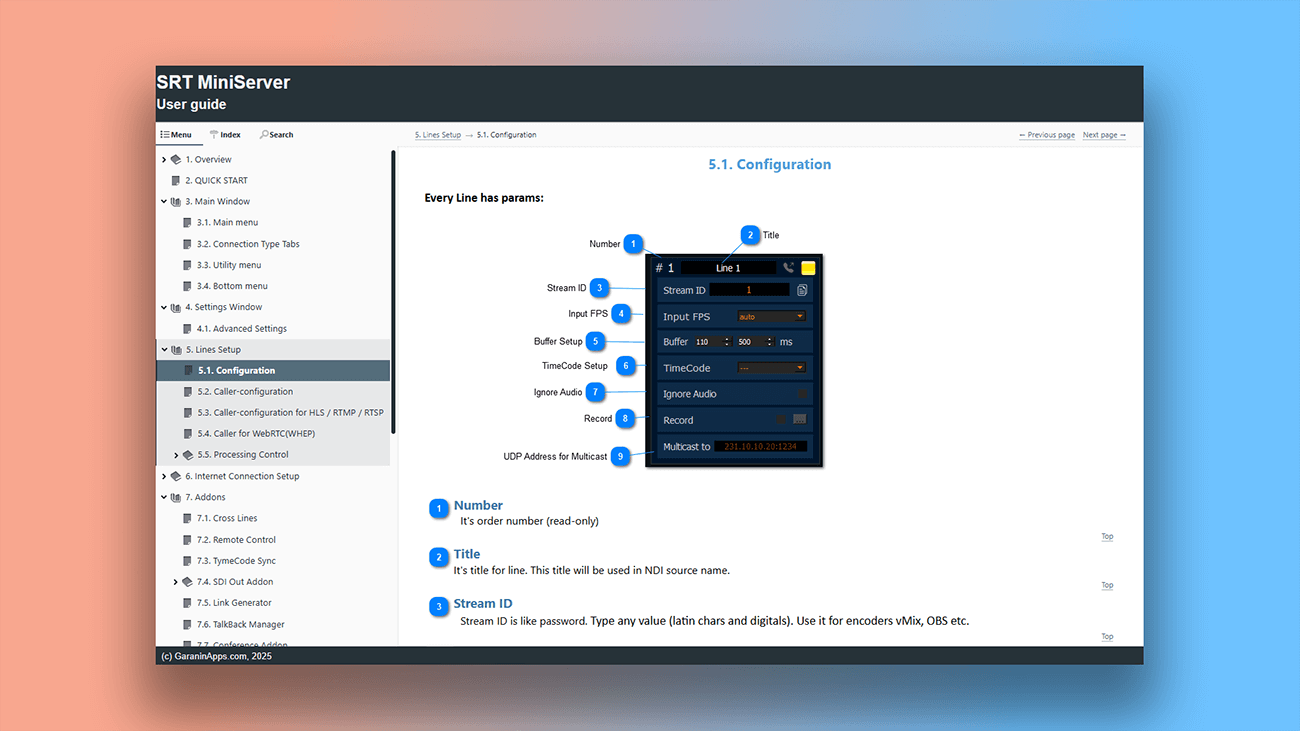
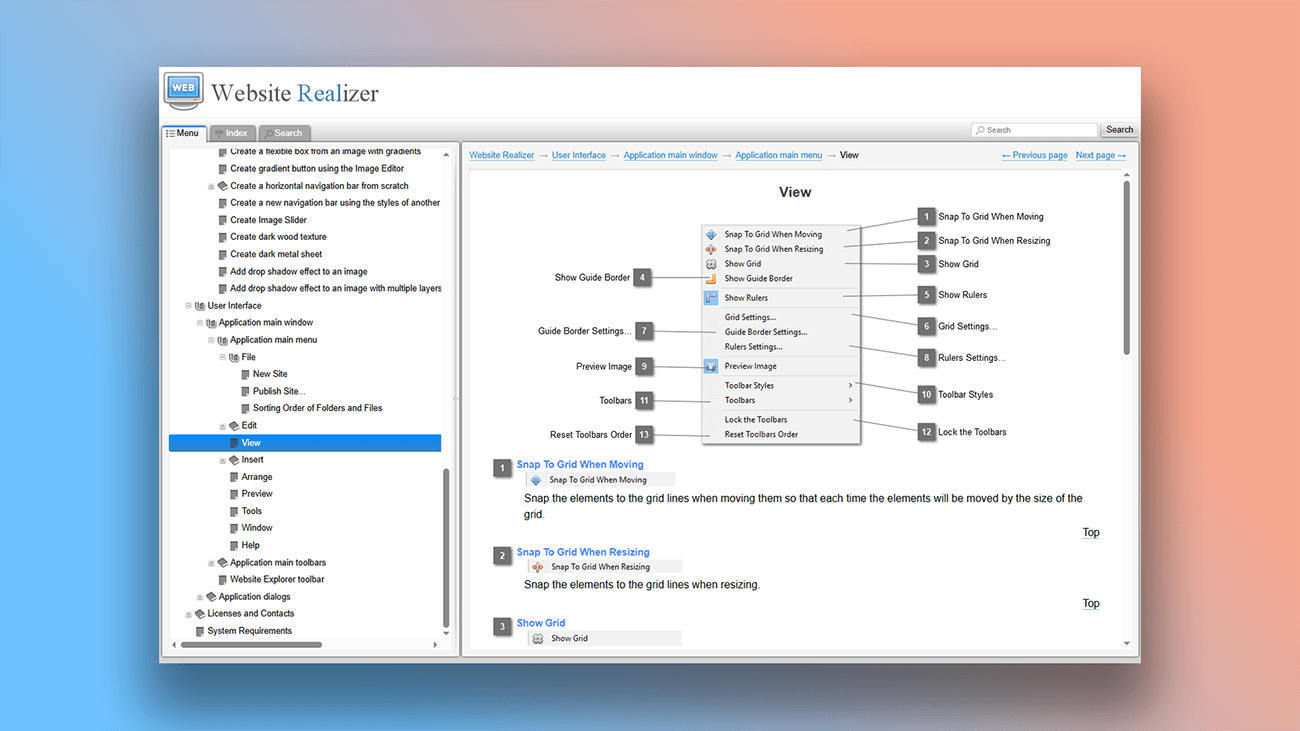
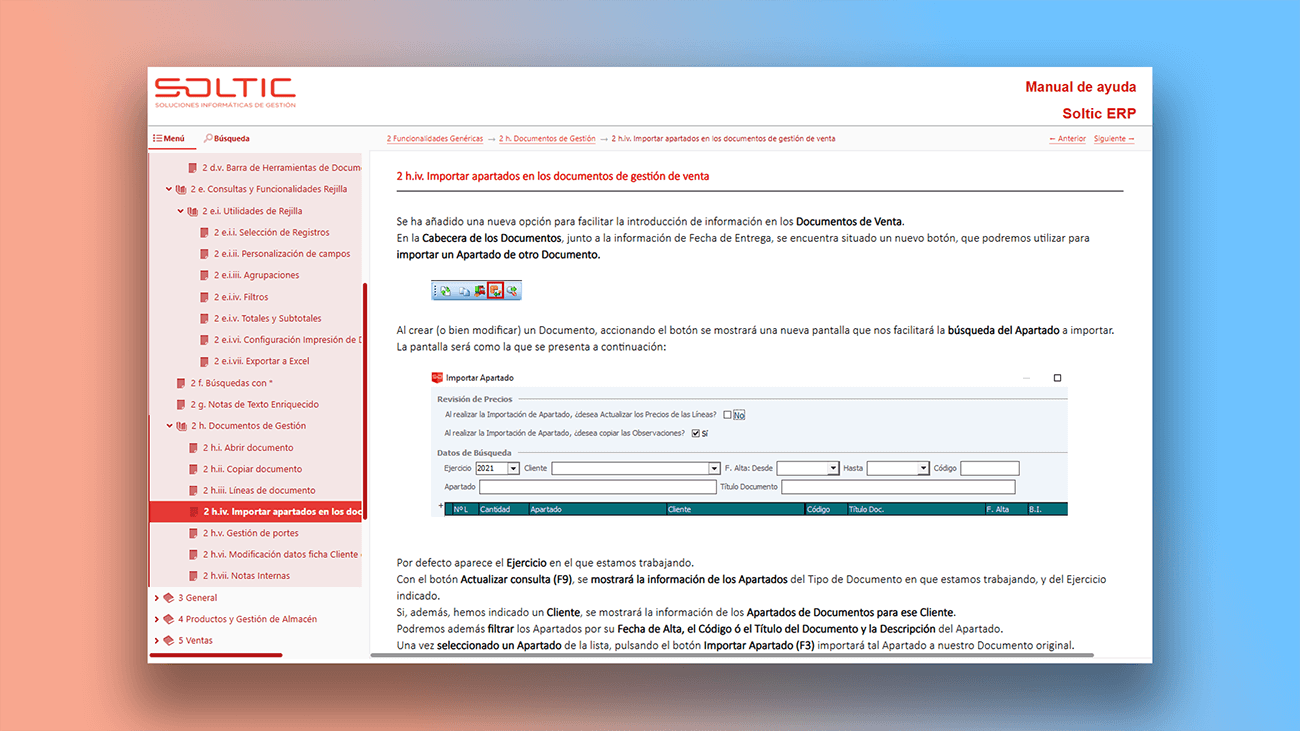
Examples of user manuals created in Dr.Explain
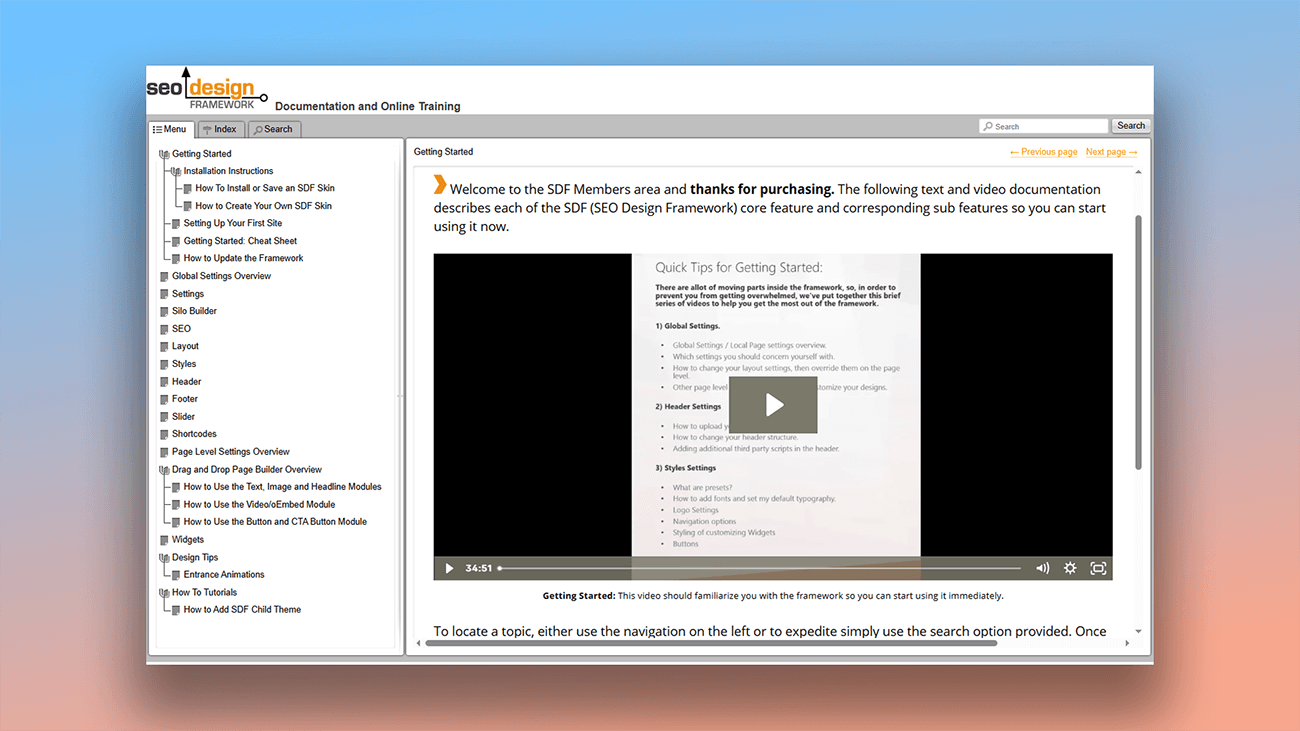
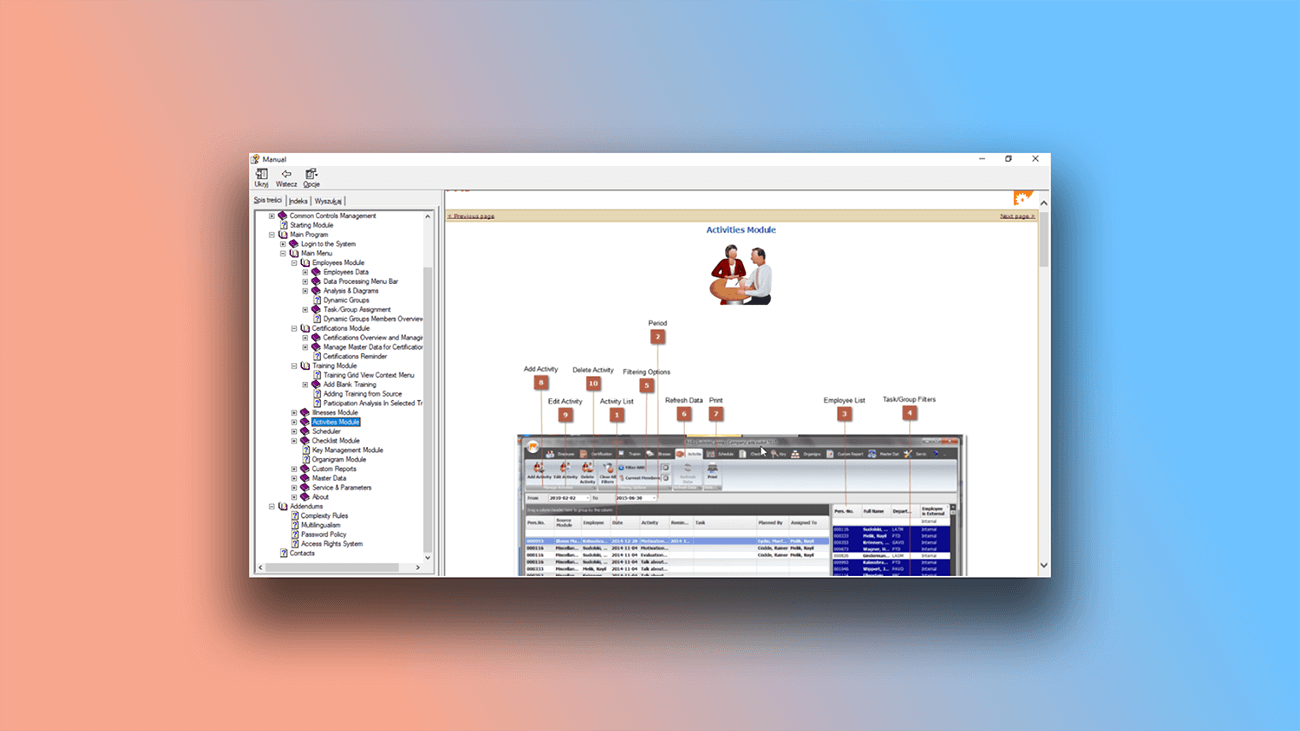
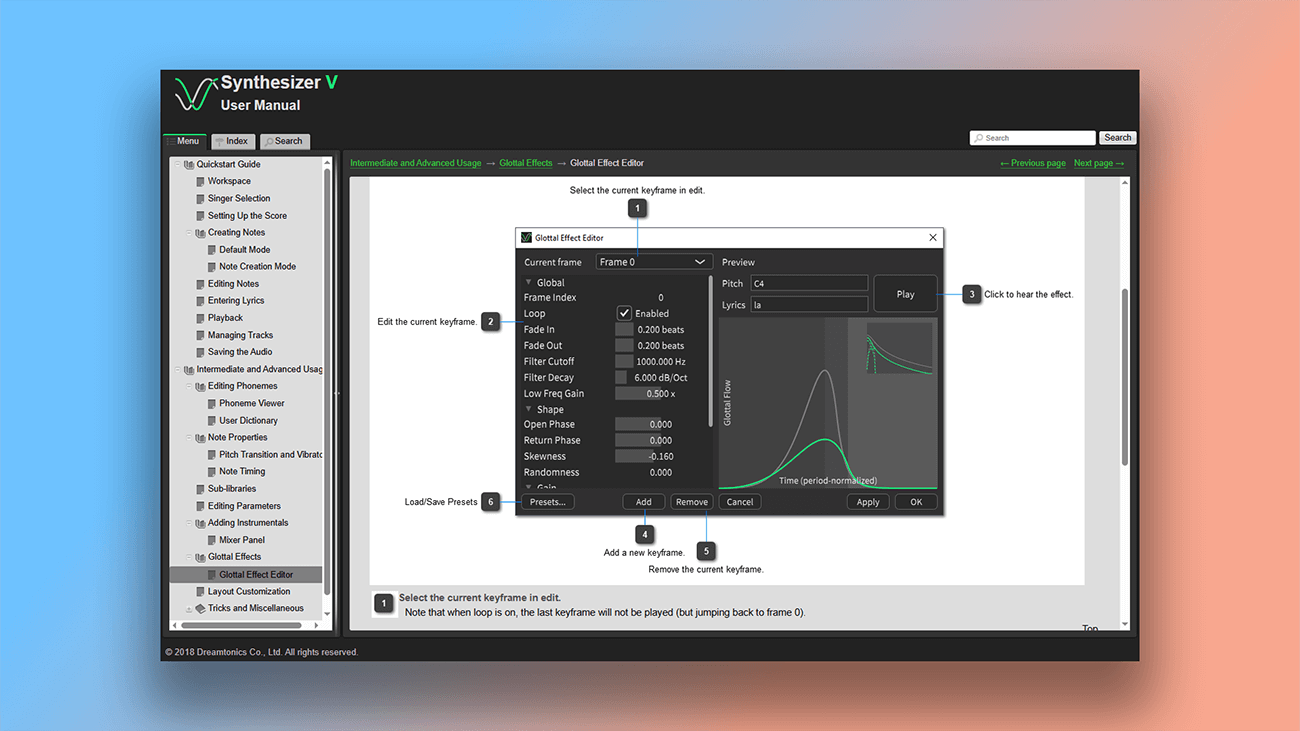
On the page Examples of User Manuals and Online Documentation you can find real documentation examples.
What are the benefits of using Dr.Explain?
Importing documentation into Dr.Explain is a powerful feature that lets you reuse existing content by bringing it into the tool in one of four popular formats.
Save time. Quickly migrate old documentation into Dr.Explain, avoiding the need for manual re-entry.
Customize the design. Use streamlined tools to give your user guides a modern, professional look.
Work offline. Dr.Explain is a desktop application, so performance depends on your computer, not your internet connection.
What type of users is Dr.Explain suited for?
If your current text editor no longer meets your documentation needs, Dr.Explain is the right choice. Here are common situations where authors choose Dr.Explain:
- you need to migrate existing documentation to a tool with more advanced features;
- you want a free version to try before committing;
- you need to customize the look and feel of your documentation;
- you require real-time collaboration on documents;
- you want full-text search across your help content.
Users about importing documentation from external files into Dr.Explain

"We tried several tools and very quickly it was evident to us that Dr.Explain was the number one choice for us. Word documents were converted successfully, and only minor manual work was required".
Samuli Pirkkama, the founder of Data-Bond
Interview with Samuli

"Dr.Explain works excellently, and we have already converted our big online help project to its format".
Jim, developer at CNCSimulator
Interview with Jim
Frequently Asked Questions
Can multiple people work on the same project?
Yes. You can collaborate using either the Tiwri.com platform or the Dr.Explain Collaboration Server.
Can I add comments to documentation content?
Yes. You can add, remove, and edit comments.
Does this help authoring tool include keyboard shortcuts for faster work?
Yes. Here is the list of all keyboard shortcuts available.
Can I import settings from another project?
Yes. You can import all settings at once or just select ones.
Is there a status system for topics (in progress, completed, etc.)?
Yes. Topic statuses are color-coded, creating a visual heat map that shows your progress at a glance.