



Free web Service User's Guide template
Using a web service user manual template is a great way to save time at the start of a project, especially when creating the initial structure. The topics in your new project will come partially filled with sample text and graphics, allowing you to jump right in and add the specific details about your web service.
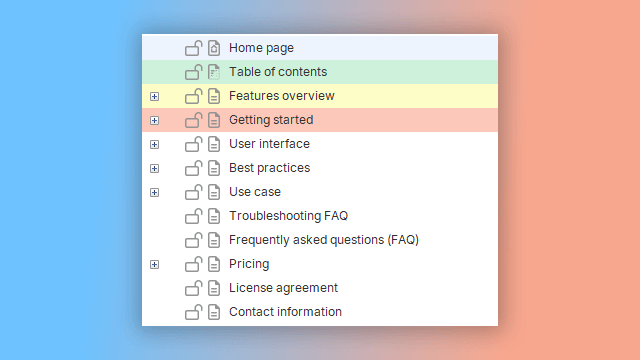
The user guide template for web services in Dr.Explain is built on our company's years of collective experience in the field of technical communication. The structure and content within the template are not rigid standards. You are free to modify the template's framework to fit the specific needs of your web service project.
This flexible approach allows you to use Dr.Explain's templates for documentation in a wide variety of fields — from IT and science to education, healthcare, finance, and the service industry.
Based on our extensive experience and analysis of our clients' projects, we have created documentation templates for the most common scenarios faced by IT companies when developing user guides for technology projects and platforms. We hope the templates included with Dr.Explain will be valuable for your projects as well.
If you feel the help authoring tool is missing an additional template that could be useful for you and many other users, please send us your suggestions. We are ready to develop a new template and include it in the program's distribution. We look forward to your ideas at: help@drexplain.com.
How to start with a web service user's guide template in Dr.Explain?
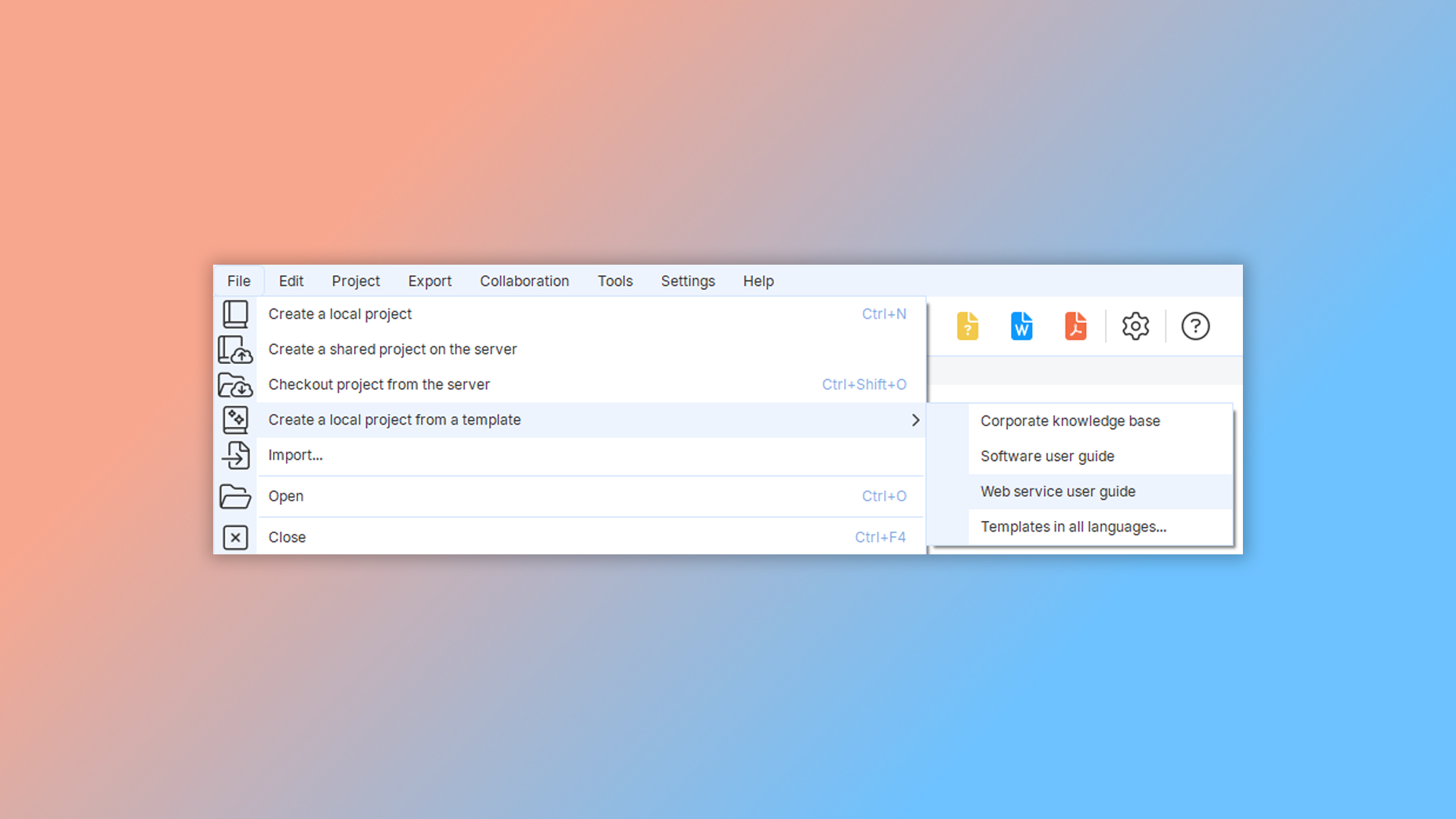
To create a user guide from a template, launch the program and go to "File" -> "Create local project from template" in the main menu. Then, select "Web service user guide".
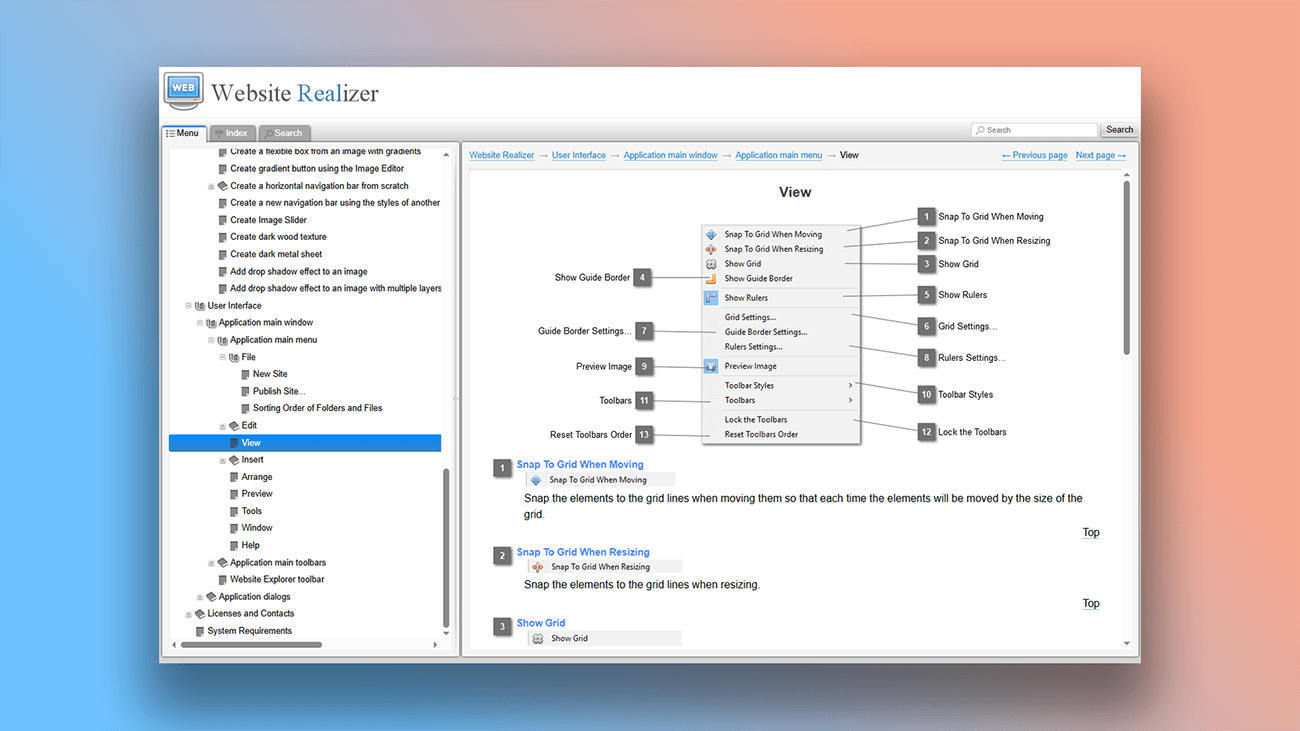
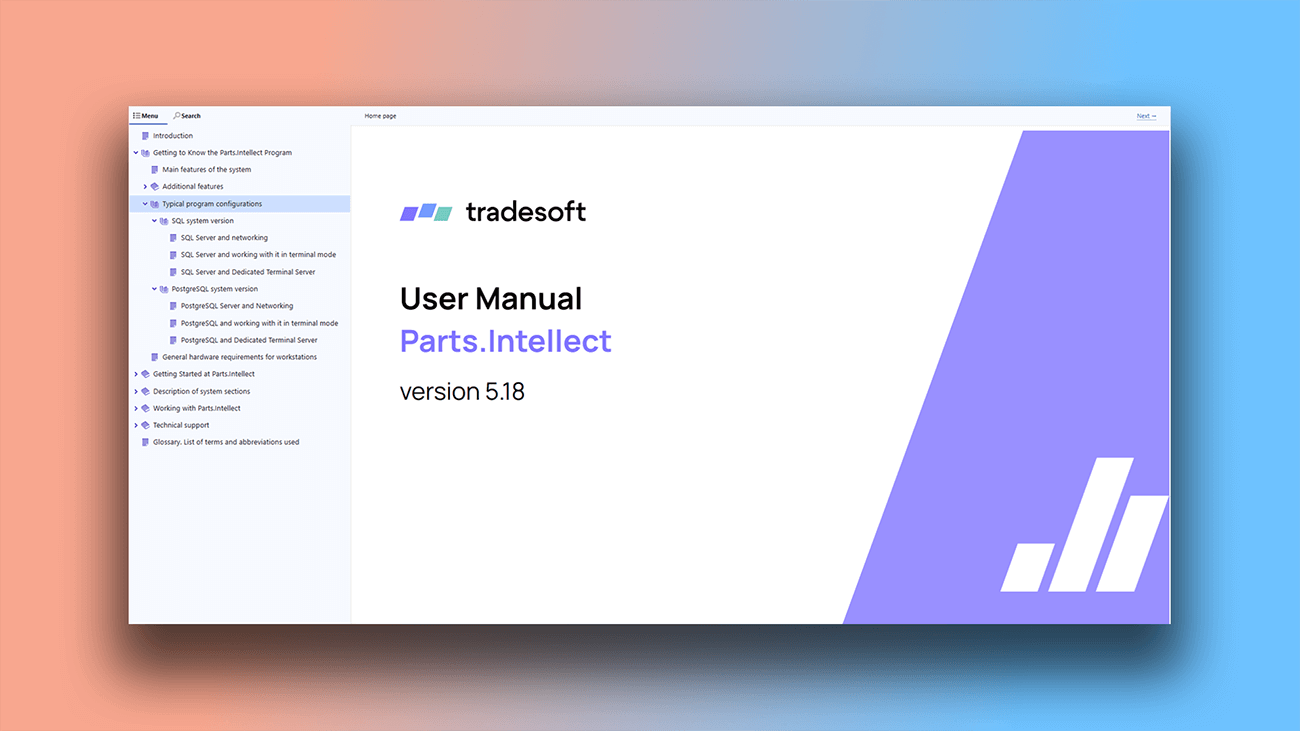
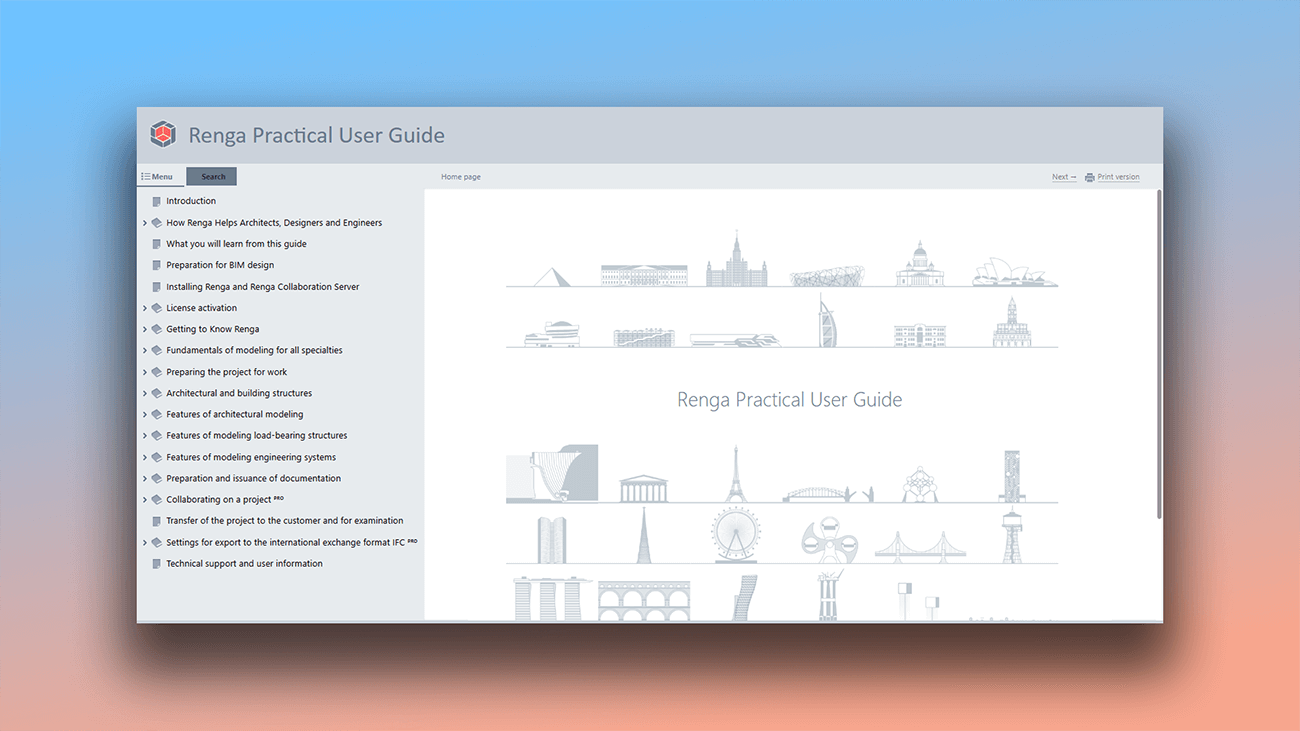
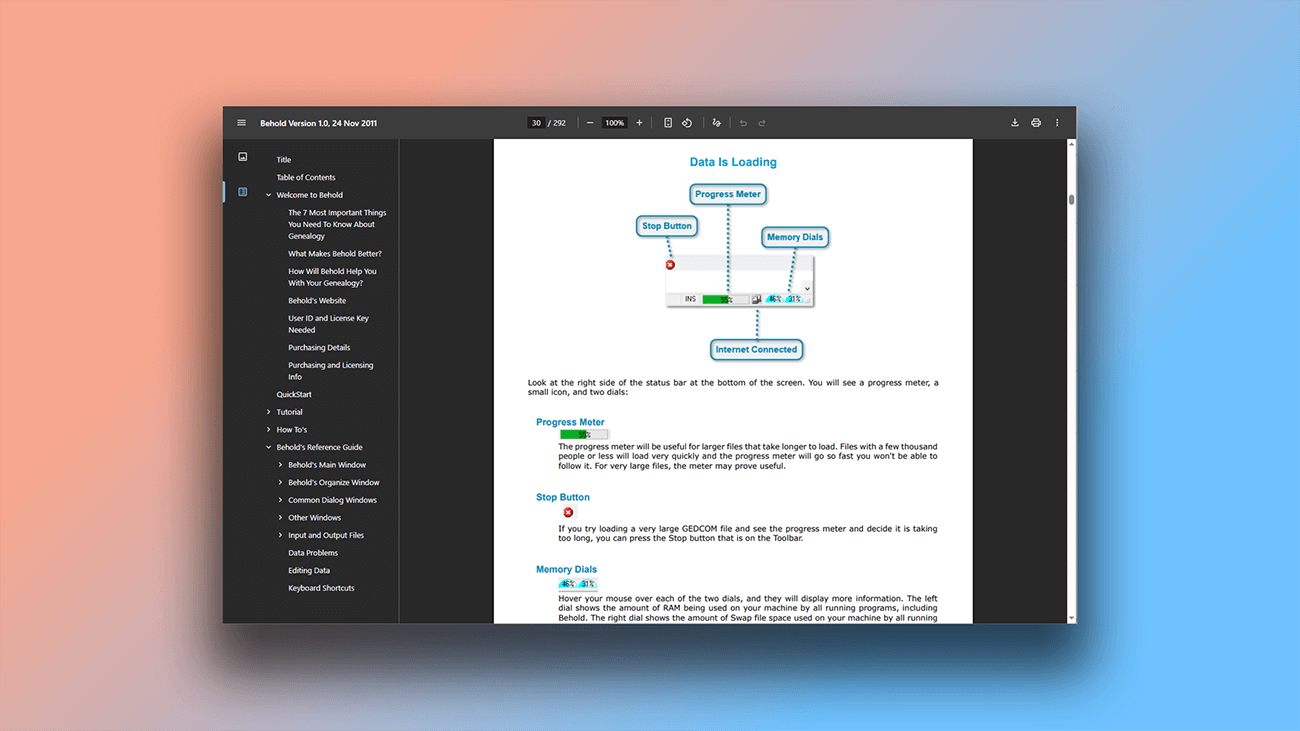
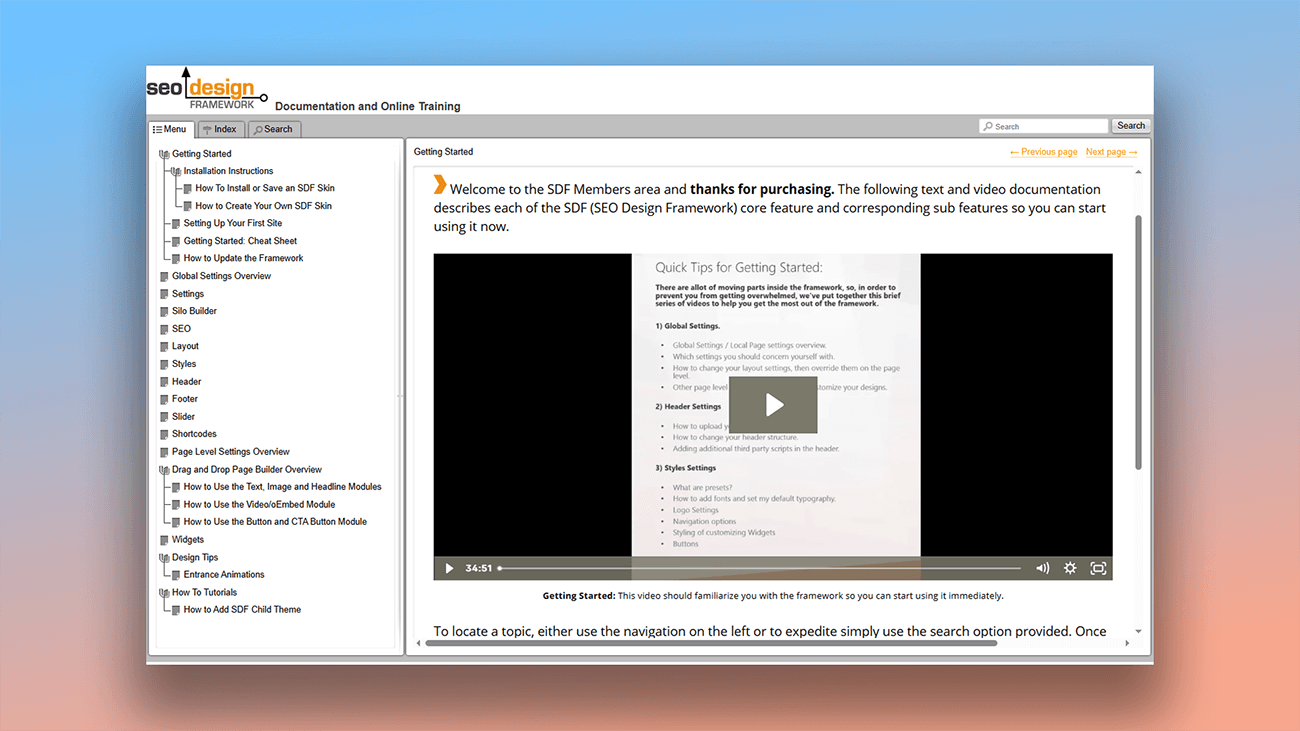
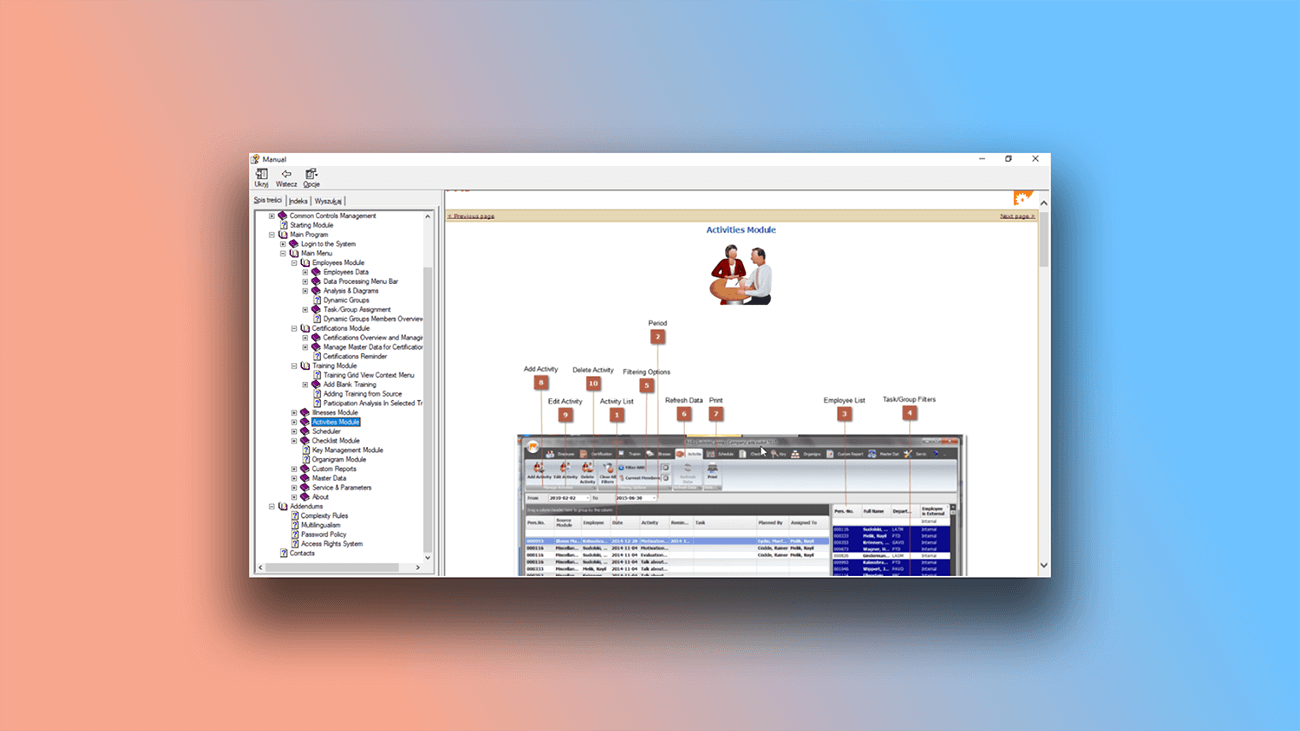
Examples of user documentation created in Dr.Explain
The program's simple and intuitive interface lets even beginners create projects easily, while experienced authors can use it to build more sophisticated documentation. Take a look at these real-world user manuals created in Dr.Explain.
What are the benefits of using Dr.Explain?
The Web service user guide template is a partially pre-filled solution that you can adapt to your specific needs across different projects and industries.
Automation. Creating user guides often involves a lot of manual work. Dr.Explain handles the routine tasks, letting you focus on the content itself.
Reliability. As a desktop application, it guarantees stability. Unlike SaaS platforms, its performance doesn't depend on an internet connection.
High performance. The software runs smoothly and reliably, even with very large projects.
What type of users is Dr.Explain suited for?
Dr.Explain works for both beginners and experts. The software speeds up the creation of help systems and makes them easier to maintain. Its wide range of tools eliminate tedious tasks, making it an essential assistant.
Here are some situations where Dr.Explain is indispensable:
- you need software that can reliably handle very large documents;
- your project keeps growing, and you need to simplify how users find information;
- you want the ability to add video tutorials;
- you need a preview tool to check your documentation before publishing;
- you require tools for making bulk replacements across your content;
- you need different methods for capturing screenshots.
Users about templates in Dr.Explain

"I should also say that we have easily blended the online help created by Dr.Explain into the main website of our project, matching its style. That’s always very important for website usability and brand perception".
Dmitri Lashkhia, head of the Business Process Support and Development Department of Action-MCFR Mediagroup
Interview with Dmitri

"We found Dr.Explain as the most easy and intuitive to use. Also, to publish a document on the web is a very straightforward process that makes it possible to update documents even for a small matter. We tried several tools and very quickly it was evident to us that Dr.Explain was the number one choice for us. Word documents were converted successfully, and only minor manual work was required".
Samuli Pirkkama, the founder of Data-Bond
Interview with Samuli

"I find that Dr.Explain works better for our industry sector and provides the "book feel" in an online format, which seems to work well for our customers who are not technical".
Darryl Winder is a managing director and co-owner of the SmartFees project
Interview with Darryl
Frequently Asked Questions
Can I create HTML documentation without knowing how to code?
Yes. Dr.Explain automatically generates the code for you — no special knowledge required.
Are the HTML templates responsive?
Yes. All templates have a professional appearance and are designed according to modern trends.
Can I insert JavaScript into the HTML template?
Yes. You can add third-party code to your pages.
Can I download a free version of Dr.Explain?
Yes, you can download help authoring tool and use it without any time restrictions.
Can I use my own CSS styles?
Yes. You can embed third-party dynamic widgets.
Do you have a YouTube channel with tutorials?
Yes. You can find video tutorials on our Dr.Explain Youtube channel.