



Work together
Dr.Explain provides collaboration opportunities that can be tailored to the needs of different teams and organizations. You can implement collaboration using a shareware service. www.tiwri.com or on your own corporate server installed on the company's internal network. Work together on various topics: edit content, comment on edits, block documentation topics to avoid accidental editing, and monitor changes in the version control system.
Dr.Explain provides flexible collaboration tools that can be adapted to fit the needs of different teams and organizations. You can set up teamwork using the freemium service Tiwri.com or on your own corporate server within your company's internal network. Work together on different topics by allowing team members to:
- edit content;
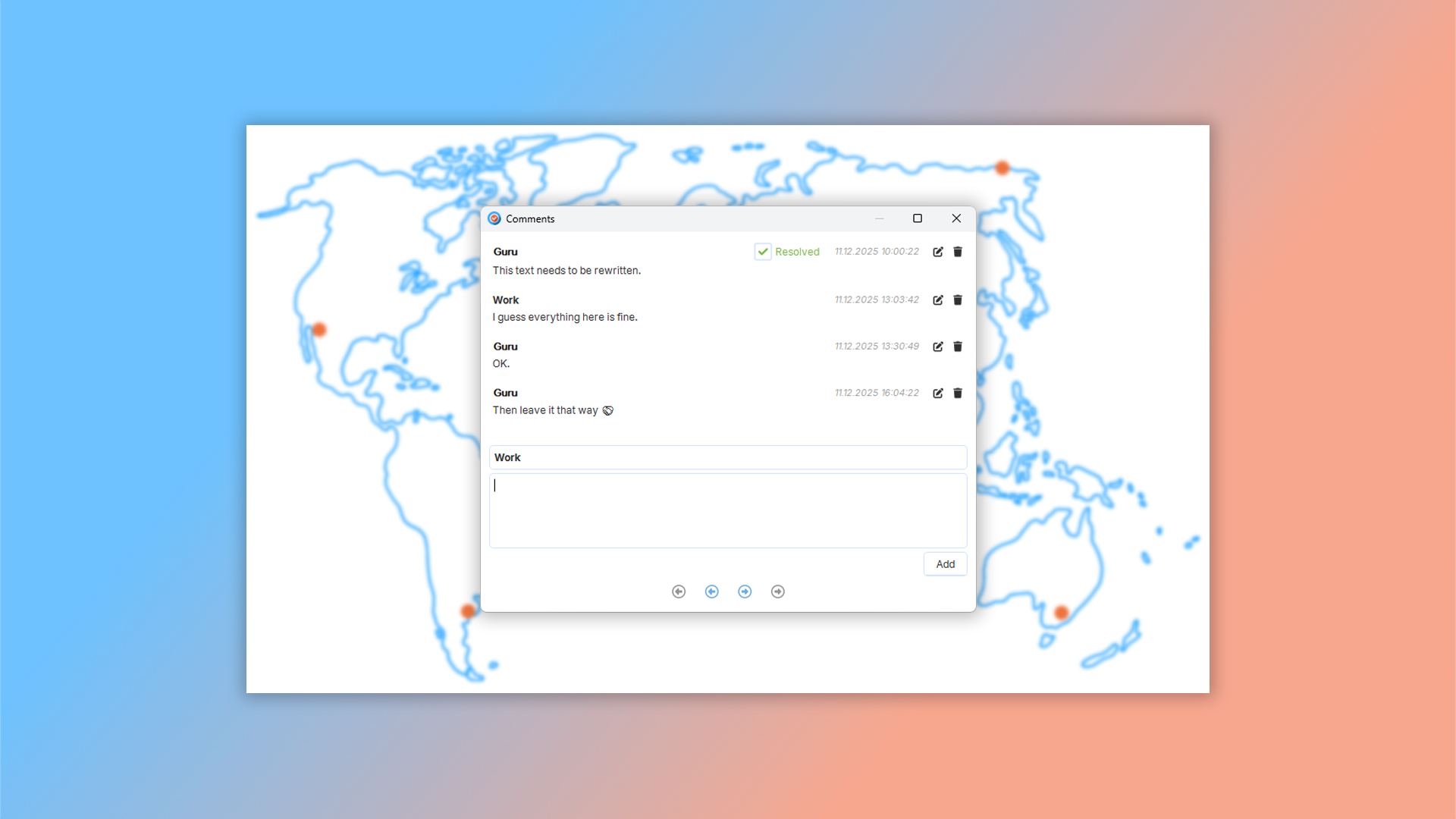
- comment on changes;
- lock topics to prevent accidental edits;
- track all revisions in the version control system.
What is collaborative work?
Collaborative work allows a group of people to create and edit documents together over an internet connection, regardless of their physical location.
Dr.Explain offers two main ways to set up collaboration on user documentation.
Using the Tiwri.com service
This is a cloud-based service that lets multiple authors work on the same Dr.Explain project simultaneously. To use it, you simply need to create an account on Tiwri.com. This option is ideal for small teams and projects that don't require extensive control over data storage. Free pricing plans are available. You can learn how to use the Tiwri.com cloud service in our documentation.

Using the Dr.Explain Collaboration Server
The Dr.Explain Collaboration Server is an on-premises solution that allows you to set up a collaboration server on your own hardware within your local network. This option provides full control over your data and is ideal for large organizations with high security requirements.
For larger teams, we offer a way to quickly set up multi-user projects with out-of-the-box functionality — no need to install server components or manage complex configurations. You won't even need a dedicated system administrator: we provide the server as a pre-configured virtual machine that can run on a standard office PC.

The Dr.Explain Collaboration Server allows you to:
- store all project data securely on your organization's own server;
- work within your internal network without requiring an internet connection;
- connect an unlimited number of users and create an unlimited number of projects.
Easy setup for corporate users
For corporate users of the Dr.Explain client application, switching from the Tiwri.com service to your own corporate server is simple. You just need to update the server address in the shared project settings. You can learn how to work with the Dr.Explain Collaboration Server in our documentation.
How collaboration works in Dr.Explain
The system uses a check-in/check-out method to prevent conflicts:
- when one author starts editing a topic, the service automatically locks it for other authors;
- once the edits are complete and saved to the server, the lock is released, this allows multiple people to work on different parts of the project simultaneously without interfering with each other's work;
- while a topic is being edited by one author, it becomes read-only for all other participants.
What are the key benefits of using Dr.Explain?
Accessibility. Documentation stored on a remote server is accessible from any internet-connected device.
Version Control. Cloud services automatically save a full history of document changes. This makes it easy to restore previous versions and prevents data loss. Authors can take turns working on a project file, or use version control systems to merge changes.
Centralized Storage. All your documentation is stored in a single location, making it easy to find and manage.
Automatic Updates. When a document is modified, it is automatically updated for all users with access.
Better Collaboration. Cloud services provide built-in tools for communication and comments, which helps team members work together more effectively. You can divide the work among several authors by assigning each one specific topics.
What type of users is Dr.Explain suited for?
Dr.Explain is a great fit for large organizations with high demands for their help systems, as well as for small companies. Here are the most common situations where Dr.Explain becomes an effective solution:
- you need more flexible control over your project's structure and content;
- your project has become too large, making navigation difficult;
- you require a powerful, full-text search across all topics;
- you want tools to customize your guide's visual design;
- you need built-in features for capturing and editing screenshots;
- your team requires collaboration features;
- you need a program with reliable long-term support;
- you want a free trial to evaluate the software's features;
- your organization is a government entity or corporation required to store data exclusively on internal servers.
Users about collaboration in Dr.Exlain

"Our employees have quickly mastered Dr.Explain. We are especially happy that we can create documentation as a team. Each team member can make changes to the documentation without interfering with other members’ activities".
Dmitry Nichiporchuk, owner and chief executive of the full-cycle web design and development company Time Design
Interview with Dmitry

"We immediately liked its ease of use and intuitiveness. Even without any programming skills, you can build a manual and publish it on the Web".
Alessandro Calmo, the software department coordinator at Ala Data System
Interview with Alessandro
Frequently Asked Questions
Can I comment on content stored in the cloud?
Yes. Any author can add comments that are visible to all project participants.
Can I lock topics to prevent unwanted edits during collaboration?
Yes. You can prevent your content from accidental edits.
Does your program have a free trial period?
Yes. You can download Dr.Explain for free and use it indefinitely.
Are there any tutorial for using Tiwri.com with Dr.Explain?
You can find this information in the topic Tiwri.com cloud service in our user documentation.
Can I set up a server for multi-user collaboration?
Yes. The Dr.Explain Collaboration Server is a server application that enables multi-user collaboration on Dr.Explain projects within your company's internal network. Using this software eliminates the need to transfer any company data over the internet to third-party servers.