



HTML Templates - Pre-built Themes for Online Docs
With Dr.Explain, you can create a CHM help file or an online manual as a set of HTML pages to upload to your website. Both formats are based on HTML.
Nowadays, every product has a website and requires convenient, well-designed online documentation. However, great content alone isn't enough to make your manual stand out. You also need a polished design with clear menus, navigation, and interactive features.
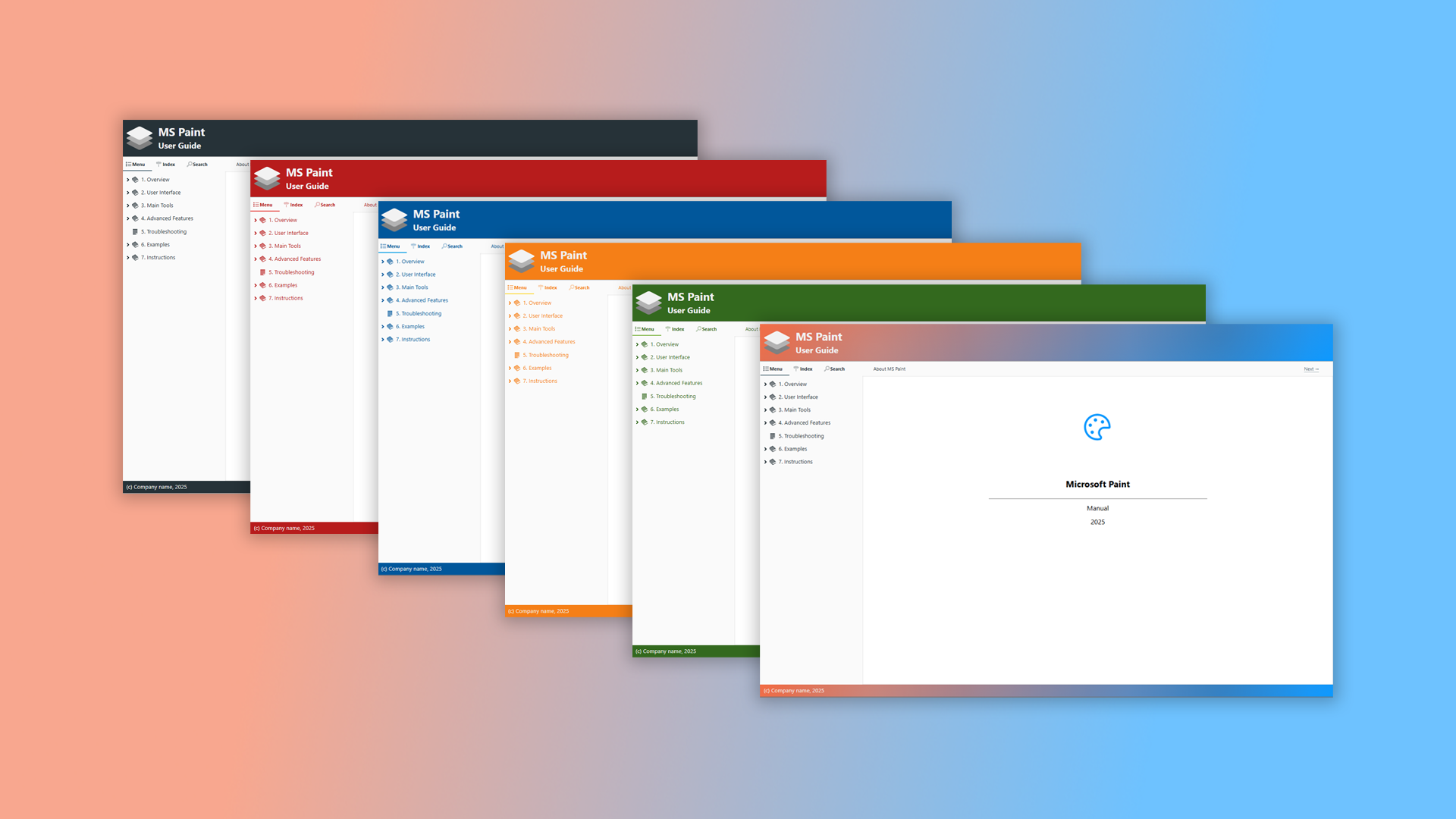
Dr.Explain gives you adjustable html templates: full control over your online manual's visual style. Use the collection of ready-made themes and other powerful features to quickly create a guide that is informative, interactive, and appealing to your users.
Thanks to the built-in templates, you don't need to write HTML or CSS code. Simply choose a visual theme, and it will be applied to all pages in your project. You can also easily customize the design and content of key page elements like headers, footers, sidebars, and interactive components.
Furthermore, in the "HTML export" section, you can configure a sitemap file. This file helps search engines index your documentation pages faster and more accurately, which is especially important for large resources spanning hundreds or even thousands of pages.
Remember, your user already has a challenging task — learning your software or web service. Useless documentation only makes this process harder. Lighten your user's load by creating clear, effective guides with Dr.Explain.
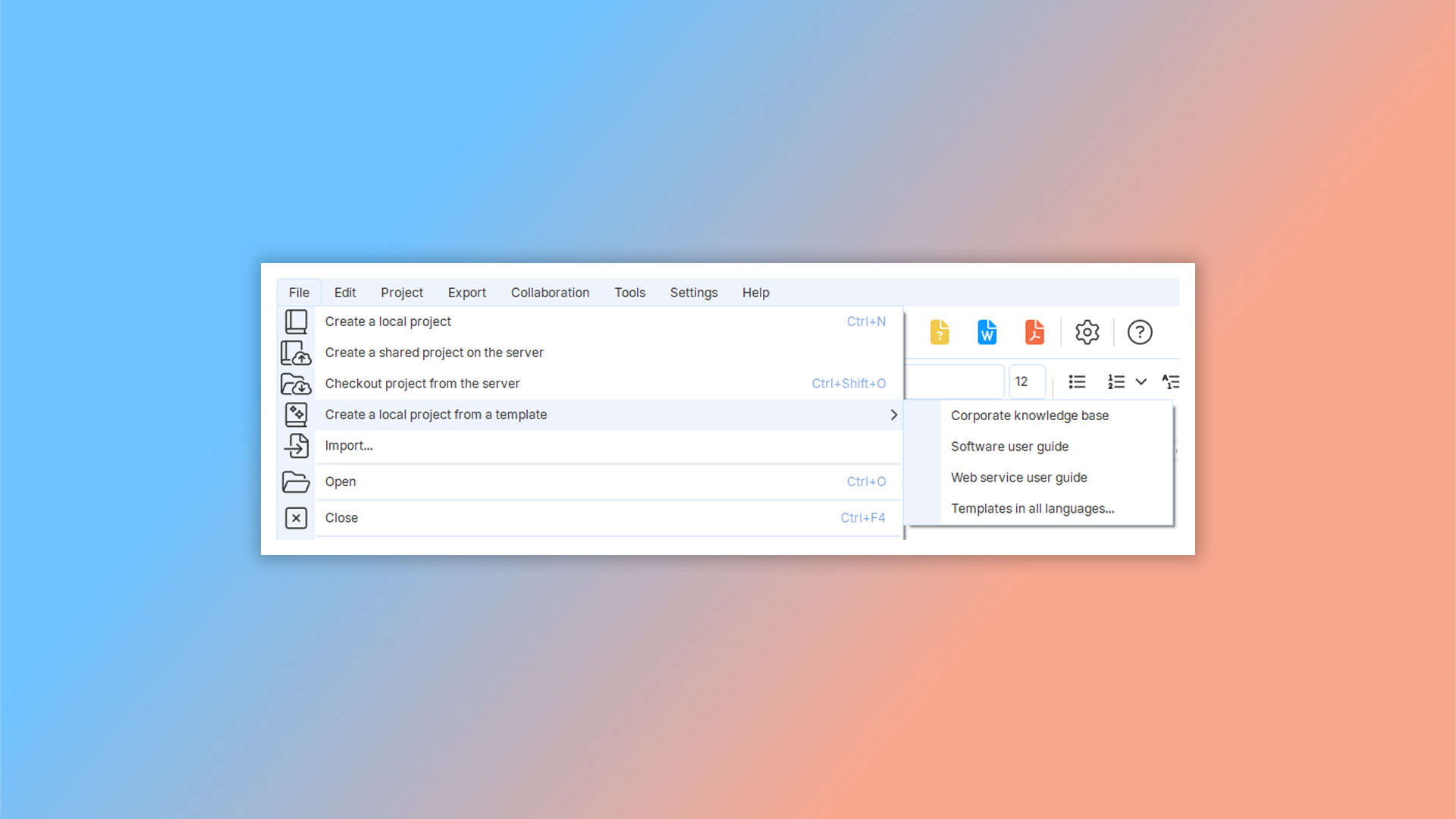
How to work with HTML templates in Dr.Explain?
To select a template, go to "File" -> "Create a local project from a template" in the top menu and choose the template you need.
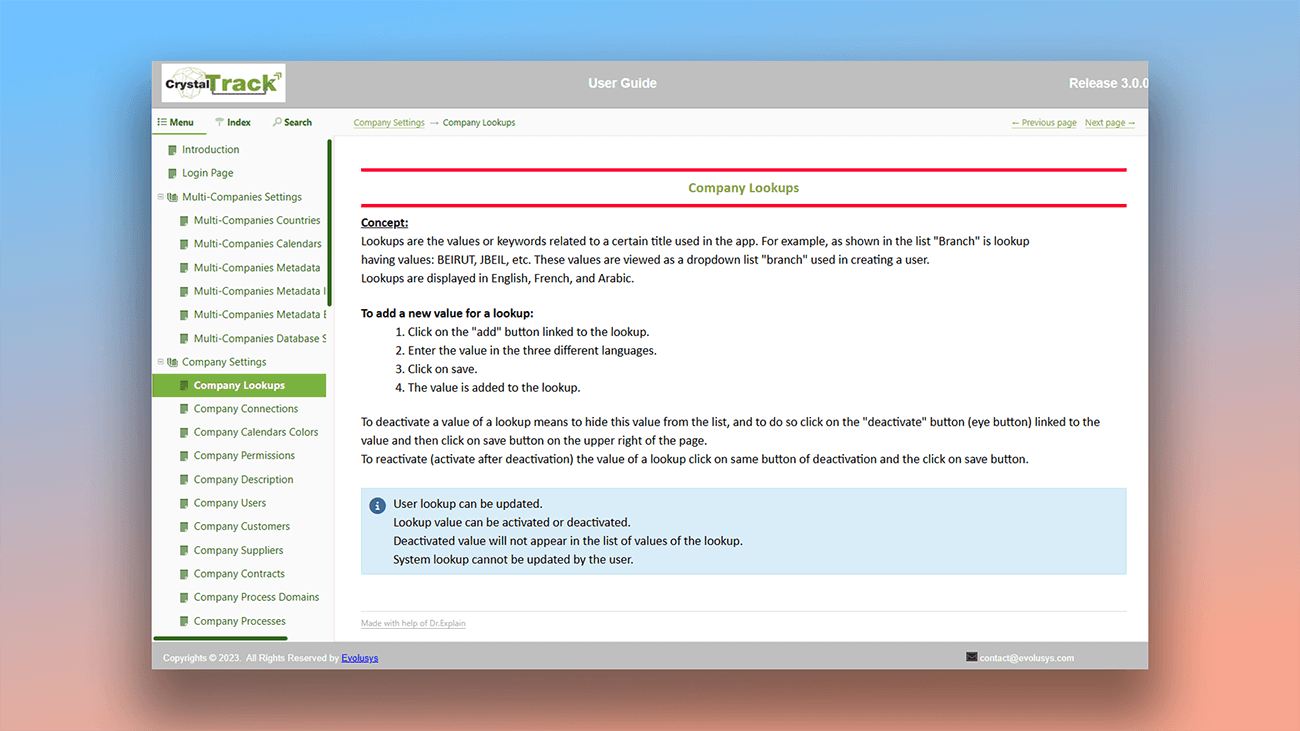
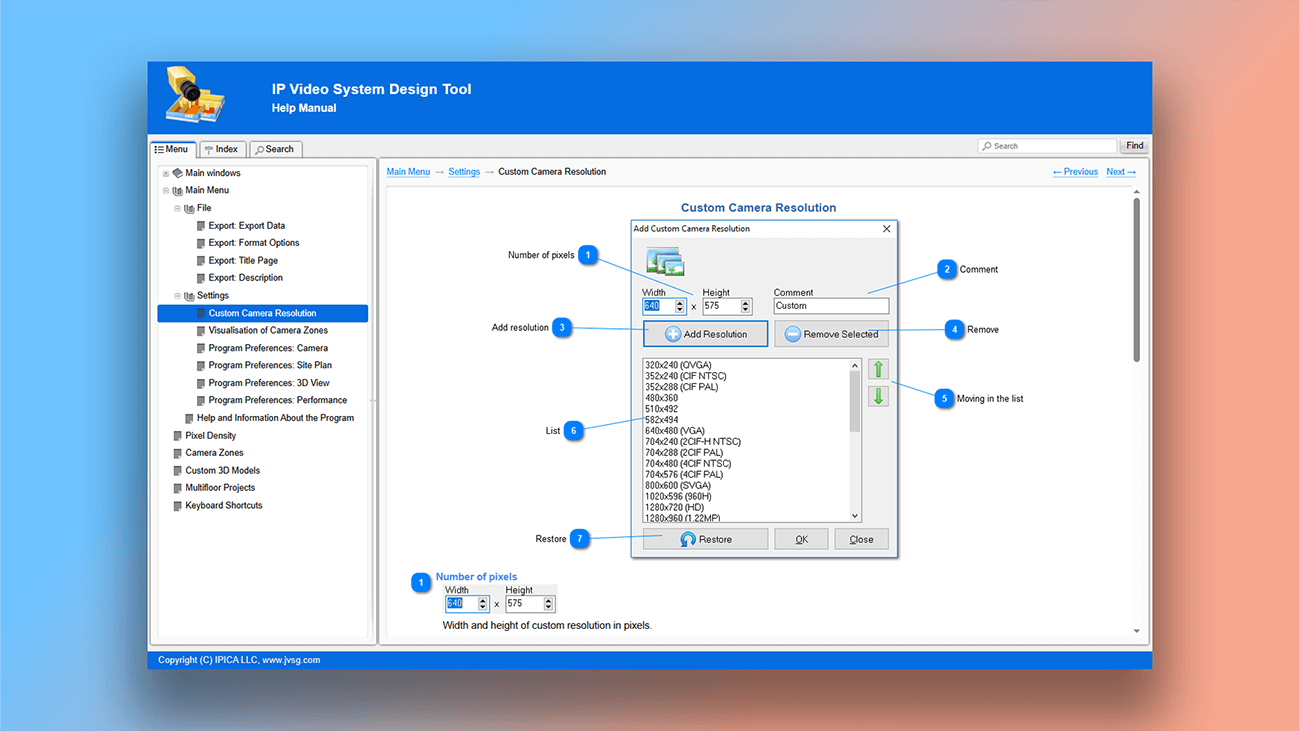
Examples of user documentation created in Dr.Explain
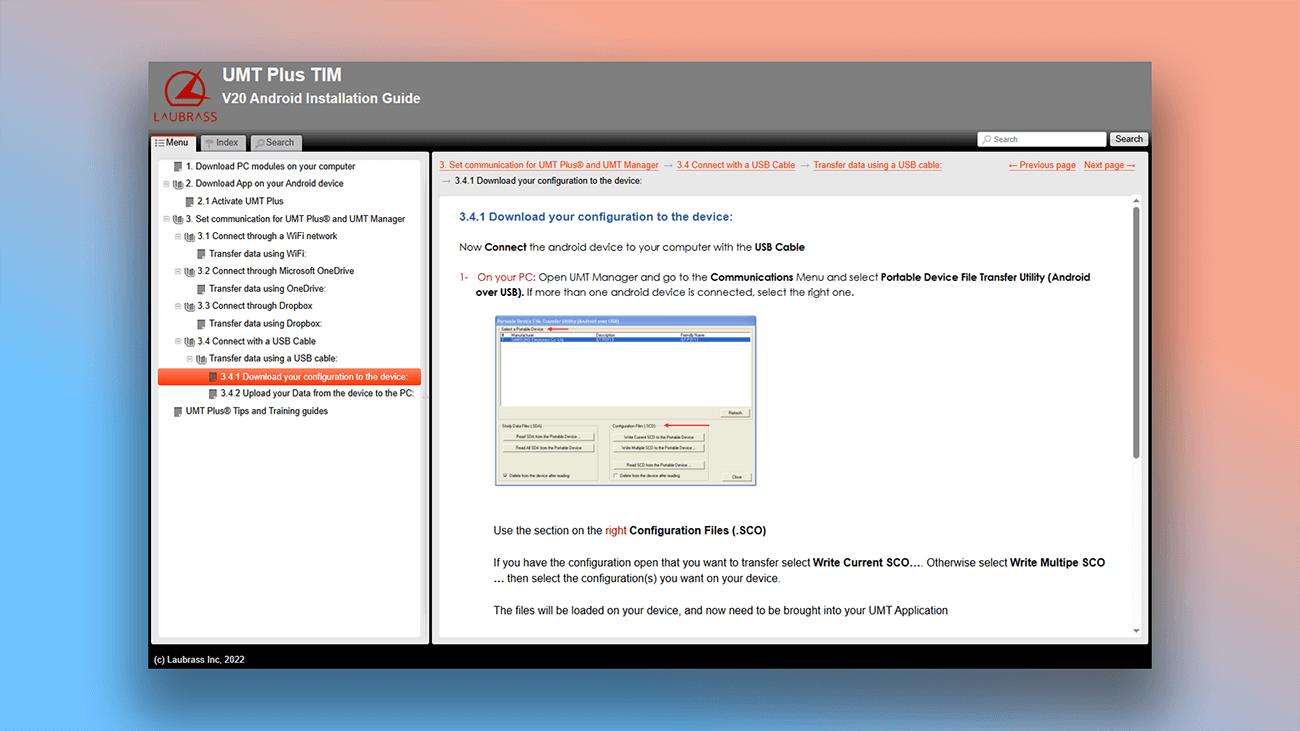
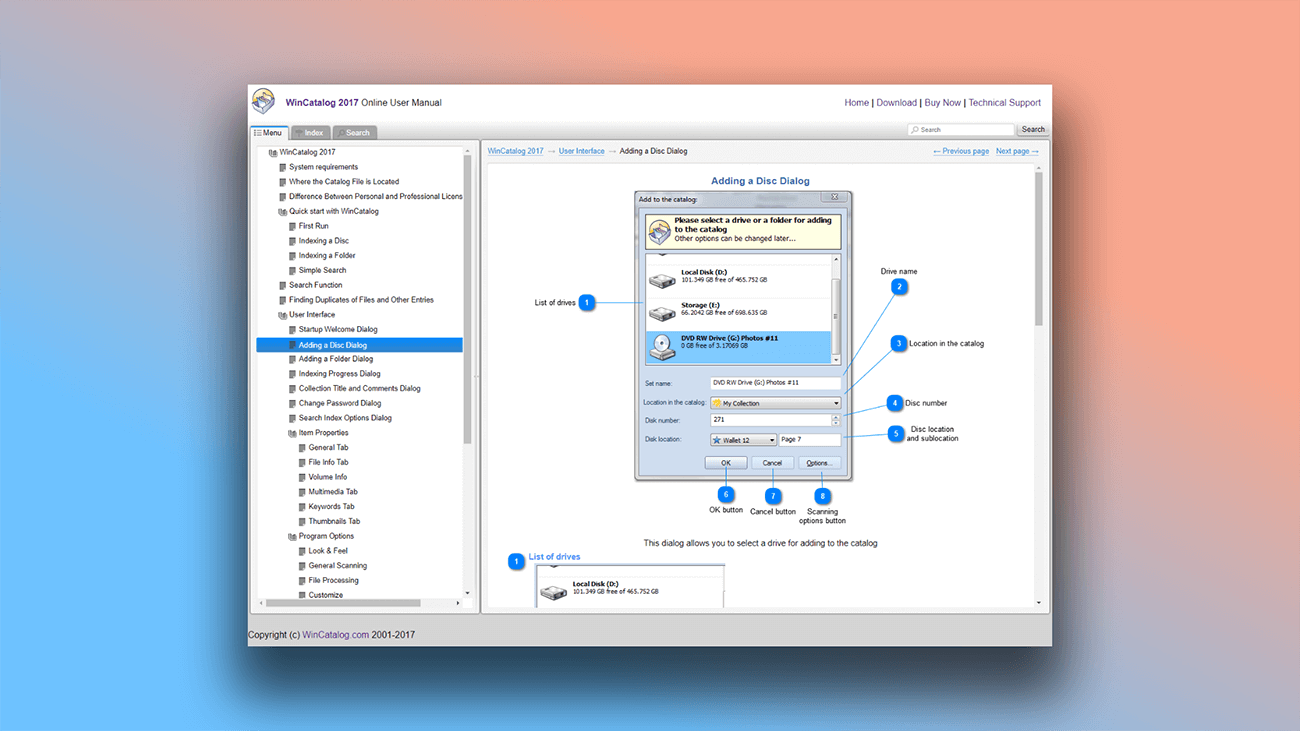
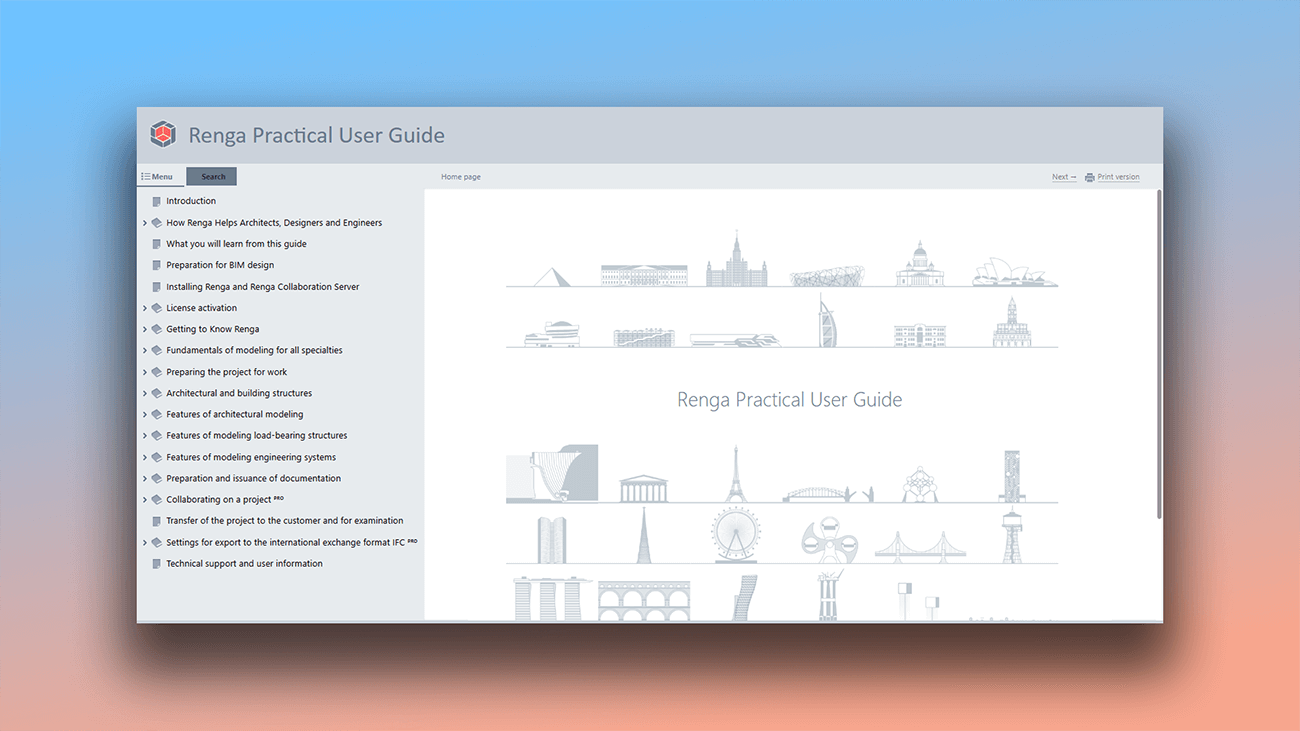
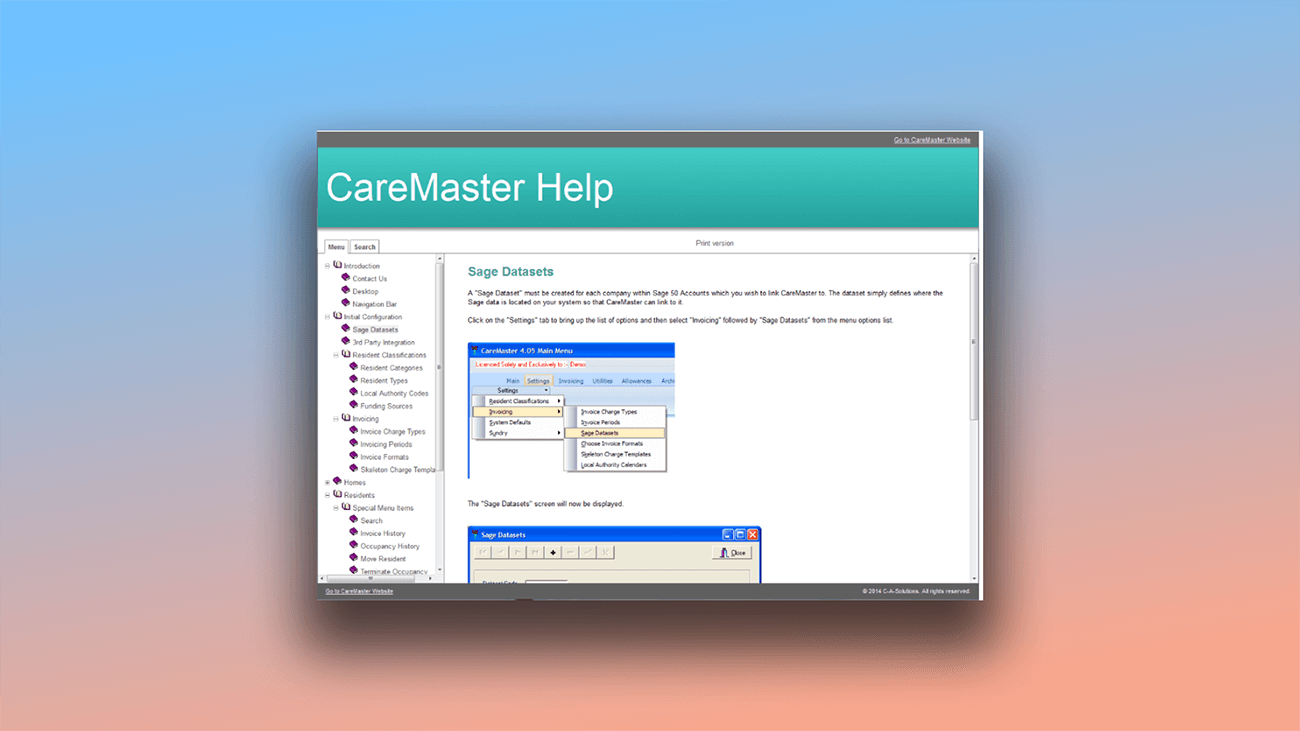
The program not only helps you manage your project's structure but also streamlines the process of creating a unique visual design. The result is online documentation with a modern, responsive layout. Here are a few examples of such help systems created with the program.
What are the benefits of using Dr.Explain?
Create professional online documentation without needing to know HTML or CSS, and easily add tracking to monitor its performance. This help authoring tool offers ready-made themes and powerful writing tools to help you create informative guides that improve the user experience with your product.
Responsive design. Create online manuals that are easy to use on mobile devices — no coding required.
Web analytics integration. By adding tracking codes, you can gather data on your visitors and their behavior. Use these insights to optimize your documentation and make it more effective.
Search engine indexing. Your help pages will be indexed by search engines, improving their visibility and helping you attract more users to your product.
What type of users is Dr.Explain suited for?
Dr.Explain is a professional documentation tool designed for a wide range of users — from complete beginners to experts across various industries.
If you need a solution for any of the following tasks, Dr.Explain is a great choice to help you achieve your goals:
- create online documentation without any coding knowledge;
- build online help with a unique design and a responsive layout;
- track user metrics by integrating web analytics;
- export your project to print-ready formats like PDF;
- import old documentation written in Microsoft Word;
- use a desktop application, not a web-based tool;
- enable multiple authors to collaborate on a single project.
Users about working with HTML in Dr.Explain

"I liked Dr.Explain’s approach to creating documentation. It can generate documentation for offline or online usage. The availability of multiple formats allows you to provide documentation for different purposes".
Dmitry Nichiporchuk, owner and chief executive of the full-cycle web design and development company Time Design
Interview with Dmitry

"We decided to use Dr. Explain after evaluating the trial version. We immediately liked its ease of use and intuitiveness. Even without any programming skills, you can build a manual and publish it on the Web".
Alessandro Calmo, the software department coordinator at Ala Data System
Interview with Alessandro

"I should also say that we have easily blended the online help created by Dr.Explain into the main website of our project, matching its style. That’s always very important for website usability and brand perception".
Dmitri Lashkhia, head of the Business Process Support and Development Department of Action-MCFR Mediagroup
Interview with Dmitri
Frequently Asked Questions
Can I modify the HTML templates?
Yes. Read more about using tools in our Dr.Explain user guide.
Can I create online documentation without knowing HTML?
Absolutely. The software automatically generates the web version for you.
Can I transfer settings from one project to another?
Yes, you can import and export project settings.
Can I embed JavaScript code in the HTML?
Yes. Read more about it in the topic Inserting HTML code snippet
Will the online documentation created in Dr.Explain have a responsive design?
Yes. The application automatically generates a document with a responsive design that works on all devices.