



Free user manual template for the software
Using a ready-made software user manual template saves you significant time. There's no need to build a project structure from scratch or research how to do it. The topics already come with sample text and graphics, letting you immediately start describing your own product instead of worrying about the presentation.
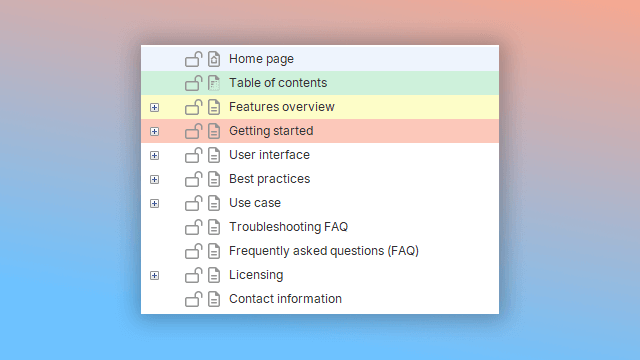
The user guide templates provided in Dr.Explain are expert recommendations based on our years of experience in technical writing. The structure and sample content are not rigid standards that must be strictly followed. You are free to modify the templates to fit the specifics of your software product.
This flexibility allows you to use these samples across various business fields — from engineering and education to healthcare, science, finance, and consumer services.
If you feel the program is missing a specific template that would be useful for many users, we are ready to develop it. Please describe your needs and share your ideas on what kind of template would be helpful for you. We welcome your emails at: help@drexplain.com.
How to start with user guide template in Dr.Explain?
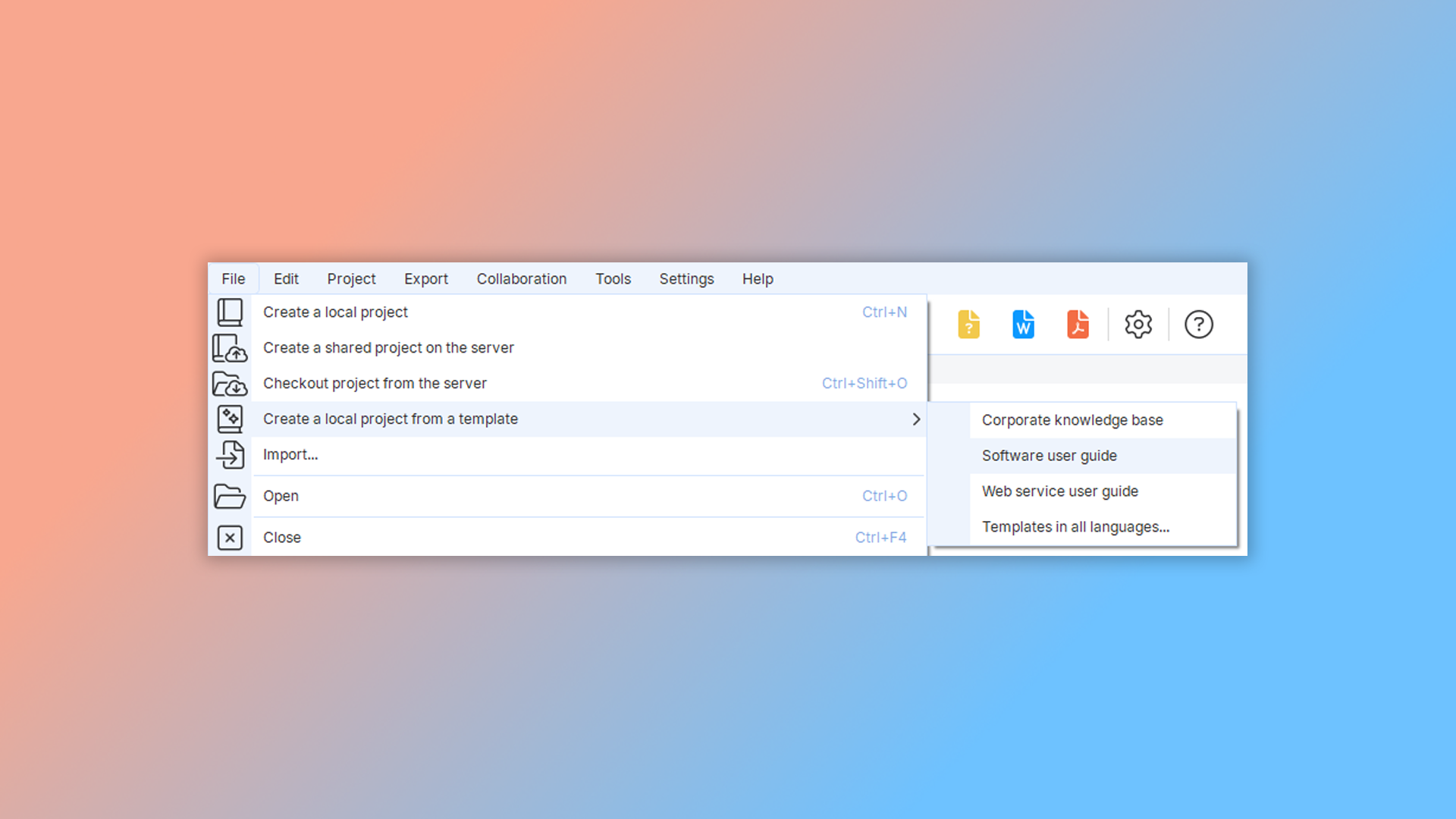
To create a user guide from a template, launch the program and go to "File" -> "Create a local project from a template" in the main menu. Then, select option "Software user guide".
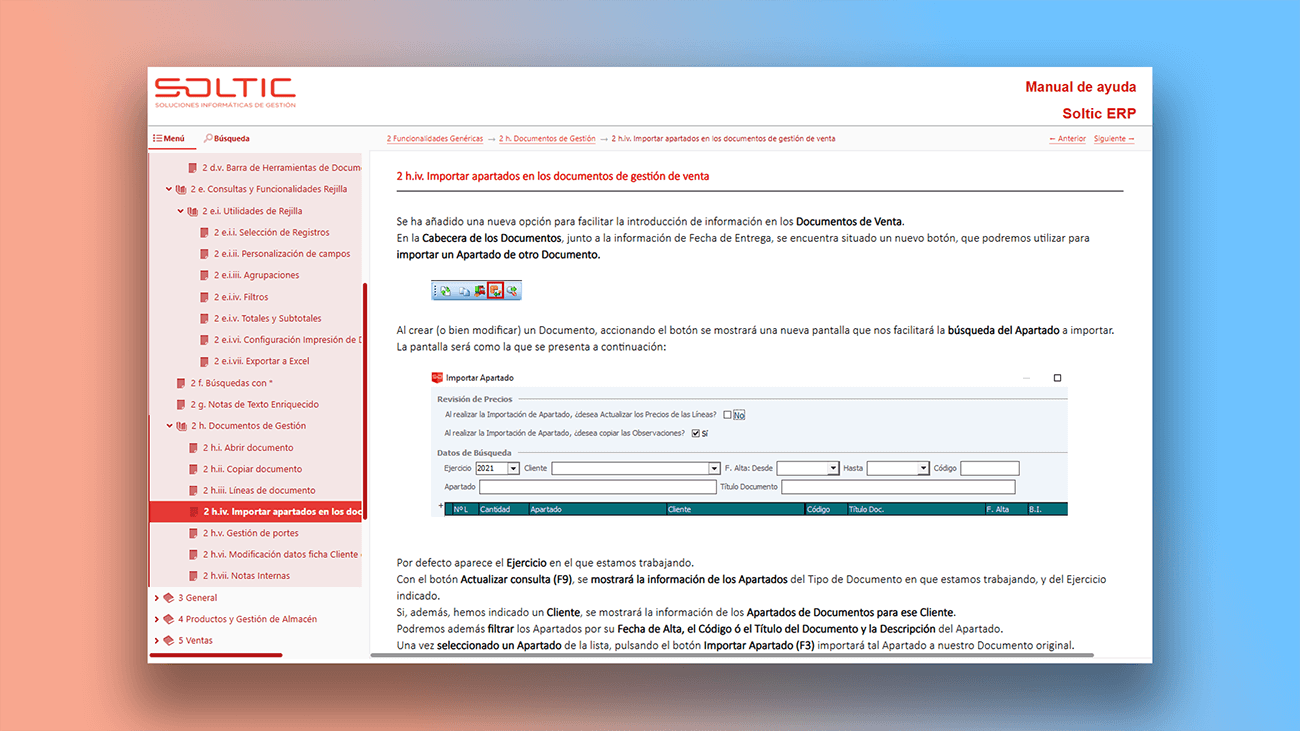
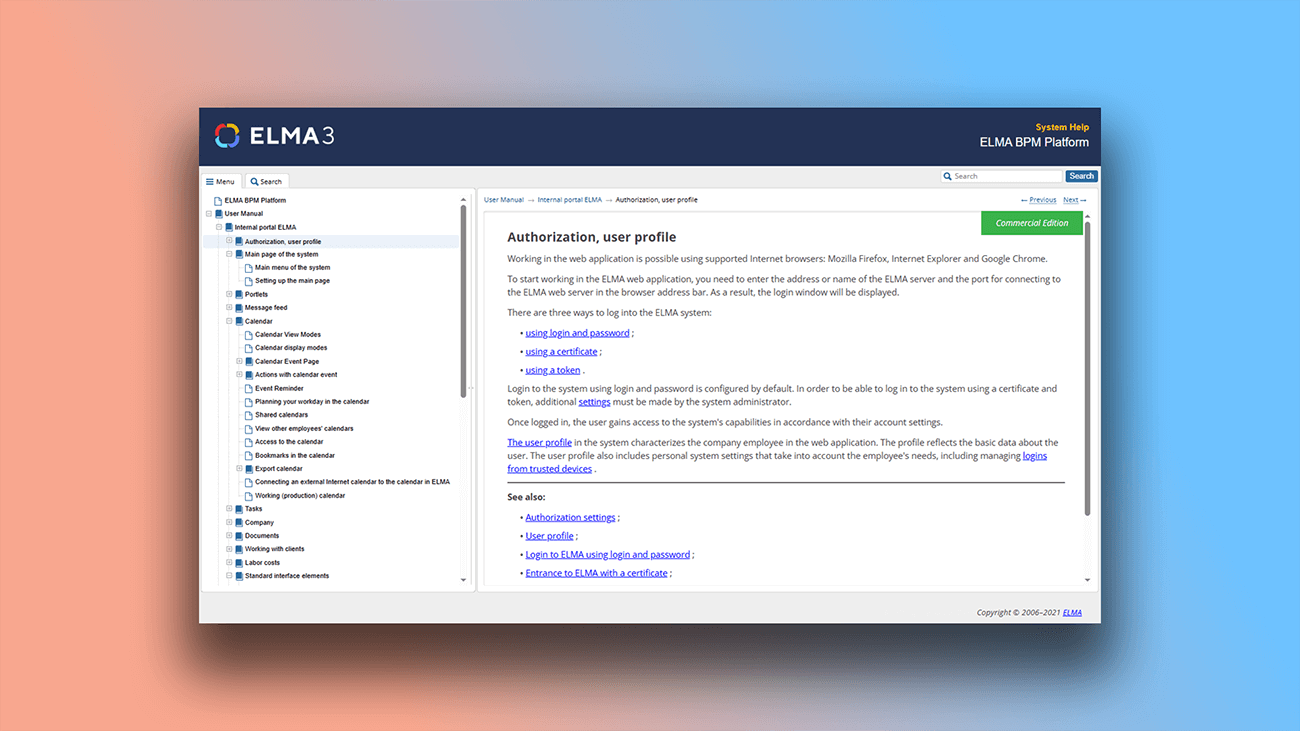
Examples of user documentation created in Dr.Explain
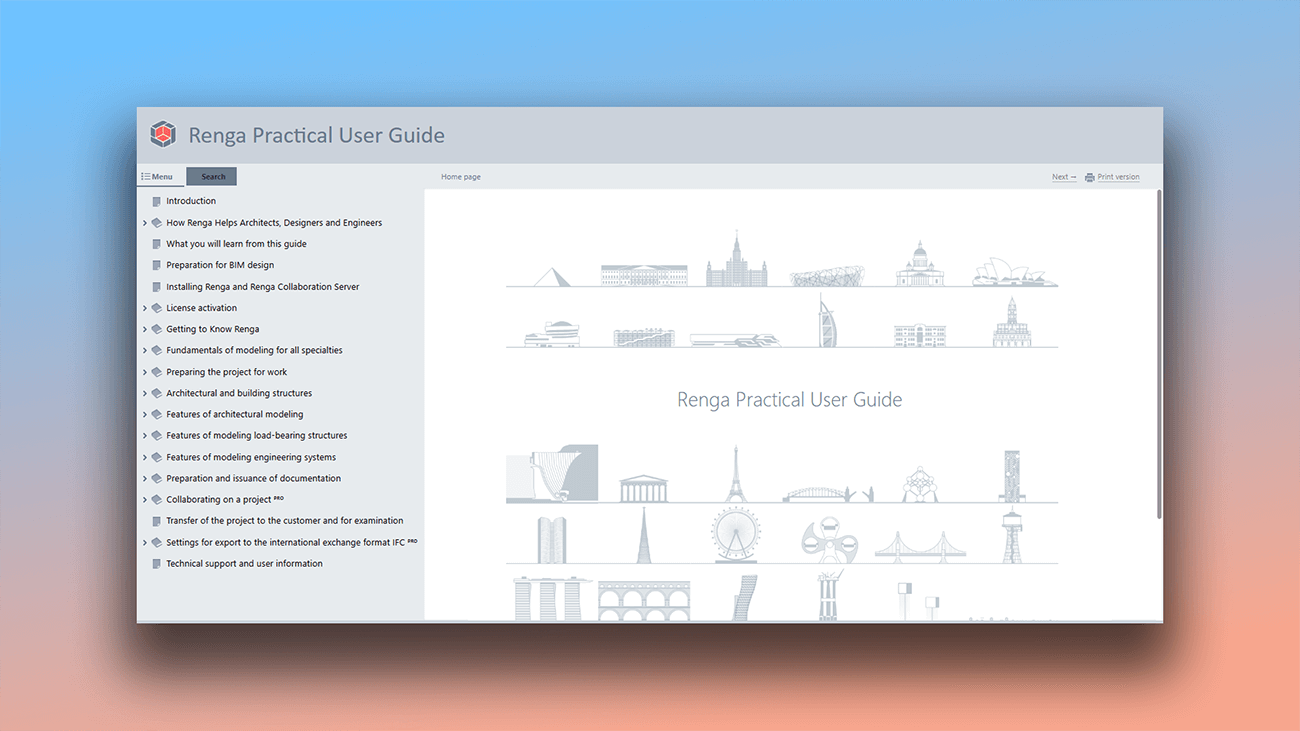
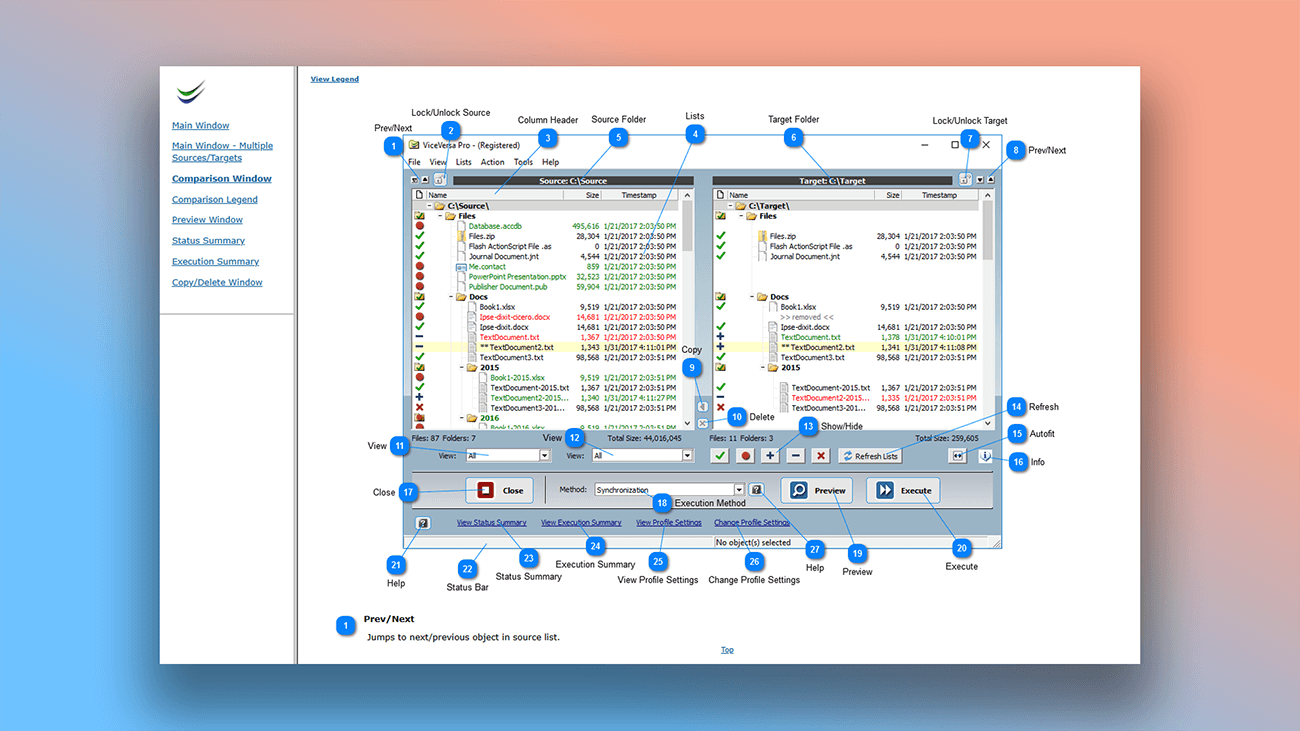
Dr.Explain has been used to create a wide variety of user documentation across many industries and languages, in all the most popular formats. See what you can accomplish with its powerful tools:


What are the benefits of using Dr.Explain?
Dr.Explain provides templates that speed up the documentation process. Once installed, you can immediately start filling the topics with information about your product. The templates can be adapted for use in various business fields.
Quick start. Ready-made documentation layouts are especially helpful for authors writing a user guide for the first time.
Automatic screenshot capture. Creating annotated screenshots is often the most tedious and time-consuming part of developing a help system. Dr.Explain automates this entire process for you.
Advanced export options. Documentation is always evolving, and there often comes a time when you need a printed version or a context-sensitive CHM help file. Dr.Explain handles these tasks efficiently and quickly.
What type of users is Dr.Explain suited for?
Dr.Explain is designed for both experienced writers and complete beginners. Its straightforward tools make the program easy to learn and help you complete projects of any complexity faster.
Consider Dr.Explain if you need:
- ready-to-use templates;
- the ability to customize a template's design;
- a tool that automates routine tasks (like annotation and export);
- to enable multiple authors to collaborate on a single project;
- spell checking in multiple languages;
- to implement a full-text search function.
Users about templates in Dr.Explain

"Dr.Explain was easy to use and gave me a good way via the screenshots and bulleting to document all my programs’ windows and menu options and output windows simply and straightforwardly. The resulting user manual has the quality and looks professional and gives the user more confidence that the underlying programs must be the same".
Louis Kessler, the owner of Behold Genealogy
Interview with Louis

"Dr.Explain turned out to be the best solution for us. We were looking for a more advanced system to publish our help file and we decided that Dr.Explain met our requirements most accurately".
Nathalie van de Wiele, a bioinformatician and product manager at BioAware
Interview with Nathalie
Frequently Asked Questions
Is there a free version of the program?
Yes. Download the free version of Dr.Explain and use it without any time restrictions.
Where can I read user reviews about your app?
You can read reviews about our application on the page Dr.Explain User Testimonials & Reviews from Technical Writers.
Can I add text blocks and use variables for reusable content?
Yes, you can. Read "Inserting variables" in our documentation.
Does the program have themes?
Yes, it does. Read more about editing theme colors.
Is there a limit to how deep topics can be nested?
No, the nesting of topics is unlimited.
Will the structure be preserved when importing old documentation?
Yes, it will be preserved.