

Help authoring software for manuals that survive multiple releases
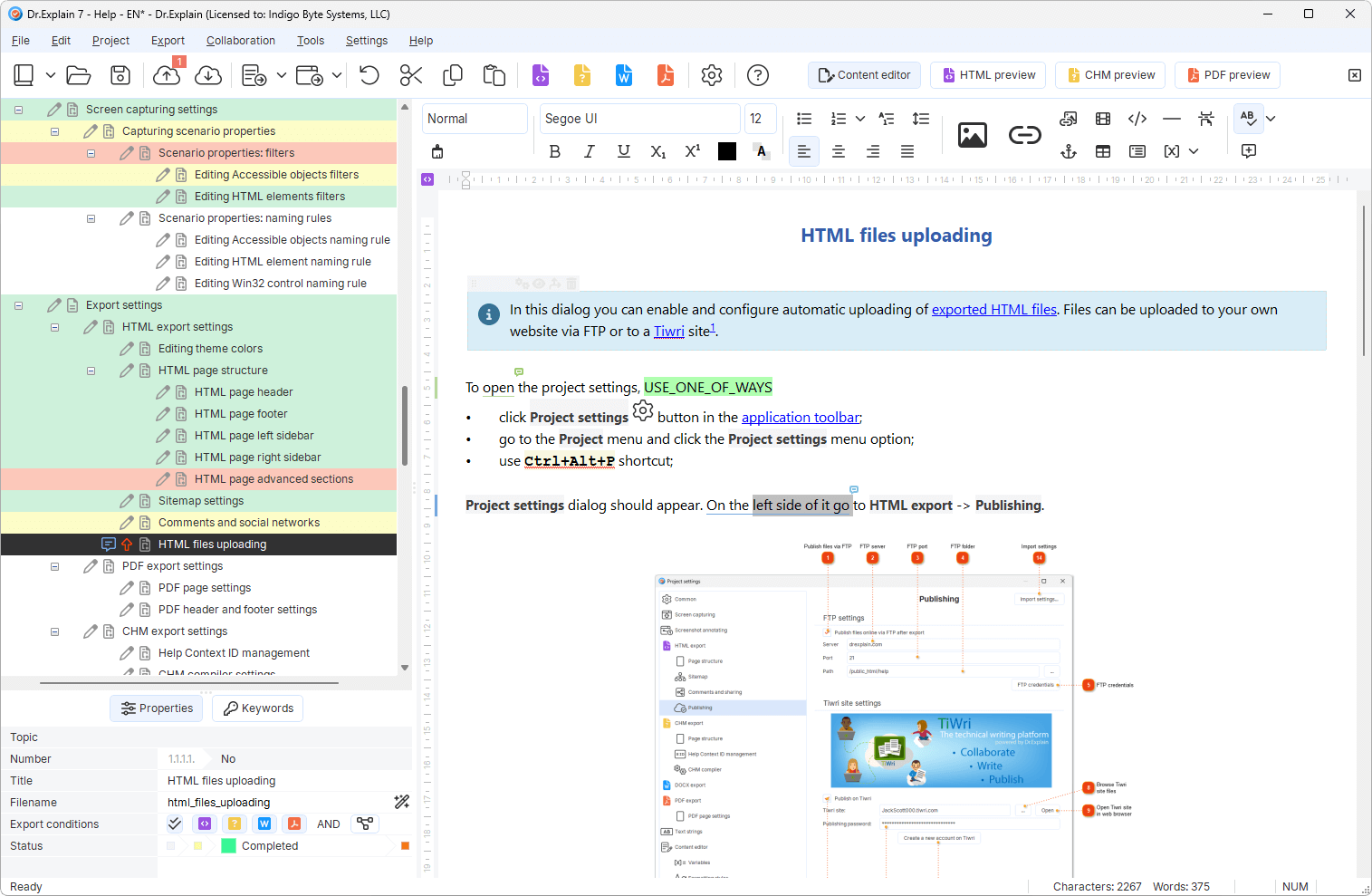
AI can draft text in minutes


AI can draft text in minutes
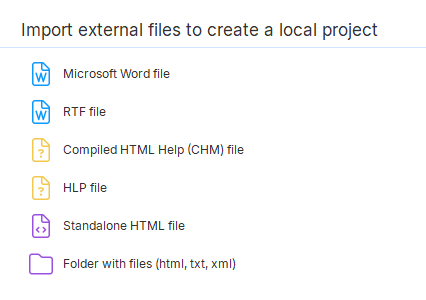
Start from a manual template or paste an AI / Word draft.
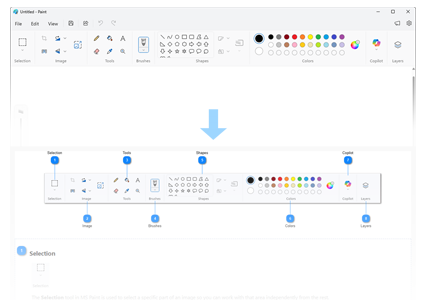
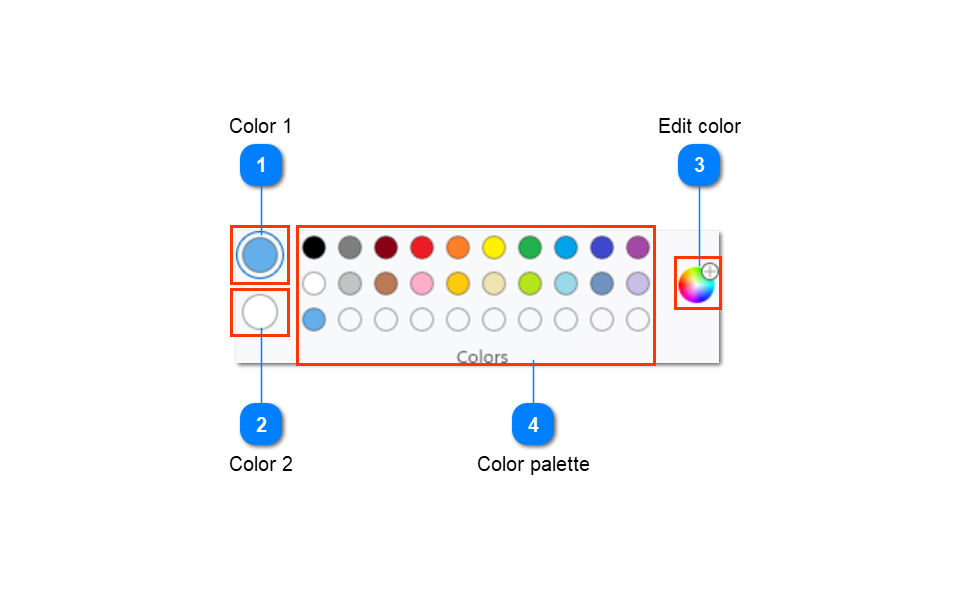
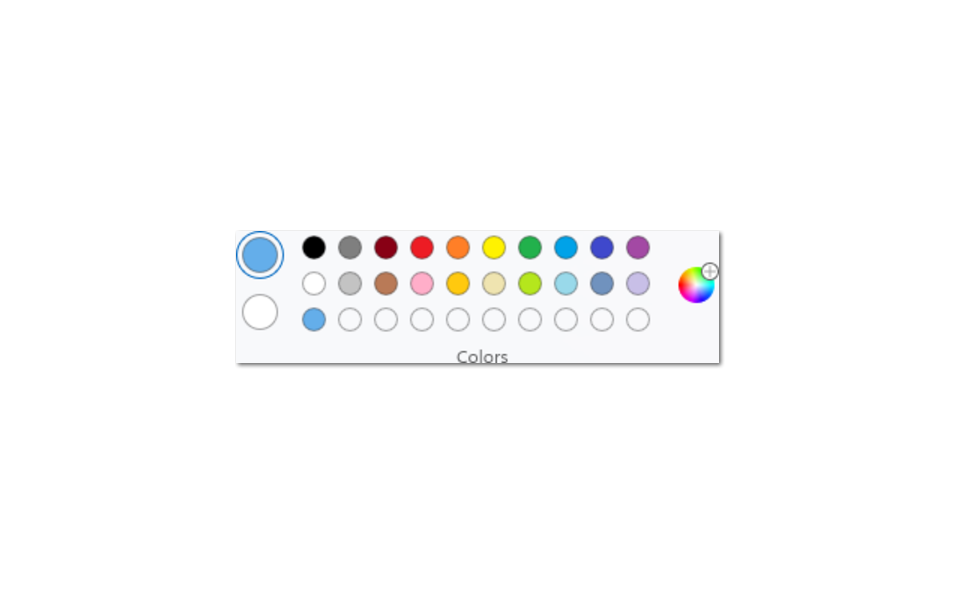
Grab windows or pages; prepare callouts automatically.
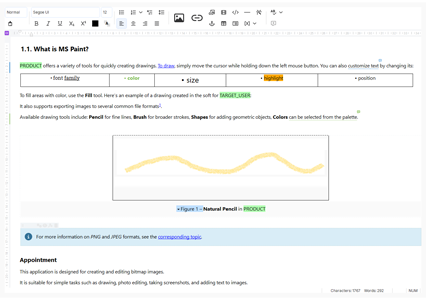
Fill topics, reuse blocks, track statuses.
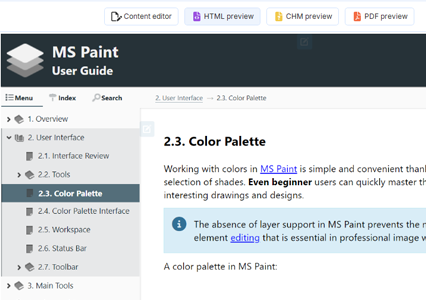
Review your documentation in a live preview mode before publishing.
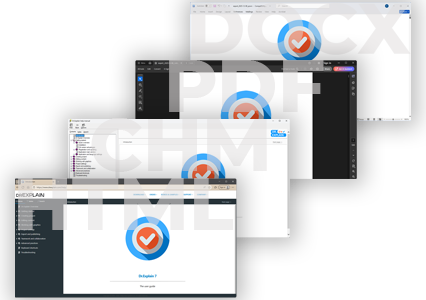
Online help, CHM, PDF, DOCX from one source.
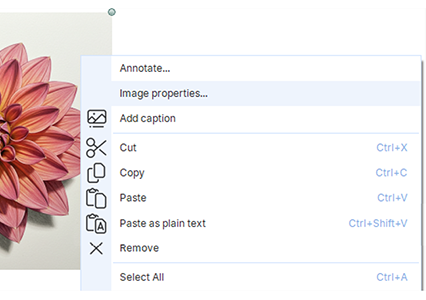
Refresh documentation screenshots by topic after each release.
| Approach | First draft | Screenshots & UI | Web + CHM + PDF | After release | F1 / in-product |
|---|---|---|---|---|---|
| ChatGPT / vibe docs | Excellent | Manual / fragile | Usually one format | Often rewrite | Weak |
| Word / Google Docs | OK | Painful at scale | Export chaos | Easy to drift | No |
| Docs site only | Good | Depends | Web-first | Better | Rarely CHM |
| Dr.Explain | Solid + import AI | Auto-annotate | Single-source | Update by topic | Built for help files |
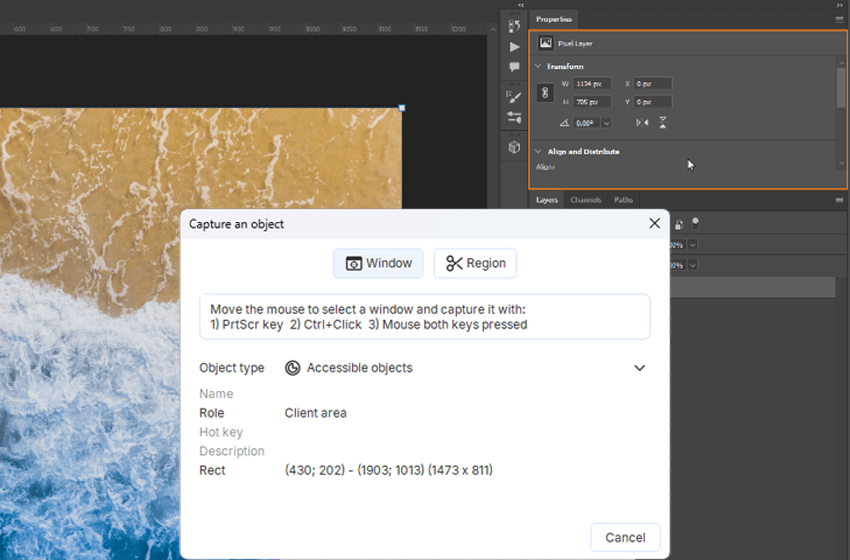
Visual user manuals with numbered callouts on real UI.
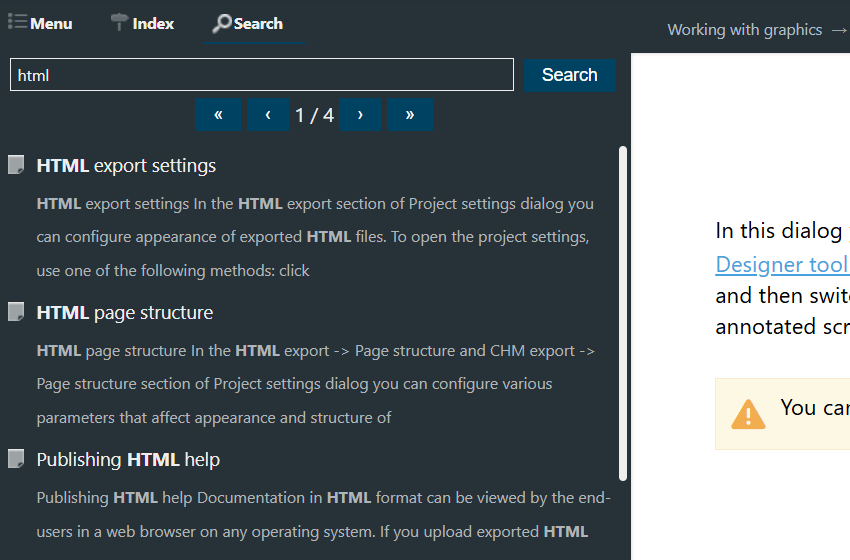
Searchable web help without coding a help stack.
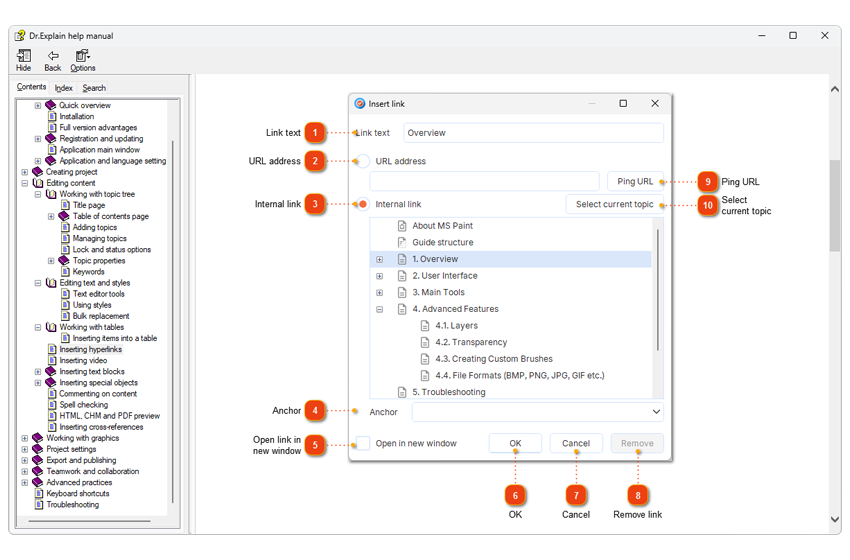
Compiled help + context IDs for desktop / Windows apps.
“I initially started writing this User Guide with normal Word and PDF docs but it never works out. And I was tasked to find a software that writes a User Guide for software and I came across Dr.Explain. And it seems to solve all my problems and I have never moved on from here.”
 Ricky Mato Paisip Narewec · Quality Assurance Analyst & Technical Writer
 “I was particularly impressed by the ease of use. It is also very helpful that Dr.Explain has some functions that make it very easy to describe program windows and dialogs. Besides, it is very important for us that Dr.Explain offers a PDF export. This makes it possible to use the same sources to create a file for the program help (* .chm) and product documentation (* .pdf).”
 Annette Wittner · Senior developer
 “The first thing that caught my eye when I tried to use Dr.Explain was how easily it handled screenshots. I said “wow!” to myself. You only need to take a screenshot, and Dr.Explain will automatically split it into parts containing different controls. All you need to do, is make annotations.”
 Mikhail Rusakov · Chief executive of OrangeCat Software
 “Dr.Explain was easy to use and gave me a good way via the screenshots and bulleting to document all my programs’ windows and menu options and output windows simply and straightforwardly. The resulting user manual has the quality and looks professional and gives the user more confidence that the underlying programs must be the same”
 Louis Kessler · The owner of Behold Genealogy
 “We chose Dr.Explain software based on good references, user friendly interface, image capturing and mapping capabilities, adaptability for mobile devices and most of all a very good search engine with index in capabilities”
 Crt Kosak · The Head of IT in The Association of Laryngectomees of Slovenia
 “After testing a few applications to implement our user guide, all of which proved tedious and time consuming, I stumbled upon Dr.Explain. And there was the miracle — in three days I wrote basic content layout and added most of the screenshots. Then I added some explanations, links to my sample videos, and internal links. It was so easy!"”
 Pascal Beringer · The founder of the Hyphen project
 Over the past 25 years, we've grown from a small team into experts in our field. While we build on the wisdom of the past, we are equally focused on embracing new technologies — including AI — to keep our tool at the forefront of modern user documentation.
Estimate the cost of repetitive “how do I…?” tickets — and how fast a Dr.Explain license can pay back if help cuts that load.
Illustrative estimate only. Defaults match common support scenarios. Adjust inputs to your team.
Software to create, structure, and publish user manuals and help systems — including online help and CHM — often from a single project.
Yes — with screen capture, auto-annotation, online help, and CHM/help file output for software products.
AI drafts text. Real help authoring software ships production help or user documentation: callouts, structure, multi-format publish, updates after releases.
Yes — Web, CHM, PDF, DOCX from one project.
Yes. No time limit. Watermarks + section limit until license; then watermarks on your screenshots disappear.