

Technical documentation software for products that keep changing
Help Authoring Tool that works
Download free trial

Help Authoring Tool that works
Download free trial


Support load
Same walkthrough calls, every onboarding cycle.
So, how do you break free from the "documentation later" cycle? Dr.Explain replaces the chaos above with a structured, stress-free workflow that keeps your docs ready when your product is.
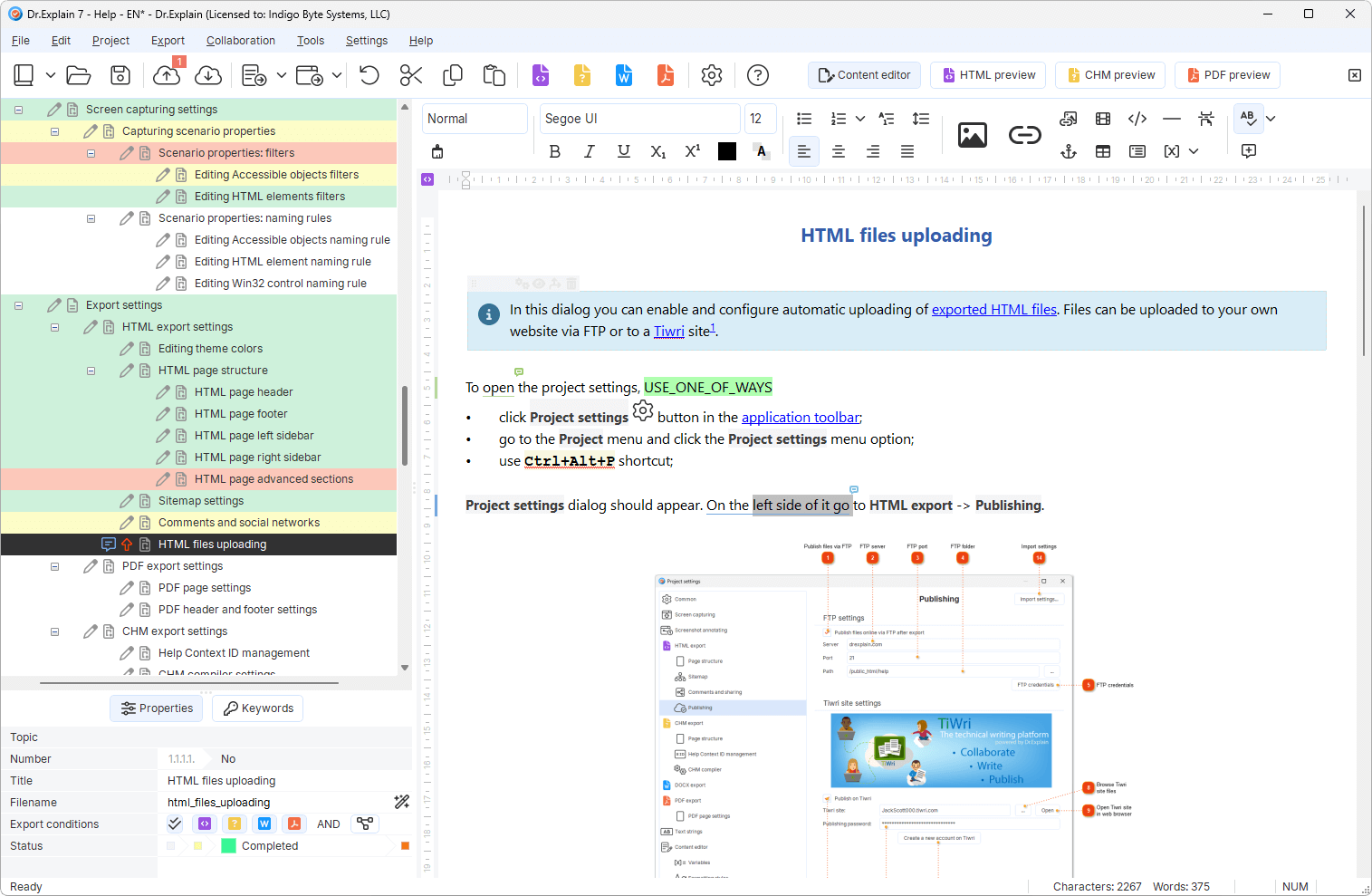
Topics, hierarchy, templates — a project instead of a pile of files.
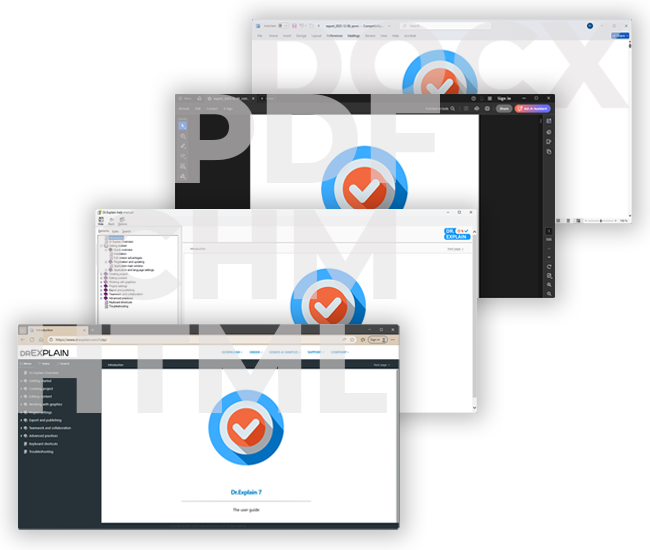
Web help, PDF, CHM from one source; update by section after release.
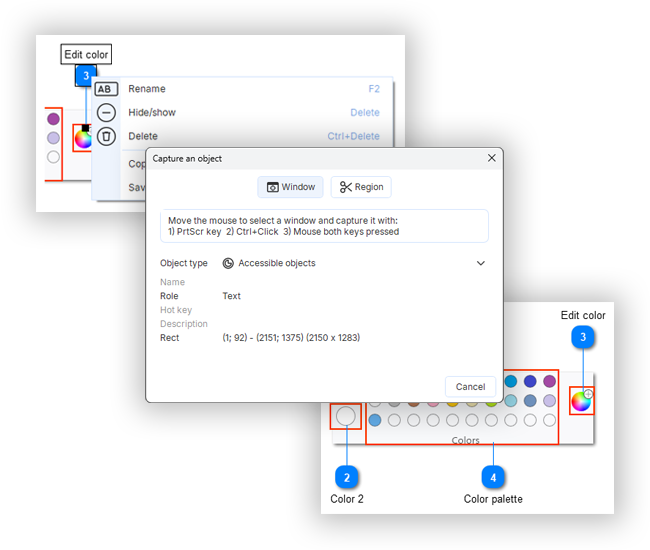
Capture UI, annotate controls, attach procedures and notes.
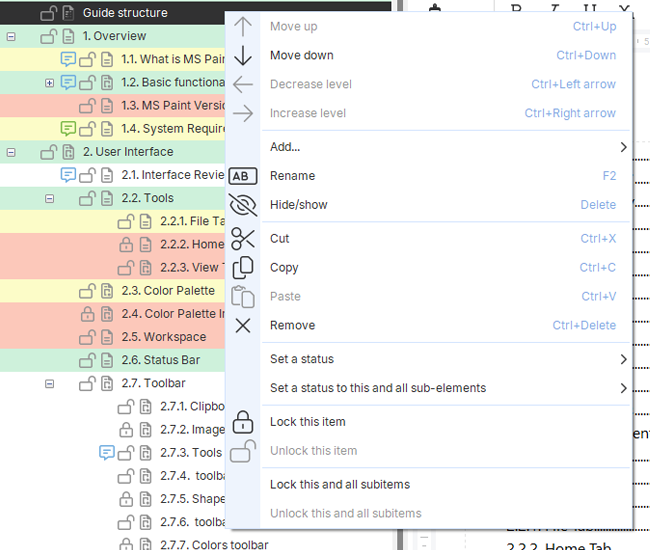
Statuses, locks, collaboration — know what is draft vs approved.
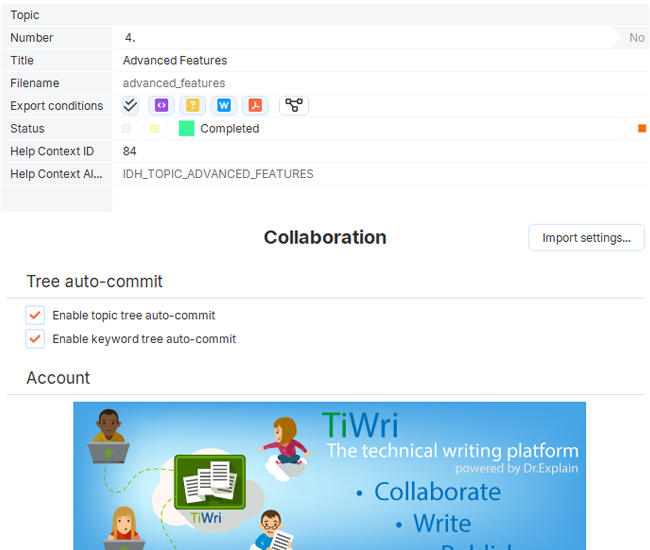

Topic statuses

Collaboration

Self-hosted server option

Import legacy docs

Variables / reuse
Desktop authoring keeps work fast and offline-capable. Optional collaboration helps teams without forcing every page through a fragile AI chat history.
Standard word processors and raw AI drafts often fail the moment a product needs to scale. This comparison shows exactly how Dr.Explain provides a unified, maintainable foundation that keeps your user guides consistent and up-to-date.
| Word / Docs | AI-only draft | Dr.Explain | |
|---|---|---|---|
| Structure at scale | Hard | Weak | Topic tree + statuses |
| UI screenshots | Manual | Fragile | Capture + callouts |
| Web + PDF + CHM | Export chaos | Usually one format | Single source |
“When testing Dr.Explain, we found that it produces help systems whose design is easy to customize. It meant that now we can quickly implement the design that we need. We also liked the ability to se t a status for each help topic. It was very convenient, especially in our case (we have to maintain help systems in several languages).”
 Olga Mikheyeva · The head of the documentation department of ELMA
 “We decided to use Dr. Explain after evaluating the trial version. We immediately liked its ease of use and intuitiveness. Even without any programming skills, you can build a manual and publish it on the Web. Moreover, you can easily manage the states of different chapters, which allows multiple operators to write text simultaneously.”
 Alessandro Calmo · The software department coordinator at Ala Data System
 “Dr.Explain came as a boon and made the entire process of creating and maintaining the user documentation simple and streamlined. We can now focus on producing content while the software takes care of other things like conversion to different formats and single point update processing. We can export the same document to various media and print-ready formats as required.”
 Ali Ataya · General Manager and Crystaltrack
 “Using Dr.Explain, we not only have created a context-sensitive help system, but also made it user-aware. This way, we sort of provide a different help system based on the user’s privileges.”
 Robert Sibilski · CEO and chief programmer of Siborsoft
 “I liked Dr.Explain’s approach to creating documentation. It can generate documentation for offline or online usage. The availability of multiple formats allows you to provide documentation for different purposes.”
 Dmitry Nichiporchuk · The chief executive of the full-cycle web design and development company Time Design
 “I should also say that we have easily blended the online help created by Dr.Explain into the main website of our project, matching its style. That’s always very important for website usability and brand perception".”
 Dmitri Lashkhia · The head of the Business Process Support and Development Department of Action-MCFR Mediagroup
 Software that helps teams create and maintain technical product documentation — structured topics, illustrations, review, and publishing to the formats stakeholders need.
Confluence is strong for internal wikis. Dr.Explain focuses on shippable user/product help with screenshot workflows and multi-format output including CHM.
Yes. Import from common formats such as HTML, CHM, DOC/DOCX, and more — then maintain one structured project.
Over the past 25 years, we've grown from a small team into experts in our field. While we build on the wisdom of the past, we are equally focused on embracing new technologies — including AI — to keep our tool at the forefront of modern user documentation.