

Software documentation tool for teams who ship products
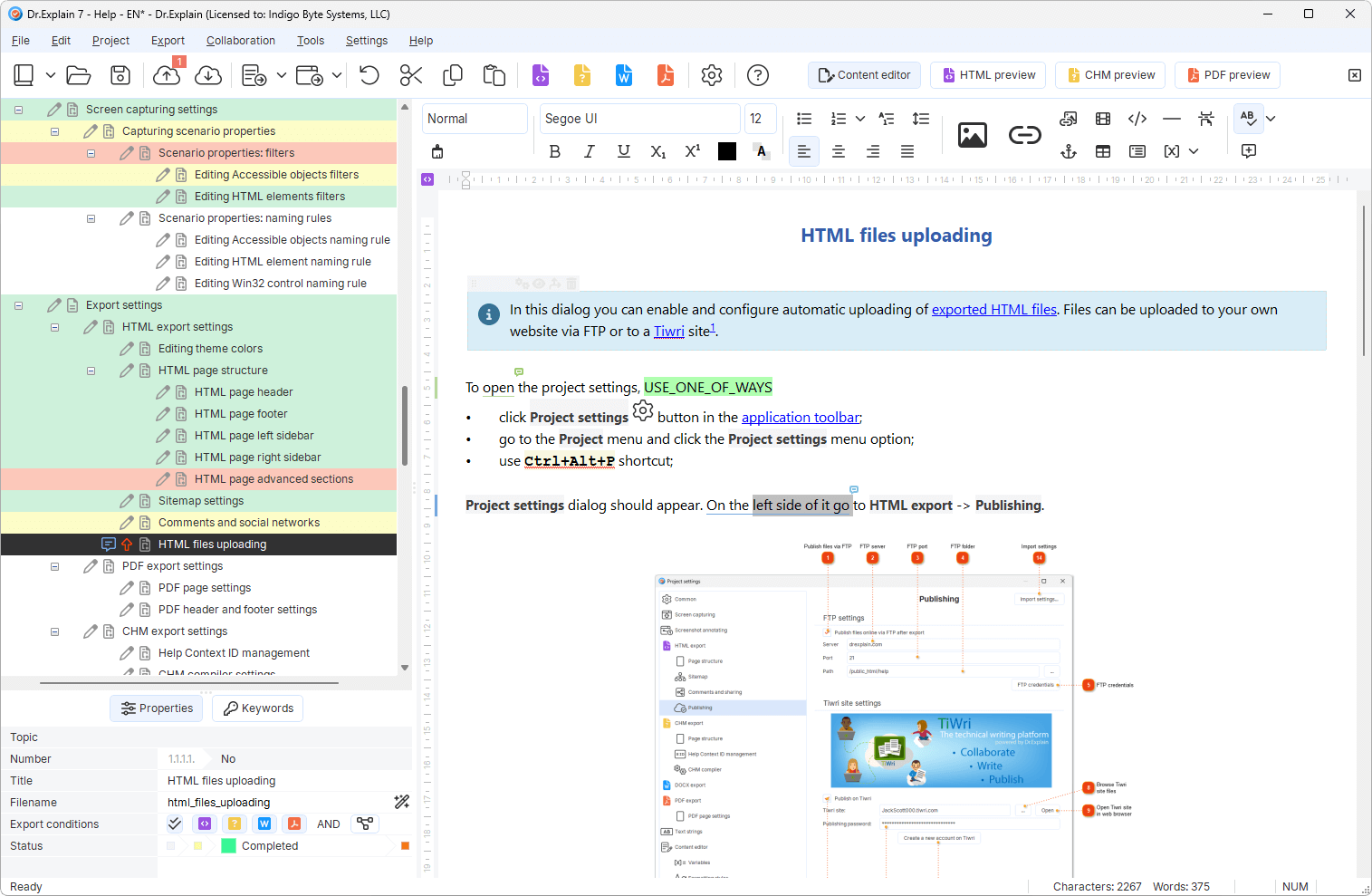
Create software documentation with Dr.Explain
- — online manuals
- — CHM-files
- — knowledge bases
- — PDF, DOCX printable user documentation


Create software documentation with Dr.Explain
Note-taking apps and AI-only chats are great for quick ideas, but they fail miserably when you need to ship production-ready, long-term help systems. Dr.Explain replaces them with structured project ownership, built-in UI annotation, and consistent multi-format publishing — all in one professional workspace.
| Need | Notion / Docs | AI chat draft | Docs site only | Dr.Explain |
|---|---|---|---|---|
| Topic structure & ownership | Loose | None | Good | Project + statuses |
| UI annotation | Manual | Weak | Varies | Built-in capture |
| Web + print + CHM | No | No | Web-first | Yes |
| Update after release | Drift | Rewrite | Better | By topic |
Use AI for speed. Use a software documentation tool for production delivery.
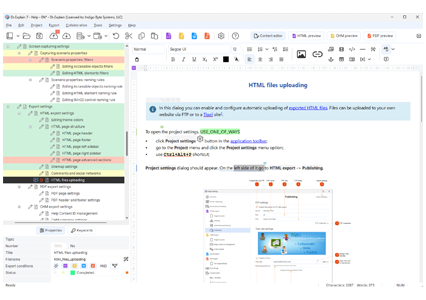
One source of truth for product help.
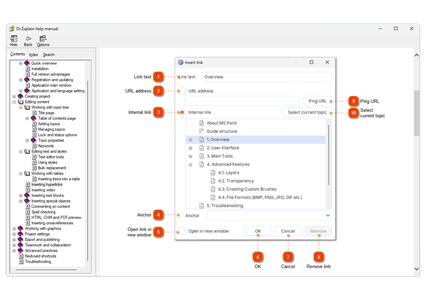
Auto-annotate controls on real screens.
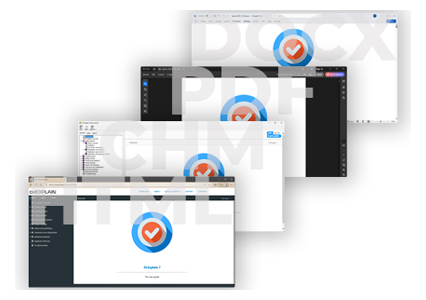
HTML, CHM, PDF, DOCX.
Watch how easily you can export documentation to one of the formats with Dr.Explain without any coding.
Over the past 25 years, we've grown from a small team into experts in our field. While we build on the wisdom of the past, we are equally focused on embracing new technologies — including AI — to keep our application at the forefront of modern software documentation tools.
Dr.Explain serves engineers, support leads, and product teams alike — giving every role a single source of truth to ship better help faster.
Product & engineering
Ship help with
the release —
not as an
afterthought.

Writers & analysts
Maintain structured docs
without a custom docs stack.


Cut repetitive “how do I…?” tickets
with searchable help.
Desktop ISVs
CHM / F1
still matters
for Windows products.
“We’ve compared Dr.Explain with a few other applications, but their output was not quite satisfactory. Actually we were in search of a user-friendly application that would make it easier to create CHM to use offline or online. We found that Dr.Explain is quite user-friendly and supports multiple formats to export the project to.”
 Weerawat Charoenkoop · The lead software developer in the SolidPlant project
 “It's so much easier using Dr.Explain software as I can easily add multiple levels and tiers to a particular topic. Rather than try to embed these in multiple file systems, the software has enabled me to find things much quicker and easier than I could before.”
 Mark Oborn · Company owner
 “We love the variables in Dr.Explain as they allow us to version our documentation in one place. The users can easily see if they are looking at the latest version of the document.”
 David Swindon · CIO of Trustco Group Holdings
 “Firstly, simplicity. It is easy to paste images. It is easy to structure the document and the built-in Topic Status enables you to see your progress at a glance. I like the simplicity of creating PDF and Word versions. Having created the CHM, it is easy for us to add it to our .NET applications.”
 Alex Muir · The director of Database Software Solutions Ltd
 “Initially we wrote help documents in Microsoft Word, but they were difficult for people to use or to find the specific answers they were looking for. We tried two or three help authoring packages before settling on Dr.Explain. We chose Dr.Explain because it was easy to use and produced well-formatted help documents with comprehensive search facilities.”
 Bob Grimshaw · The founder of C-A-Solutions
 “The features I liked were the Menu, Index and Search. It is very clean and easy for my customers to find just the section they need. I also like that they can download a PDF of the guide but not a lot of customers do that because the main User Guide is over 400 pages! It is very easy to update when I add new features.”
 Margaret Messick · Owner/Database Designer
Publish your software documentation.
Download free trial