
Background

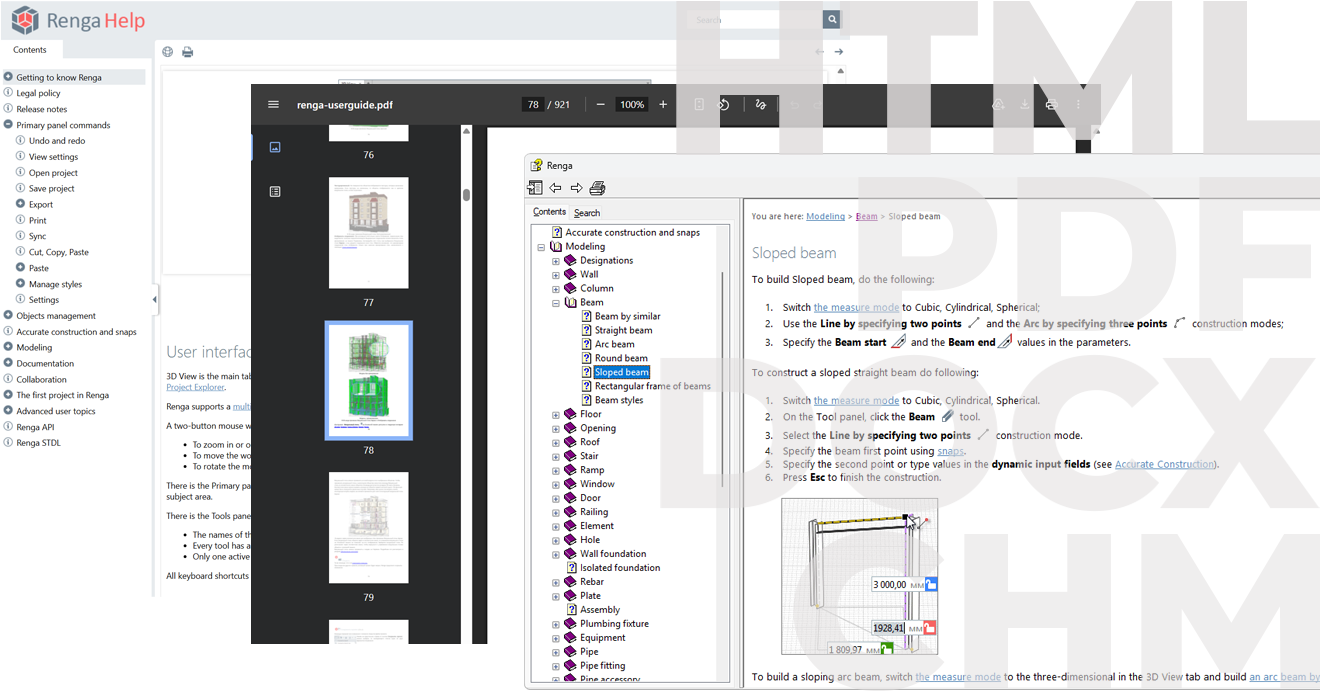
A professional help file maker for CHM, Web, PDF, and DOCX
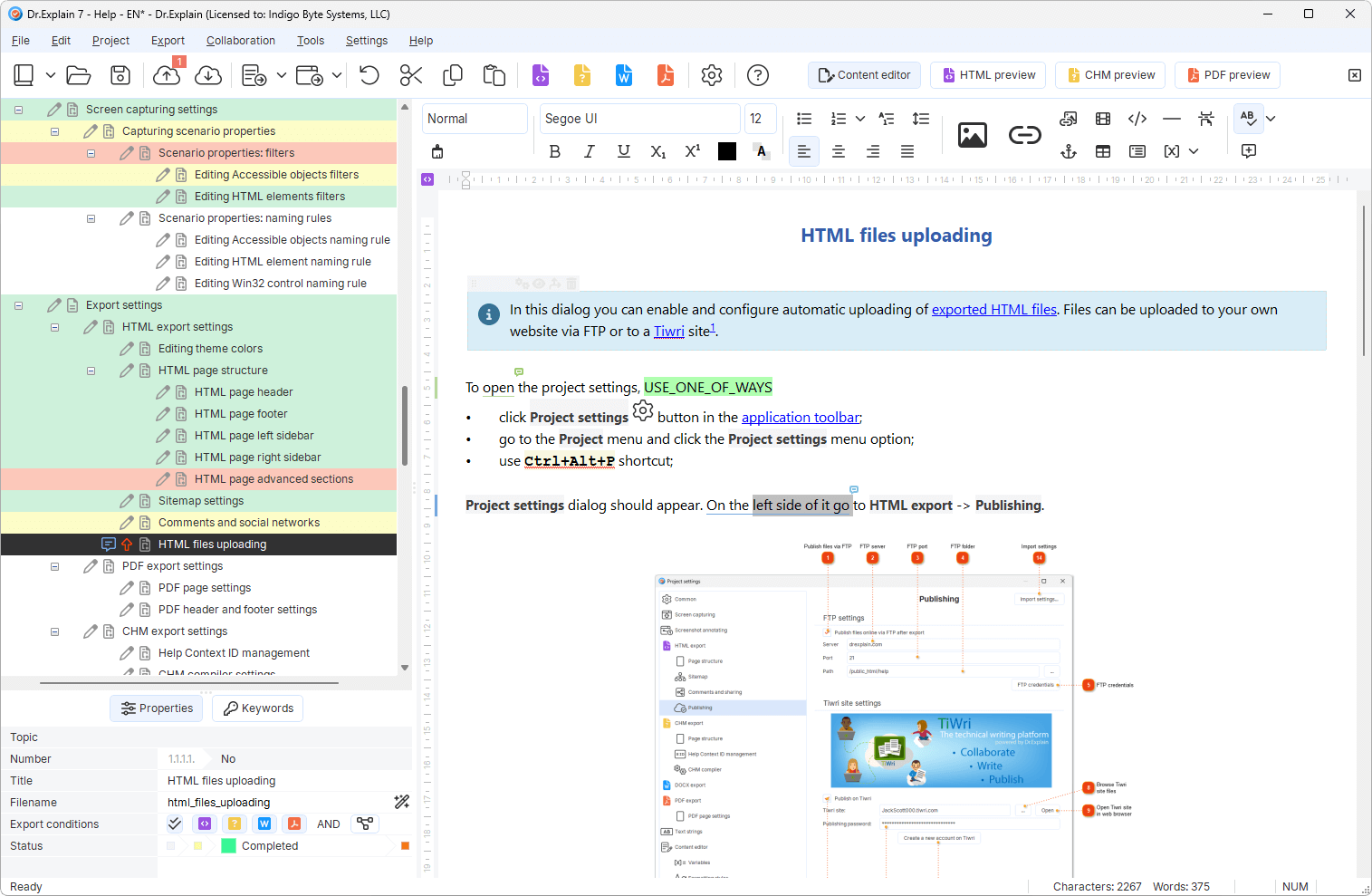
Dr.Explain turns application screens into structured, multi-format user documentation.

  • Capture your application UI live.
  • Publish to CHM, Web Help, PDF, and DOCX from a single project.
  • Auto-numbered callouts and annotations are applied automatically.

Download free trial
Product features video tour
Help file samples

Everything you need to create professional help files

One project, multiple outputs – CHM, Web, PDF, and DOCX without duplicating work.

Live UI capture
Live UI capture
Grab screens directly from your application. No external screenshot tools needed.
Import legacy help files
Import existing help projects while preserving their topic structure. Republish to modern Web, DOCX, PDF, or CHM.
Pre-built structured templates
Start with ready-to-use templates for software manuals, web service guides, or knowledge bases.
Branding & styles
Branding & styles
Apply corporate colors, fonts, and layouts once, and they are consistently applied across CHM, Web Help, PDF, and DOCX.
55
AI content assistant
Detects logical gaps and terminology inconsistencies — refines your user documentation beyond basic spell-check.
Context‑sensitive F1
Embed help topics directly into your Windows app – press F1 and get the right guide instantly.

See the help file maker in action

Built to last

25

A quarter century of helping teams ship better documentation

Over the past 25 years, we've grown from a small team into experts in our field. While we build on the wisdom of the past, we are equally focused on embracing new technologies — including AI — to keep our application at the forefront of modern software documentation tools.

Trusted by teams worldwide

Real feedback from developers and technical writers.

“Dr.Explain was easy to use and gave me a good way via the screenshots and bulleting to document all my programs’ windows and menu options and output windows simply and straightforwardly.”

Louis Kessler Louis Kessler · The owner of Behold Genealogy

“We use the user help documentation to overview new software features and guidelines on how to use the software. Luckily, when I started writing I was introduced to Dr.Explain, and knowing what it does for me, I don’t dream of using other software.”

Winnie Skosana Winnie Skosana · Technical Writer in Hensoldt

“We did try other solutions. Compared to Dr.Explain, however, they were static and inadequate to our needs. Based on our needs, Dr.Explain is a convenient, user-friendly, comprehensive, and effective software.”

Giuseppe Izzinosa Giuseppe Izzinosa · The senior partner in Applicando

“I have customers tell me that they like the User Guide. Having a comprehensive User Guide is good for my business as it shows that I take my software and my customers seriously and want them to succeed.”

Margaret Messick Margaret Messick · Owner/Database Designer

“When testing Dr.Explain, we found that it produces help systems whose design is easy to customize. It meant that now we can quickly implement the design that we need. We also liked the ability to se t a status for each help topic. It was very convenient, especially in our case (we have to maintain help systems in several languages).”

Olga Mikheyeva Olga Mikheyeva · The head of the documentation department of ELMA

“Among all the help authoring tool vendors we are familiar with, the Dr.Explain team was the only one that provided our company with solid technical support for no charge. We got valuable advice even before we acquired the Dr.Explain license.”

David Román David Román · A business process automation specialist with Fermagri

Help file maker FAQ

Ready to create help files that actually help?

Download free trial and start building professional help files today.

Download free trial

Explore related documentation topics