
Background

The step-by-step guide creator for visual documentation

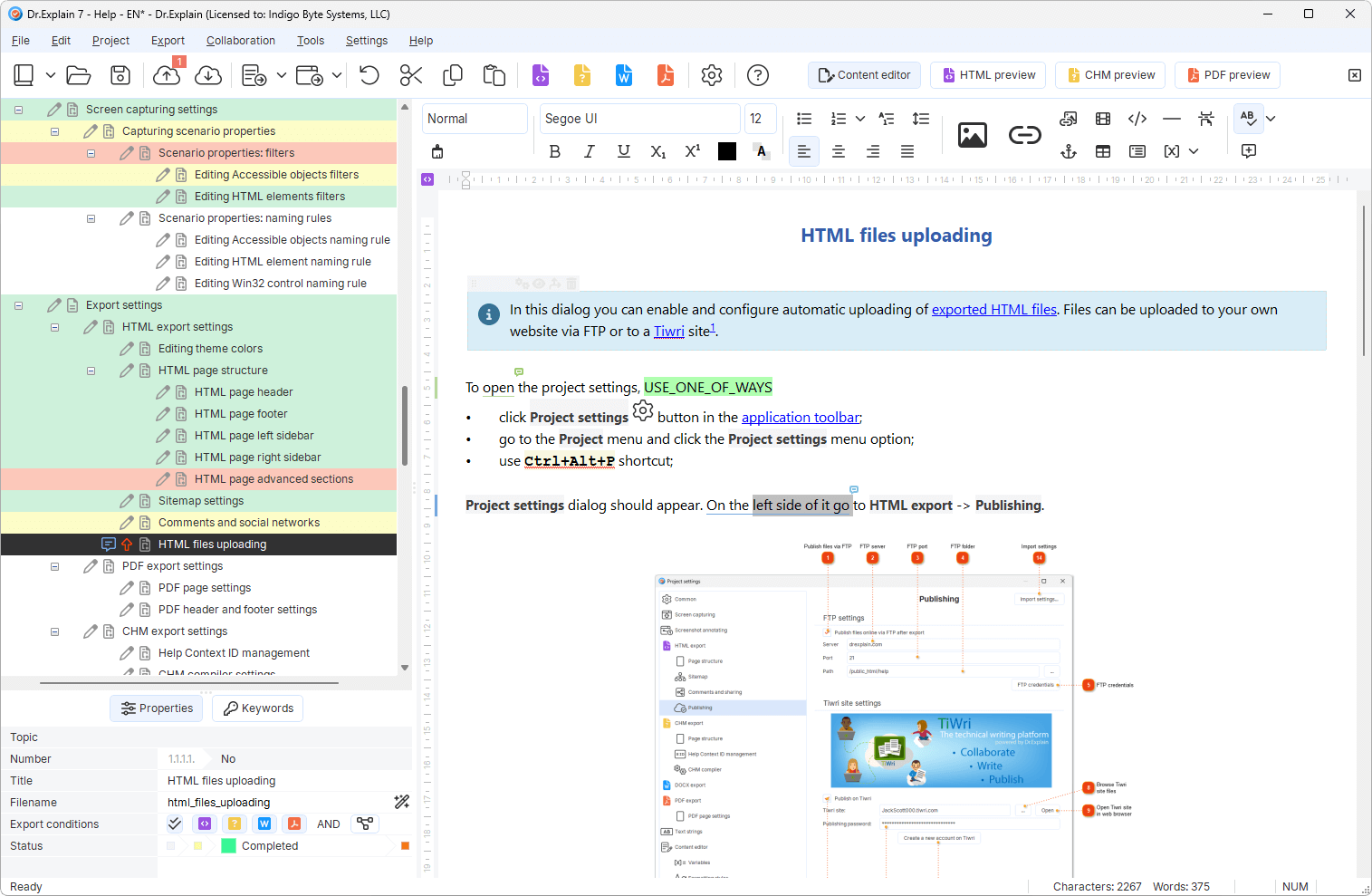
Dr.Explain turns application screens into numbered, interactive guides.

  • Capture your application interface.
  • Auto-numbered steps and callouts are applied automatically.
  • Export your interactive guides to Web, PDF, DOCX, or CHM from a single project.
Download free trial
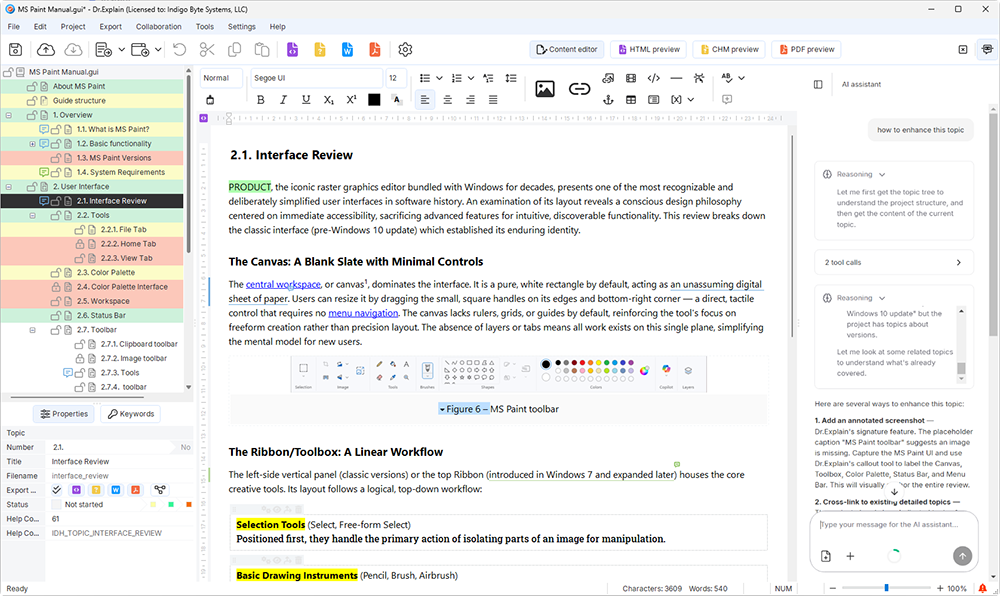
step-by-step guide creator interface
Product features video tour
Help file samples

Everything you need to create step-by-step manuals

One project, multiple outputs – CHM, Web, PDF, and DOCX without duplicating work.

Live UI capture
Grab screens directly from your app. No external screenshot tools.
No coding required
Create user giudes without installing additional tools.
Multi-format output
Export to Web, PDF, DOCX, and CHM from a single source – no reformatting.
AI content assistant
Detects logical gaps and terminology inconsistencies. Refines your user documentation.
Smart callouts
Auto-numbered annotations remain correctly aligned with UI elements, persisting through interface updates.
Pre-built structured templates
Start with structured ready-to-use templates for software manuals, web service guides, or knowledge bases.

See the guide creator in action

Built to last

25

A quarter century of helping teams ship better documentation

Over the past 25 years, we've grown from a small team into experts in our field. While we build on the wisdom of the past, we are equally focused on embracing new technologies — including AI — to keep our application at the forefront of modern software documentation tools.

Will better help pay for itself?

Estimate the cost of repetitive “how do I…?” tickets — and how fast a Dr.Explain license can pay back if help cuts that load.

Est. monthly cost of repetitive questions
$1,083
If help cuts 40%
$433 / month saved

Annual license $290 → payback in ~3 weeks

Download free trial

Illustrative estimate only. Defaults match common support scenarios. Adjust inputs to your team.

What our users say

Dr.Explain unites engineers, support leads, and product teams around a single source of truth, enabling every role to produce reliable, maintainable help systems at scale.

"I was particularly impressed by the ease of use. It is also very helpful that Dr.Explain has some functions that make it very easy to describe program windows and dialogs".

Annette Wittner, the senior developer

Annette Wittner

11111
22222
Ala Data System

"We decided to use Dr. Explain after evaluating the trial version. We immediately liked its ease of use and intuitiveness. Even without any programming skills, you can build a manual and publish it on the Web".

"The software automatically takes the screen snaps and prepares the documentation for you to simply describe the functions".

Jeff Tindall, the chief architect at Tindall Media

Step by step manual creator FAQ

Create step‑by‑step guides that actually help

Explore related documentation topics